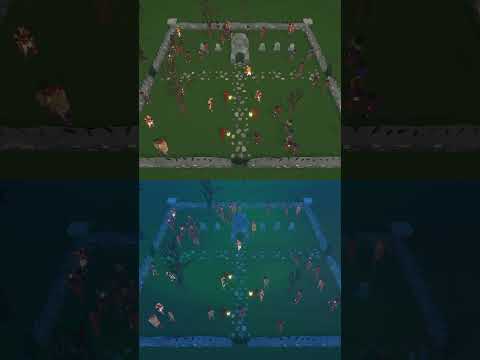
10,000 Animated World-Space Icons. One Draw Call.
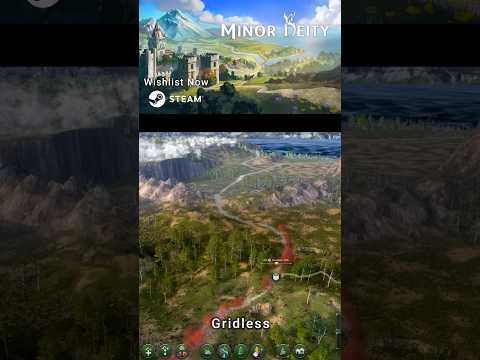
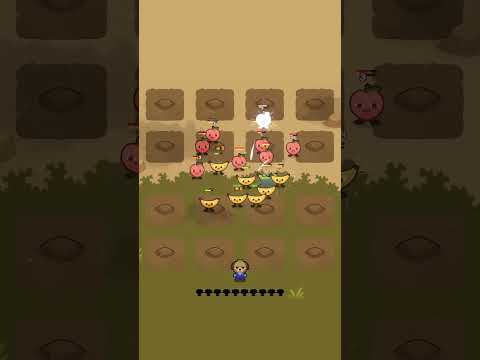
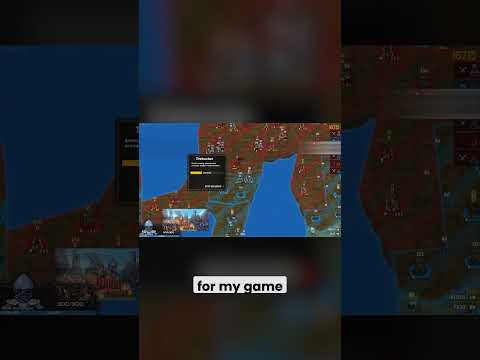
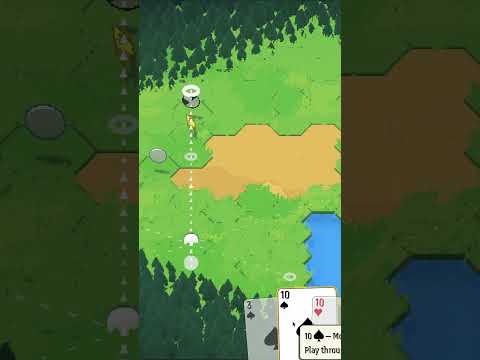
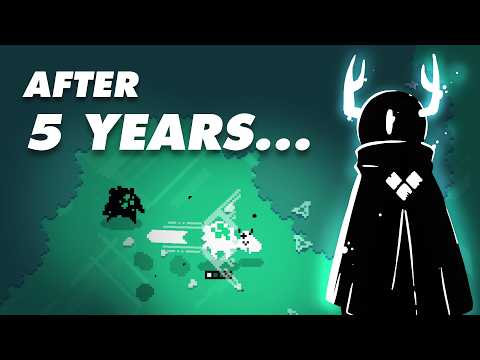
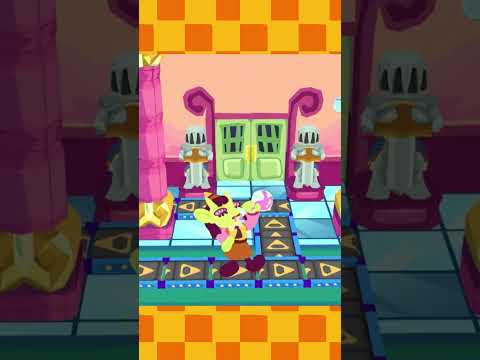
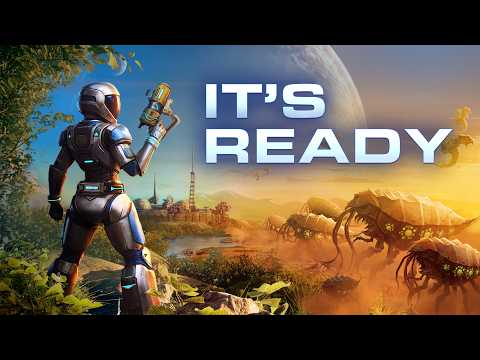
This is the story of implementing what I've learned into a gridless, interactive, world-building sandbox game called Minor Deity.
Minor Deity on Steam: https://store.steampowered.com/app/3876240/Minor_Deity/
Minor Deity Discord Server: https://discord.gg/2NEb4HxwhF
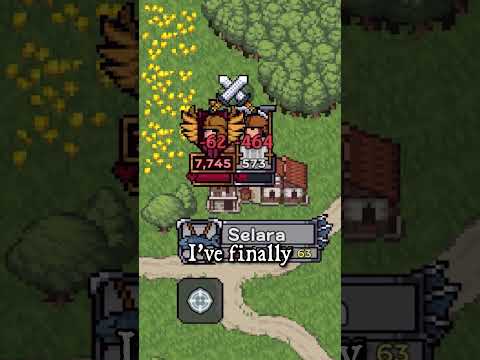
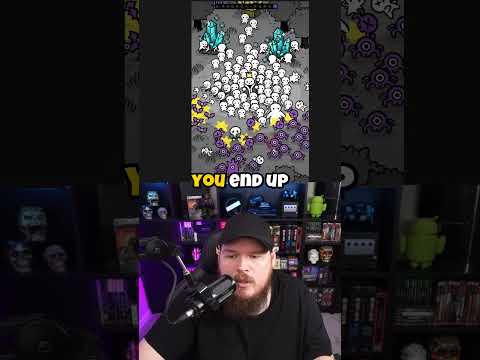
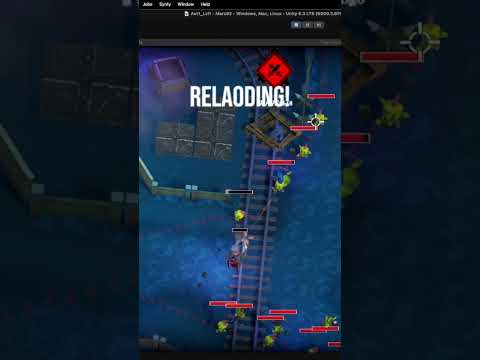
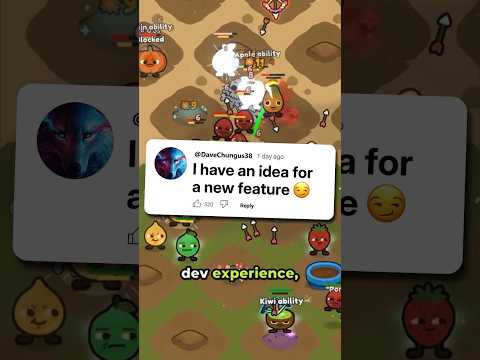
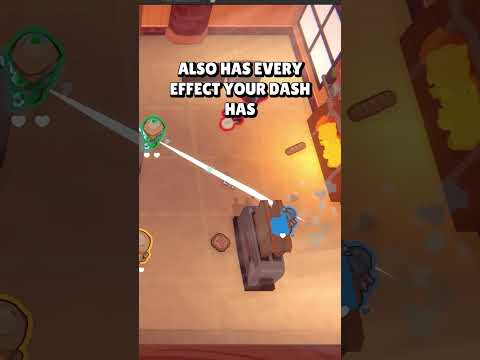
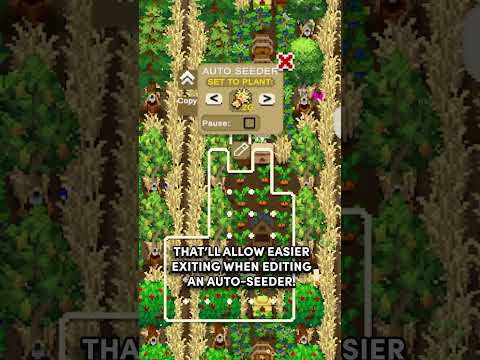
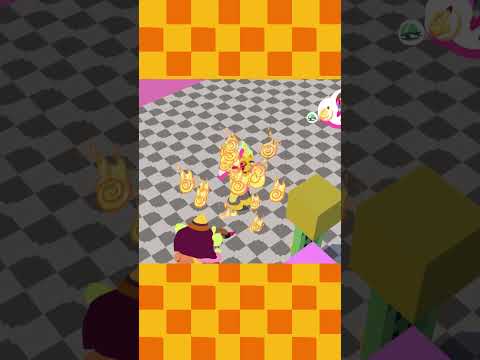
Keeping new players interested in your game is a huge challenge spanning many different areas. One important factor is whether the player actually knows what is happening. Also, why and where. Games provide feedback and information in all sorts of ways. One of these is displaying icons and other bits of information directly in the game world, at the relevant locations. In terms of resource usage, each individual icon is negligible, even if it’s not handled particularly efficiently. But when you need a few thousand of them spread across a huge map, the cost can quickly start adding up and dragging down performance. Especially when you want to animate them with movement and changes in size over time. So, I created a system that can handle thousands upon thousands of individually animated icons with a single draw call, while causing barely a blip in the overall FPS.
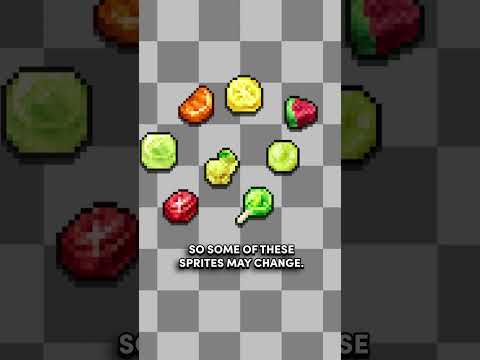
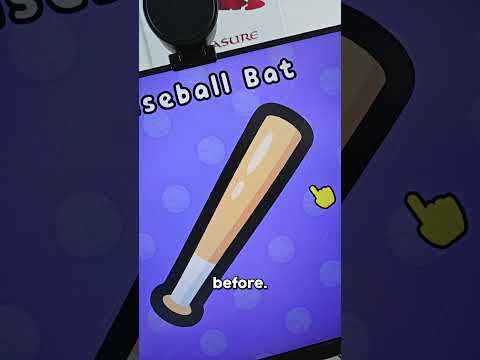
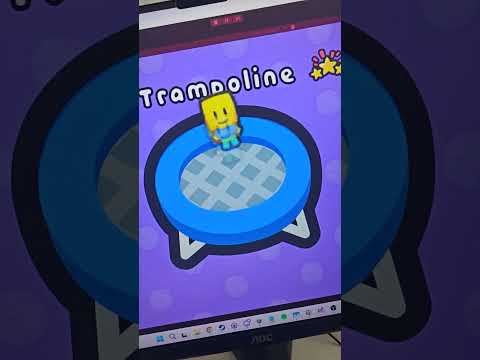
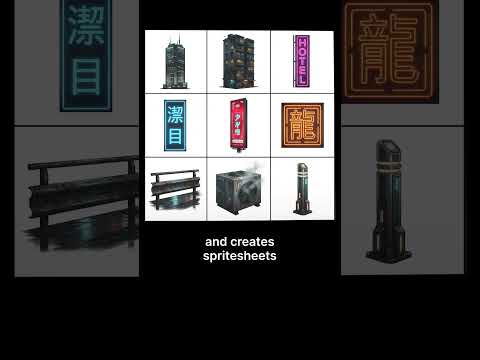
One of the best approaches available when optimizing rendering is bucketing elements that can use the same material and shader together and using an Indirect draw call to send all of them to the GPU at once. If we create a texture atlas containing all the icons that we want to display, we can create a material using that texture. If we had different icon sets, each with a texture, we could also create a texture array from them, but for now, let’s just use a single texture. To display a single icon, we need a quad mesh and four pieces of information.
We will use the built-in quad mesh as our canvas – two triangles per icon. Next, we need a world position, and also a scale. We will let the shader handle the rotation so the icon always faces the camera. Finally, we have to determine the specific UV rectangle for an icon in the texture, to allow us to sample only from that rectangle rather than the entire texture. Here we make use of some previous functionality that is already in place.
00:00 The Need for In-World Feedback
00:45 Thousands of Icons, Single Draw Call
01:55 Leveraging TextMeshPro Sprite Asset
02:55 How the Shader Works
04:18 Sending Data to the Shader
05:14 The Burst-Compiled Job
06:12 Outro


![1 DEV from EVERY COUNTRY makes a VIDEO GAME! [episode 1]](https://img.youtube.com/vi/xN-otEIg9Po/hqdefault.jpg)




![[게임 개발 일지 111] 검사 파티 이동 모션 찐막 수정 #게임 #1인개발 #indiedev](https://img.youtube.com/vi/-fniiRWyhj8/hqdefault.jpg)







![[2D 게임 개발 꿀팁 시리즈] 스프라이트 아틀라스](https://img.youtube.com/vi/FHHm73vgABw/hqdefault.jpg)
![[2D 게임 개발 꿀팁 시리즈] 텍스처](https://img.youtube.com/vi/eXgMHUu9bls/hqdefault.jpg)


![[2D 게임 개발 꿀팁 시리즈] 2D 애니메이션 샘플](https://img.youtube.com/vi/-SQtbs9tyxw/hqdefault.jpg)




![[2D 게임 개발 꿀팁 시리즈] 2D 게임 최적화 팁](https://img.youtube.com/vi/Rw2u-ScXN4I/hqdefault.jpg)








![[2D 게임 개발 꿀팁 시리즈] 2D 애니메이션](https://img.youtube.com/vi/lStxewSNxNA/hqdefault.jpg)



![[2D 게임 개발 꿀팁 시리즈] Variant Sprite Atlas](https://img.youtube.com/vi/uWy9Rwv7DBs/hqdefault.jpg)






![[2D 게임 개발 꿀팁 시리즈] Sprite Atlas 주의점](https://img.youtube.com/vi/TPOxYjsioqY/hqdefault.jpg)