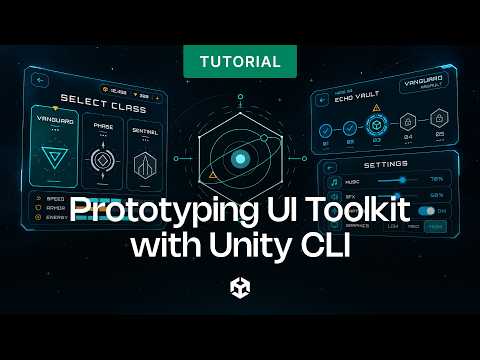
In this quick Unity 6 tip, you'll learn how to use Unity MCP and UI Toolkit to quickly build a placeholder UI.
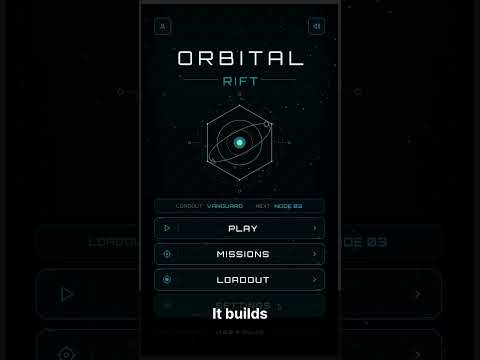
Connect your AI agent to the Unity MCP server, then prompt it to generate a main menu, such as three buttons with a semi-transparent background, right in your scene. From there, add a script to connect the button logic, and you've got a basic menu ready for your team to restyle later.
🔗 Learn more about UI Toolkit: https://on.unity.com/UIToolkit_Documentation