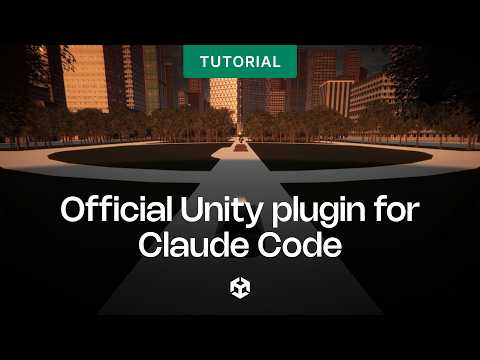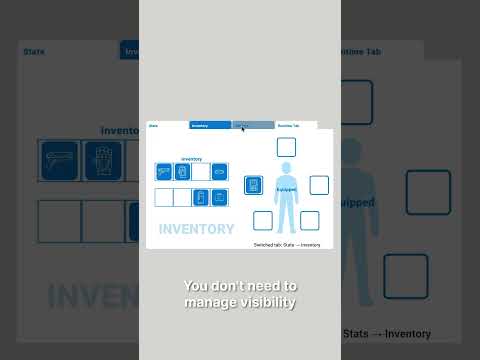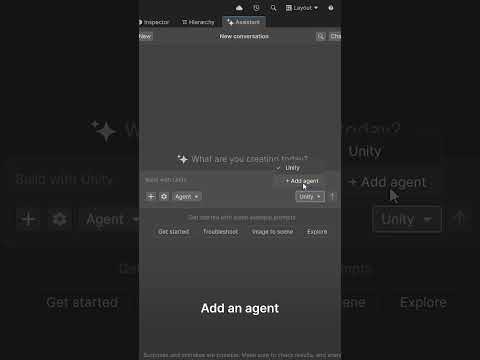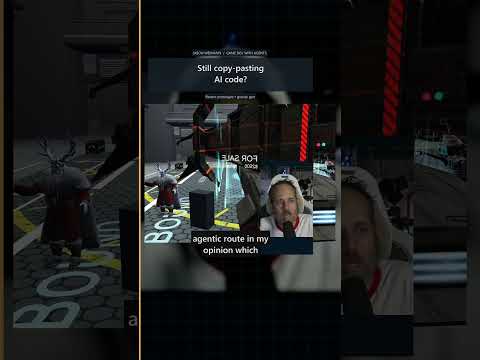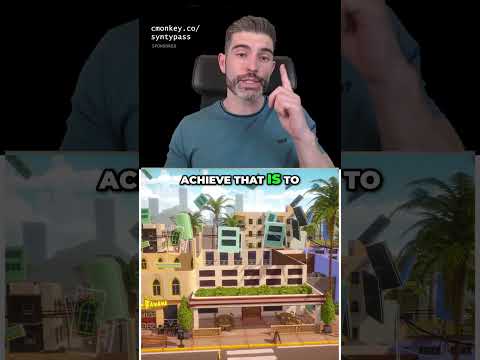
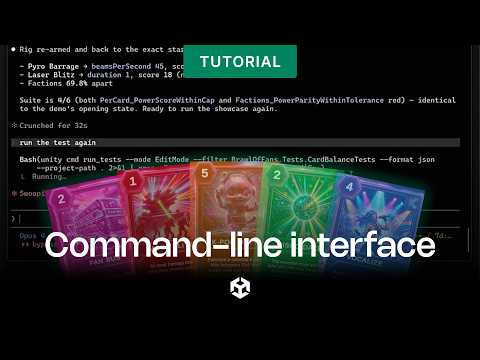
Turn concept art into a functional game UI
without leaving the terminal ⏩
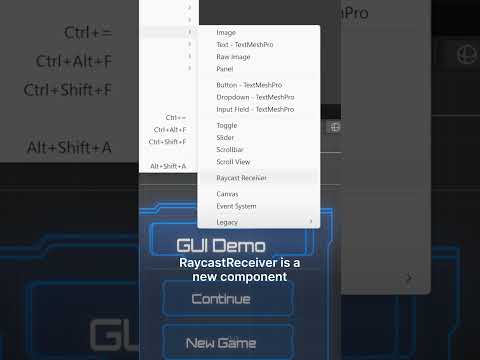
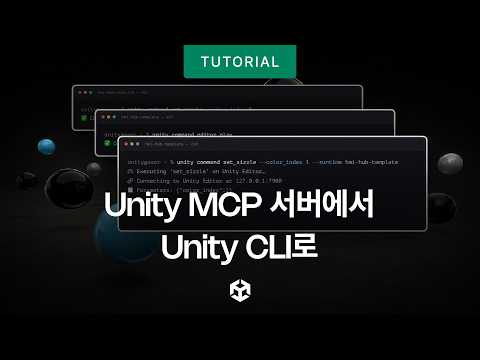
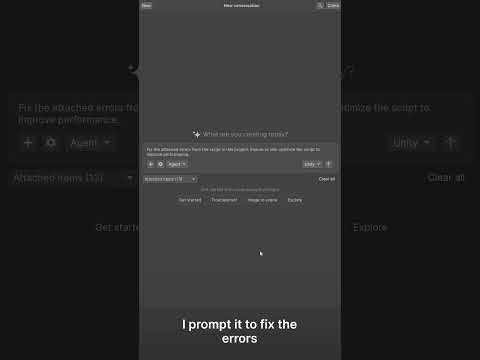
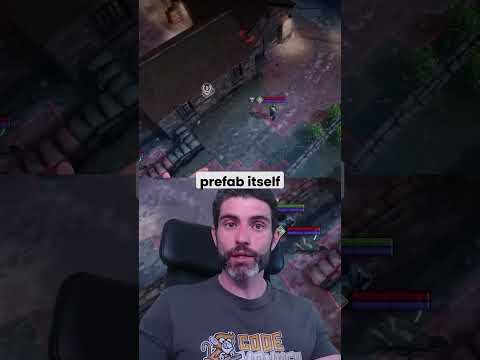
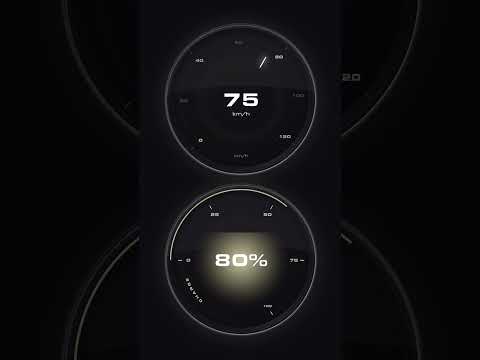
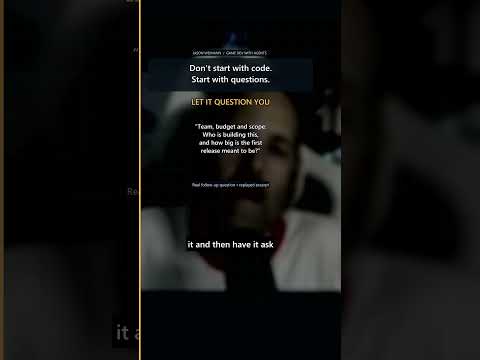
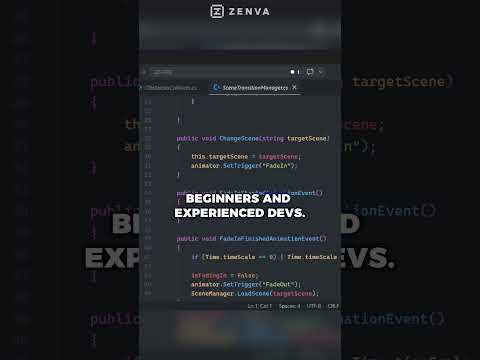
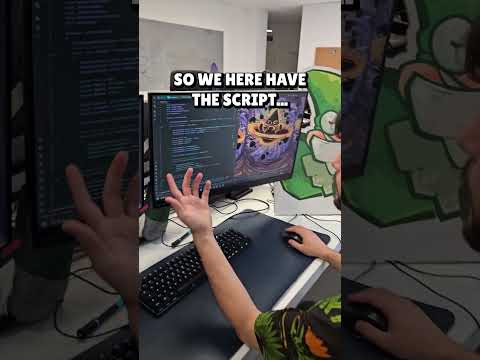
Give an agent your concept art and a short brief, and watch it build a working UI Toolkit main menu through the Unity CLI.
The agent tests its own work too: running Play mode UI tests and grabbing Game view screenshots so it can check its changes and keep iterating.
You steer it, and it does the building.
🔗 Watch the full tutorial video attached.



![[2D 게임 개발 꿀팁 시리즈] 모바일 성능과 쓰로틀링](https://img.youtube.com/vi/z0bkXem0g7o/hqdefault.jpg)

![[2D 게임 개발 꿀팁 시리즈] 2D 게임에 3D 오브젝트 쉽게 사용하는 방법](https://img.youtube.com/vi/8ytJW1I6Agg/hqdefault.jpg)
![[2D 게임 개발 꿀팁 시리즈] 메모리 절약 스프라이트 5가지](https://img.youtube.com/vi/-cxbULpRSXE/hqdefault.jpg)


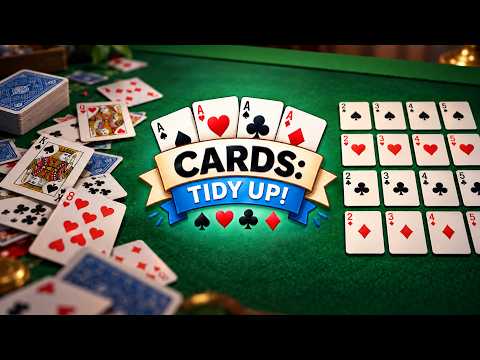
![Cards: Tidy Up! [Demo Out Now]](https://img.youtube.com/vi/6DDIfmMYYFs/hqdefault.jpg)
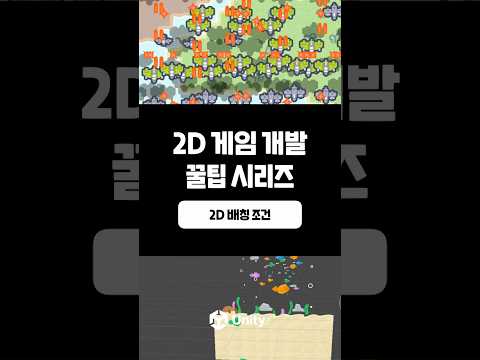
![[2D 게임 개발 꿀팁 시리즈] 2D 배칭 조건](https://img.youtube.com/vi/5DstF95ojw0/hqdefault.jpg)


![[2D 게임 개발 꿀팁 시리즈] 2D 배칭](https://img.youtube.com/vi/0HO_7fwC_6A/hqdefault.jpg)


![[2D 게임 개발 꿀팁 시리즈] Runtime Sprite Atlas](https://img.youtube.com/vi/ocFwQ4sogDo/hqdefault.jpg)