In this quick Unity 6 tip, you'll learn about three new uGUI features in Unity 6.5.
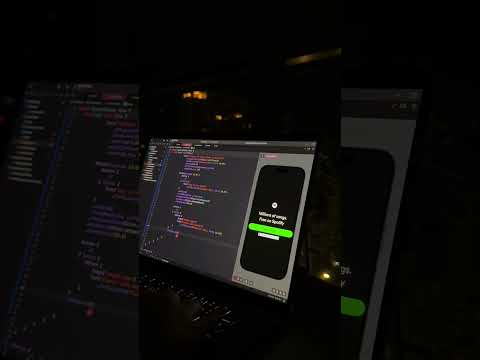
Use the CanvasGroup Alpha slider to quickly adjust the transparency of a group of UI objects. Add a RaycastReceiver to create an interactive hit area with no draw calls. And query IsPressed() and IsHighlighted() on any Selectable (Button, Toggle, Slider, and more) to react to UI interactions directly, without writing a custom solution using IPointer handlers.
#Unity #GameDev #UnityTips #Unity3D #UnityLearn








![[유니티 꿀팁 시리즈] SOLID 원칙_LSP](https://img.youtube.com/vi/mHCnYmYehS8/hqdefault.jpg)