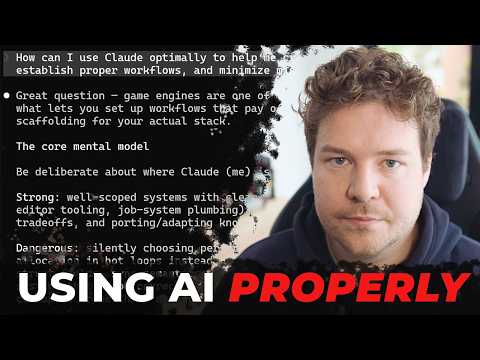
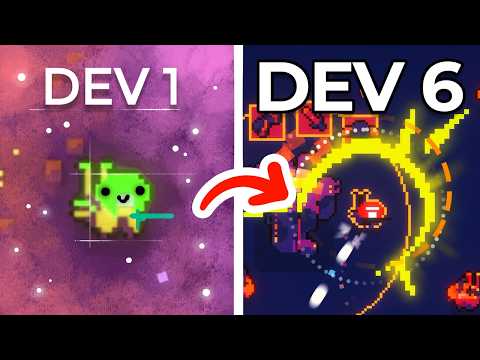
Learn how to prototype a game UI using Unity UI Toolkit and an AI agent directly through the Unity CLI!
In this tutorial, we start from concept art and a short brief, and watch an AI agent build a fully functional main menu inside the Unity Editor - all driven from the terminal.
What you’ll learn:
✔️ The agent brief workflow: How to brief, guide, and steer an AI agent as it builds UI screens from concept art.
✔️ Under the hood: How the Pipeline package, official Unity agent skills, and custom CLI commands work together.
✔️ Automated feedback loops: How to run Play mode UI tests and capture Game view screenshots via the command line so the agent can inspect, verify, and iterate on its own work.
✔️ The core agent loop: Master the Observe ➔ Perceive ➔ Plan ➔ Act cycle to successfully delegate complex tasks while retaining full control over the output.
Prerequisites and setup:
🔹 Unity 6.x (built and tested on 6000.5.10f1)
🔹 Unity CLI
🔹 Unity Agent Skills: https://github.com/Unity-Technologies/skills
🔗 Download the template project attached to the Discussion article: https://on.unity.com/UITKCLI_Discussions
[0:00] Intro
[0:58] The template project
[1:46] Starting the agent
[2:42] Reviewing progress
[3:43] Continue progress
[5:07] Setting up the CLI
[6:25] Agent skills
[7:32] CLI Commands / Agent Tools
[9:23] Briefing the agent
[11:48] Project preferences / memory
[13:43] The agent loop
[15:33] Testing
[16:23] The sample project
[17:30] Outro
_______________
Stay connected with us:
Games Twitter/X: https://x.com/unitygames
Instagram: https://www.instagram.com/unitytechnologies/
Discord: https://discord.com/invite/unity
Discussions: https://discussions.unity.com/
LinkedIn: https://www.linkedin.com/company/unity/
Facebook: https://www.facebook.com/unity3d.in/
Bluesky: https://bsky.app/profile/unity.com
Company Twitter/X: https://x.com/unity
#Unity #UIToolkit #UnityCLI







![[유니티 꿀팁 시리즈] SOLID 원칙_LSP](https://img.youtube.com/vi/mHCnYmYehS8/hqdefault.jpg)