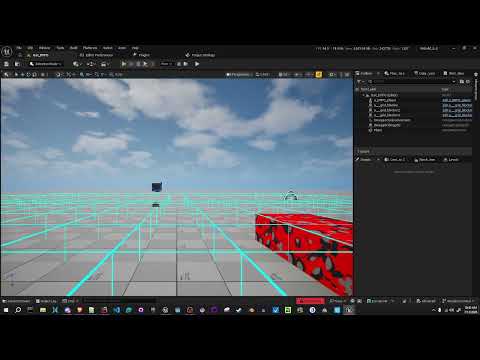
🔥 Releasing my 3D MODELING Software | Stove 3D
✅ Get Stove (67% OFF):
https://uniday.studio/link/stove
➡️ Get Cave Engine: https://uniday.studio/cave
✅ My Discord Channel: https://uniday.studio/link/discord
➡️ Buy me a Coffee (Patreon): https://uniday.studio/link/patreon
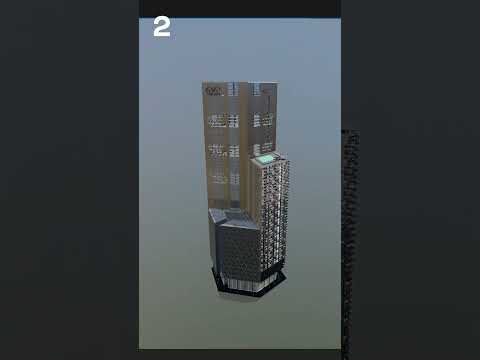
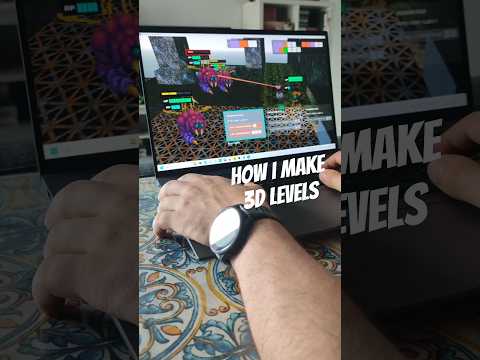
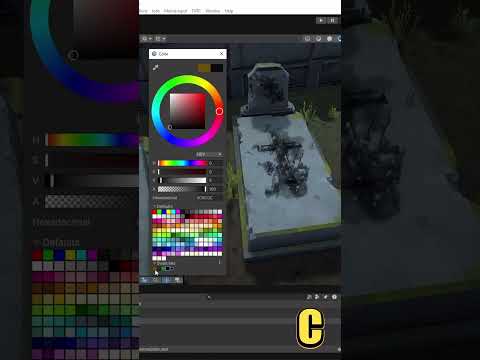
Stove is officially out! In this video, I walk through the public release of our streamlined 3D modeling software built specifically for creating game assets. Stove focuses on stylized, retro, low poly, and hand painted workflows, giving you the modeling and painting tools you actually need without the complexity of a full 3D suite. You can manage multiple assets in a single project, compare them inside the Asset Zoo, model with familiar Blender inspired shortcuts, and paint directly without manually creating UV maps.
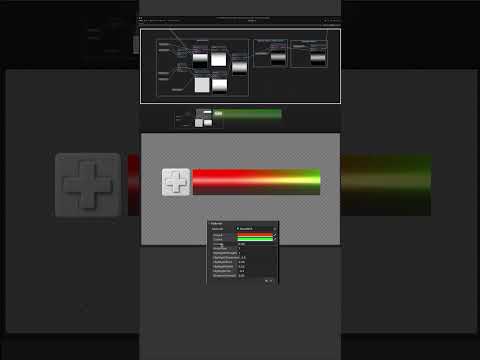
The video also covers texture pixelation, non destructive ambient occlusion, masks, gradients, randomized painting, automatic OBJ export, and the limitations of Stove, including the fact that it is designed for asset creation rather than scene composition. To finish the launch video, I create and texture a complete mailbox from scratch to demonstrate the full workflow in practice. Stove is available now with a special launch discount.
00:00 Stove Is Officially Released
00:58 Why We Created Another 3D Modeling Tool
02:02 Creating Game Assets With Stove
02:35 What Stove Is Not Designed For
03:06 The Interface and Asset Zoo
05:21 View Mode and Context Sensitive Shortcuts
07:28 Modeling Tools and Blender Inspired Controls
09:11 Automatic UVs and Texture Painting
10:04 Pixelated Textures and Ambient Occlusion
11:44 Exporting Assets Directly to Your Game Engine
12:32 Advanced Painting, Edges and Randomization
14:13 Launch Discount and Stove Community
15:03 Why Stove Cannot Compose Scenes
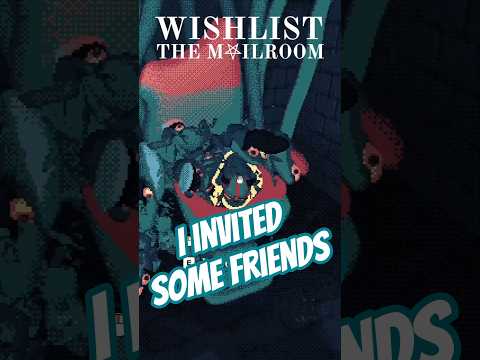
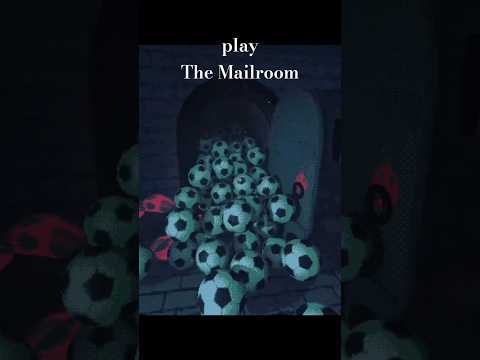
15:40 Creating a Mailbox From Scratch
22:17 Painting With Masks and Gradients
25:07 Finishing the Texture and Ambient Occlusion
28:10 The Final Asset and Stove in Practice
························································
► Uniday Studio
By: Guilherme Teres Nunes


![1 DEV from EVERY COUNTRY makes a VIDEO GAME! [episode 1]](https://img.youtube.com/vi/xN-otEIg9Po/hqdefault.jpg)
![[게임 개발 일지 111] 검사 파티 이동 모션 찐막 수정 #게임 #1인개발 #indiedev](https://img.youtube.com/vi/-fniiRWyhj8/hqdefault.jpg)


![[2D 게임 개발 꿀팁 시리즈] 스프라이트 아틀라스](https://img.youtube.com/vi/FHHm73vgABw/hqdefault.jpg)
![[2D 게임 개발 꿀팁 시리즈] 텍스처](https://img.youtube.com/vi/eXgMHUu9bls/hqdefault.jpg)

![[2D 게임 개발 꿀팁 시리즈] 2D 애니메이션 샘플](https://img.youtube.com/vi/-SQtbs9tyxw/hqdefault.jpg)
![[2D 게임 개발 꿀팁 시리즈] 2D 게임 최적화 팁](https://img.youtube.com/vi/Rw2u-ScXN4I/hqdefault.jpg)

![[2D 게임 개발 꿀팁 시리즈] 2D 애니메이션](https://img.youtube.com/vi/lStxewSNxNA/hqdefault.jpg)

![[2D 게임 개발 꿀팁 시리즈] Variant Sprite Atlas](https://img.youtube.com/vi/uWy9Rwv7DBs/hqdefault.jpg)


![[2D 게임 개발 꿀팁 시리즈] Sprite Atlas 주의점](https://img.youtube.com/vi/TPOxYjsioqY/hqdefault.jpg)