✅ Get Stove (still 50% OFF): https://uniday.studio/link/stove
✅ Get Cave Engine: https://uniday.studio/cave
➡️ My Discord Channel: https://uniday.studio/link/discord
✅ Buy me a Coffee (Patreon): https://uniday.studio/link/patreon
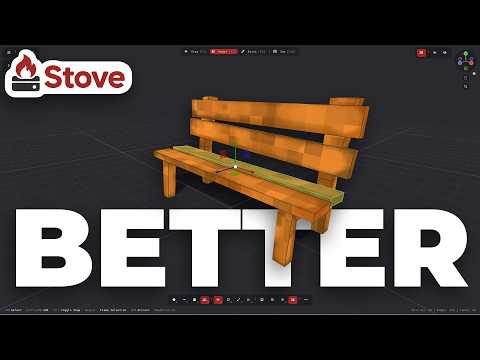
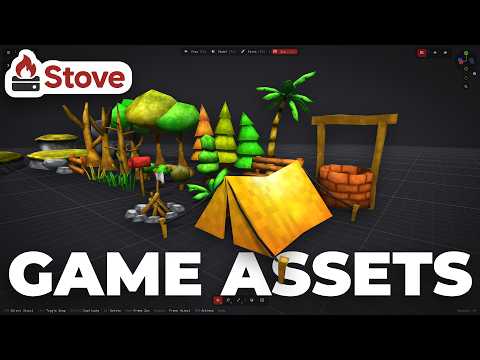
In this Stove 3D video, I continue building my low-poly nature asset pack by creating a campfire, while showing a small feature that can dramatically speed up 3D modeling for game assets. Instead of remodeling the same geometry from scratch, I reuse an existing stick from another asset, duplicate the geometry, and use Stove's Move to Object feature to transfer it directly into the new campfire object. This makes it easy to reuse parts of previous models and quickly build new assets from geometry you already created.
I also finish the campfire using duplicated rocks, proportional editing, automatic UV generation, painting, and ambient occlusion while continuing to expand the asset pack for game development. Along the way, I tell the story of the last time I tried to light a real campfire and use what I learned to arrange the sticks inside the 3D model. The goal of this series is to show how Stove can make low-poly 3D modeling, game asset creation, geometry reuse, texturing, and painting faster and more straightforward for indie game developers.
➡️ Chapters
00:00 Creating a Campfire in Stove
00:23 Building the Base From Existing Assets
01:05 My Embarrassing Campfire Story
03:08 Fixing the Model and UVs
04:27 Reusing Geometry Between Objects
05:01 Building the Logs
07:45 Painting and Finishing the Campfire
08:58 Final Result
························································
► Uniday Studio
By: Guilherme Teres Nunes