✅ Get Stove (still 50% OFF): https://uniday.studio/link/stove
✅ Get Cave Engine: https://uniday.studio/cave
➡️ My Discord Channel: https://uniday.studio/link/discord
✅ Buy me a Coffee (Patreon): https://uniday.studio/link/patreon
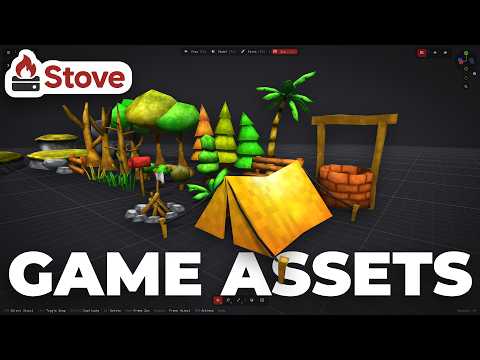
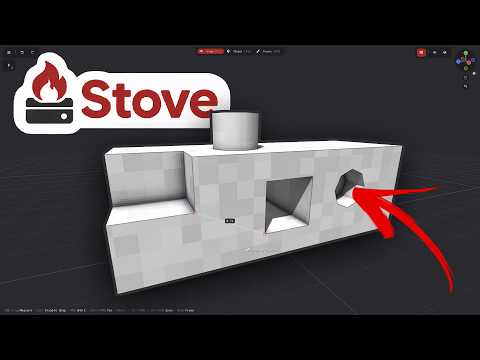
Why do I keep saying Stove is better for quickly creating game assets than Blender and other traditional 3D modeling tools? In this video, I continue building my low-poly nature asset pack and demonstrate one of the main reasons: Stove is designed specifically for fast game asset creation, with modeling, painting, automatic UV handling, and asset organization all in one simple workflow. I use an existing fence asset as the starting point for a new bench, duplicate and reshape the geometry, organize everything inside the Asset Zoo, and turn an old model into a completely new asset in just a few minutes.
The key difference comes when I start painting. In a traditional 3D workflow, duplicating and modifying geometry can create extra work with UV maps and textures. In Stove, the UV map is generated and managed automatically, so I can duplicate pieces, reshape them, regenerate the UVs, and immediately start painting without manually fixing the texture layout. I show this process in real time and explain why this kind of workflow can make low-poly asset creation dramatically faster, especially for indie developers who just want to model, paint, export, and get back into their game engine as quickly as possible.
➡️ Chapters
00:00 Why Stove Is Faster for Game Assets
00:22 What Is Stove 3D?
01:07 Continuing the Asset Pack
01:39 Turning a Fence Into a Bench
03:03 Modeling the New Asset
05:14 The Important Difference With Blender
05:57 Painting Without Fixing UV Maps
07:21 Finishing the Bench in Minutes
························································
► Uniday Studio
By: Guilherme Teres Nunes