✅ Get Stove (still 50% OFF): https://uniday.studio/link/stove
➡️ Get Cave Engine: https://uniday.studio/cave
➡️ My Discord Channel: https://uniday.studio/link/discord
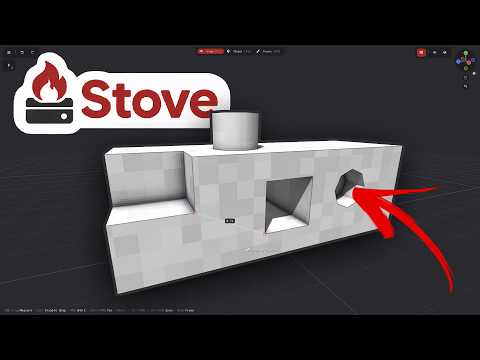
Making game assets without AI is actually easier than you might think when you have the right tools. In this video, I continue building my low-poly forest asset pack using Stove 3D, my simple 3D modeling and painting software designed specifically for game development. Stove is focused on low-poly, stylized, hand-painted, retro, and pixel-art-inspired models, with a workflow where you can model and paint directly without manually setting up UV maps or complicated materials. This time, I add a new camping tent to the asset pack and build the entire model from scratch while explaining the modeling decisions along the way.
I model the tent using basic geometry, the Knife tool, extrusion, duplicated geometry, normal correction, and Bridge Edge Loops before moving directly into Stove's painting workflow. I then give the model a fake pixel-art look, add ambient occlusion, masks, gradients, wood details, shadows, and a bright orange/yellow color scheme. The entire process takes roughly 10 minutes, showing that you do not necessarily need AI or advanced 3D art skills to create usable game assets yourself. This is also the beginning of a new series where I continue expanding this forest asset pack with enough models to eventually build an actual game from it.
➡️ Chapters
00:00 Making Game Assets Without AI
00:22 What Is Stove 3D?
01:19 Building a Forest Asset Pack
01:53 Modeling the Tent
05:00 Finishing the Tent Geometry
07:50 Painting the Model
10:30 Choosing the Tent Colors
12:16 A Finished Game Asset in 10 Minutes
························································
► Uniday Studio
By: Guilherme Teres Nunes