✅ Get Stove (still 50% OFF): https://uniday.studio/link/stove
✅ Get Cave Engine: https://uniday.studio/cave
➡️ My Discord Channel: https://uniday.studio/link/discord
✅ Buy me a Coffee (Patreon): https://uniday.studio/link/patreon
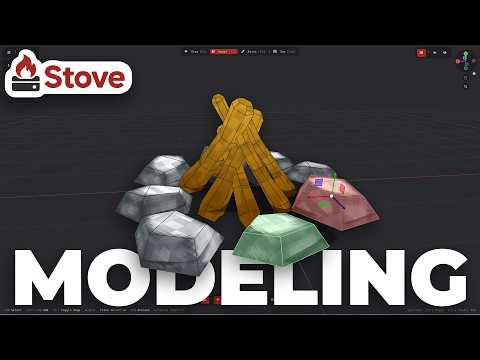
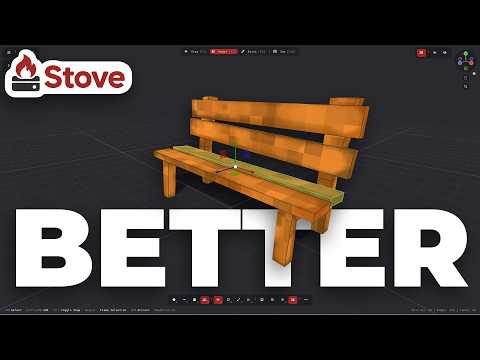
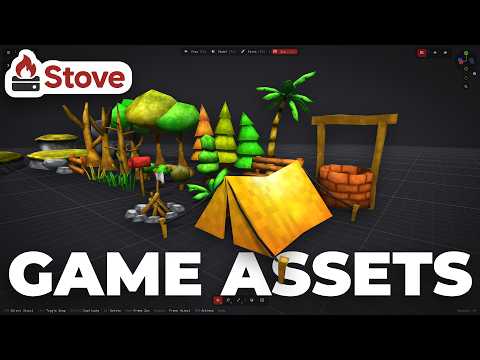
In this video, I continue building my low-poly game asset pack in Stove 3D by modeling and hand-painting a stylized water well from scratch. Stove is a simple 3D modeling tool designed specifically for game asset creation, especially low-poly, retro, stylized, and hand-painted models. I build the basic shape of the well, adjust its proportions inside the Asset Zoo, add asymmetry to make the model feel more natural, and then take it directly into the painting workflow without manually dealing with UV unwrapping or material setup.
I also use this model to test the new Boolean modeling tools coming to Stove 1.8, using a Boolean subtraction to create the opening in the center of the well and examining the resulting topology. After that, I paint the wood and brick surfaces using masks, gradients, sampled colors, shadows, highlights, and hand-painted details until the asset matches the rest of the pack. It is another practical example of using Stove to quickly create complete, game-ready 3D assets from modeling to texturing in one streamlined workflow.
➡️Chapters
00:00 Modeling a Low-Poly Well in Stove
00:09 What Is Stove 3D?
01:44 Building the Well
04:35 Testing the New Boolean Tool
06:47 Making the Model Less Symmetrical
09:07 Hand-Painting the Well
11:07 Painting the Brick Details
17:38 Final Result
························································
► Uniday Studio
By: Guilherme Teres Nunes