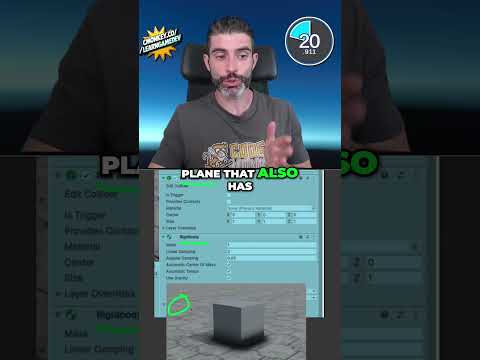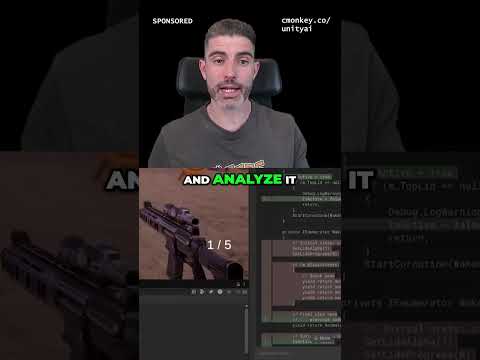
This Tool FIXES your Unity Project!
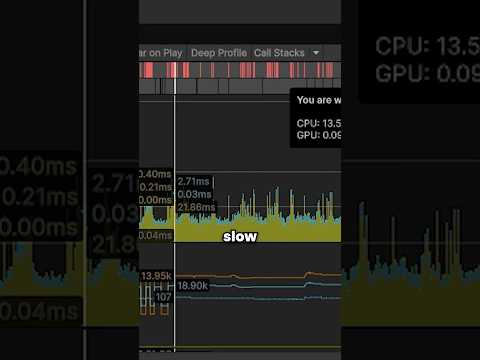
Resource Analysis
09:00 Project Settings Tips
10:25 Reviewing Build Reports
11:37 Final Thoughts and Recommendations
12:11 Outro
📝 Some Links are Affiliate links which means it costs the same to you and I get a nice commission.
🌍 Get Code Monkey on Steam!
👍 Interactive Tutorials, Complete Games and More!
✅ https://store.steampowered.com/app/1294220/
If you have any questions post them in the comments and I'll do my best to answer them.
🔔 Subscribe for more Unity Tutorials https://www.youtube.com/channel/UCFK6NCbuCIVzA6Yj1G_ZqCg?sub_confirmation=1
See you next time!
📍 Support on Patreon https://www.patreon.com/unitycodemonkey
🎮 Grab the Game Bundle at https://unitycodemonkey.com/gameBundle.php
📝 Get the Code Monkey Utilities at https://unitycodemonkey.com/utils.php
--------------------------------------------------------------------
Hello and Welcome!
I'm your Code Monkey and here you will learn everything about Game Development in Unity using C#.
I've been developing games for several years with 8 published games on Steam and now I'm sharing my knowledge to help you on your own game development journey.
I do Unity Tutorials on just about every topic, Unity Tutorials for Beginners and Unity Tutorials for Advanced users.
--------------------------------------------------------------------
- Website: https://unitycodemonkey.com/
- Twitter: https://twitter.com/UnityCodeMonkey
- Steam: https://store.steampowered.com/developer/EndlessLoopStudios


![[2D 게임 개발 꿀팁 시리즈] 2D 게임에 3D 오브젝트 쉽게 사용하는 방법](https://img.youtube.com/vi/8ytJW1I6Agg/hqdefault.jpg)

![[2D 게임 개발 꿀팁 시리즈] 2D 배칭 조건](https://img.youtube.com/vi/5DstF95ojw0/hqdefault.jpg)


![[2D 게임 개발 꿀팁 시리즈] Runtime Sprite Atlas](https://img.youtube.com/vi/ocFwQ4sogDo/hqdefault.jpg)