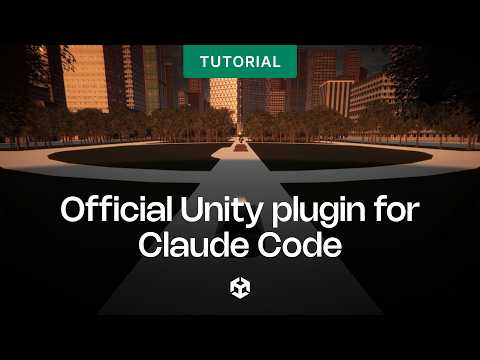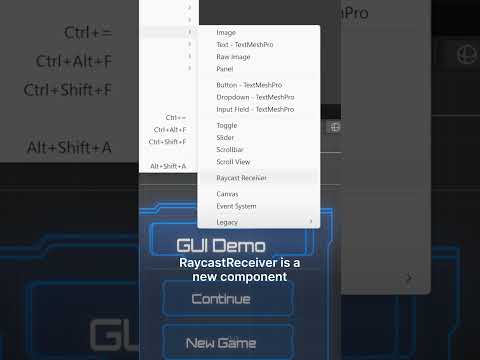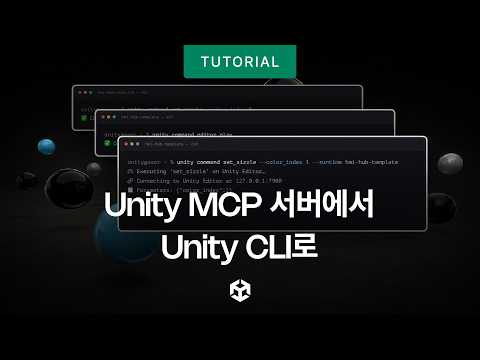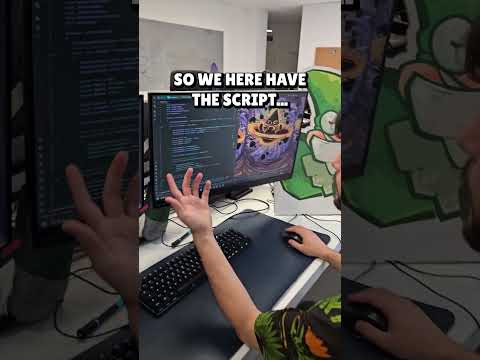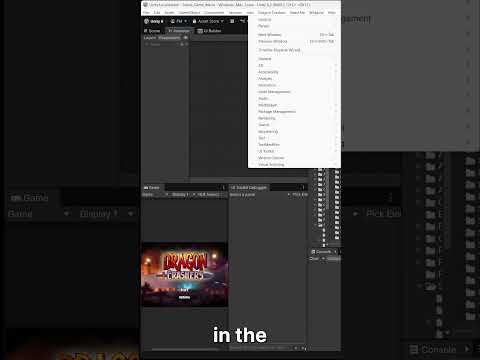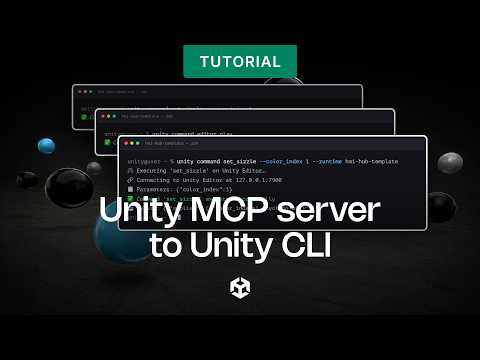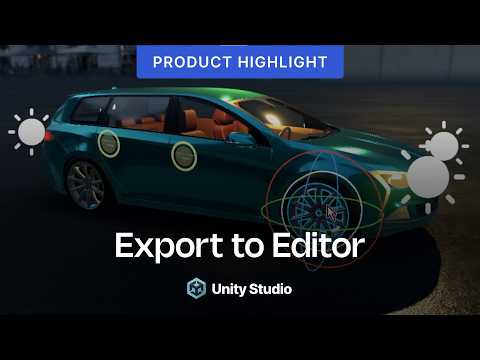
Learn how to control the Unity Editor through the official Unity Model Context Protocol (MCP) 🤝
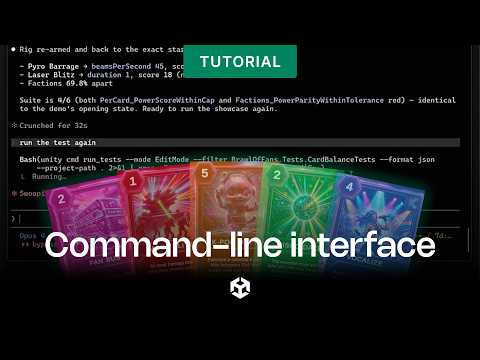
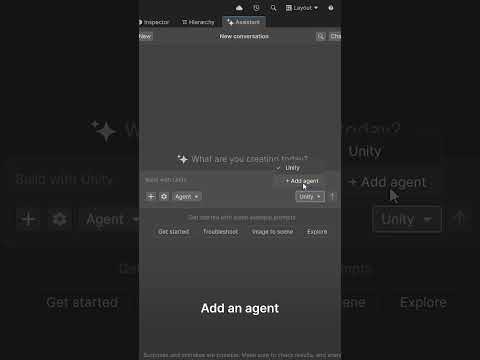
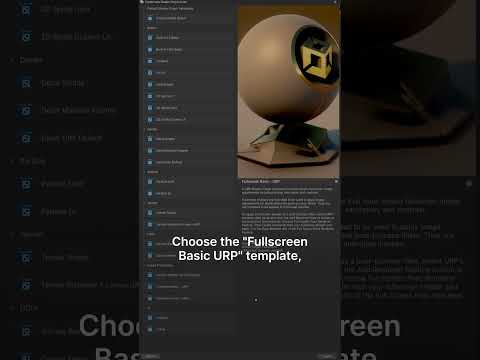
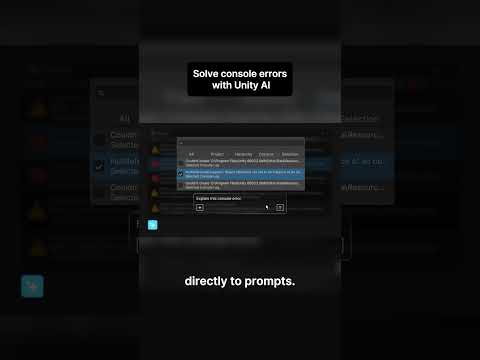
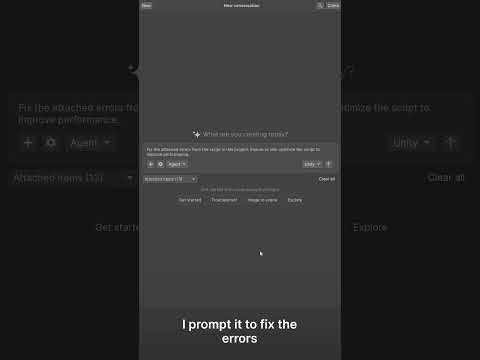
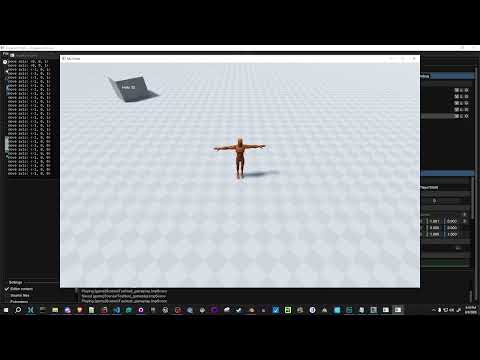
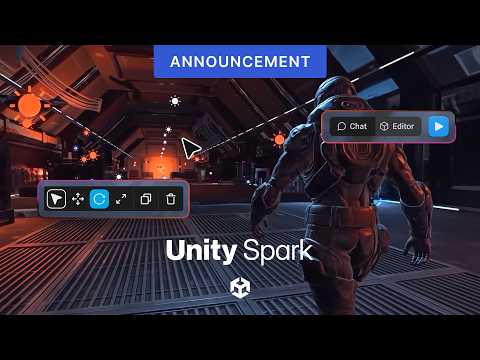
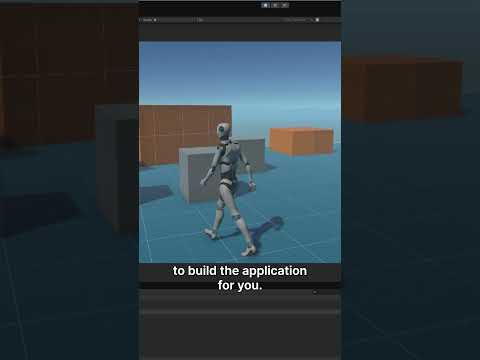
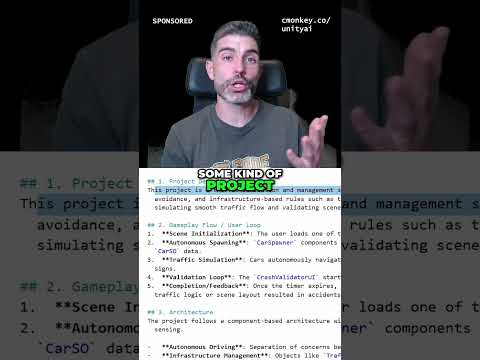
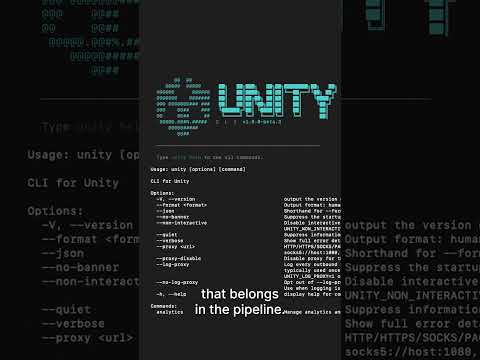
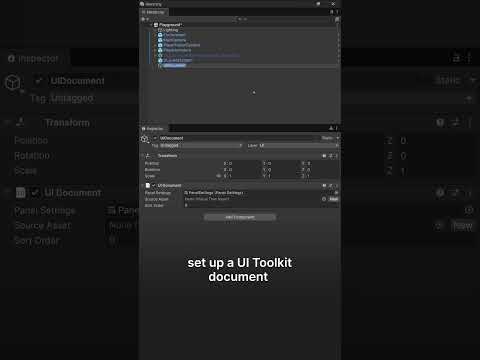
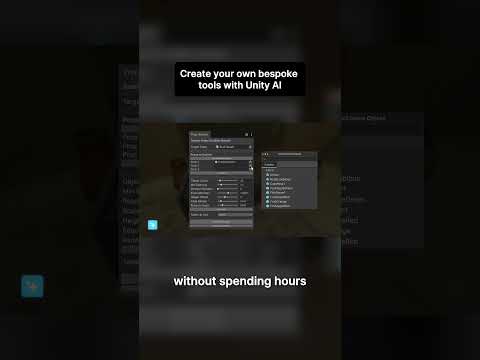
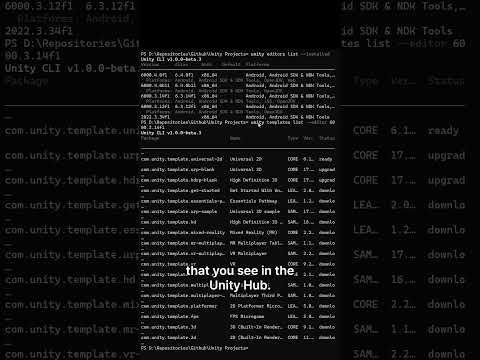
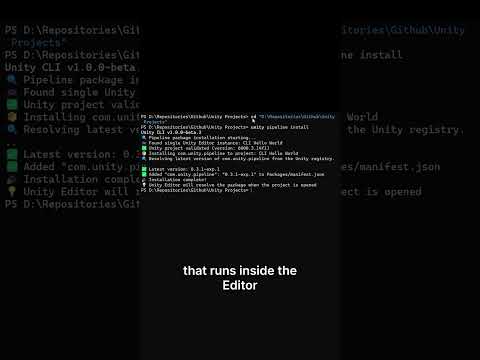
Unity AI is now in open beta. In this quick tip, we demonstrate how to set up the Unity MCP and connect your preferred AI client to enable AI-driven control of the Unity Editor through Model Context Protocol (MCP).
To learn more and sign up for the beta, check out: https://on.unity.com/3OND6OY
Check out our documentation here:
https://docs.unity3d.com/Packages/com.unity.ai.assistant@2.6/manual/index.html