Unity AI Open Beta: Introduction
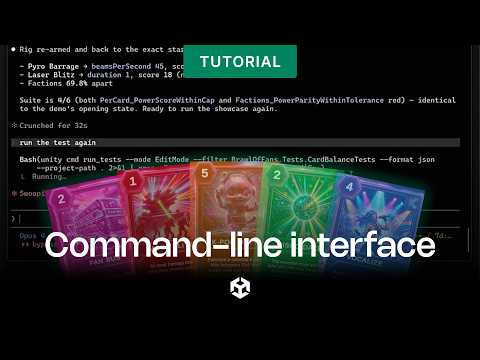
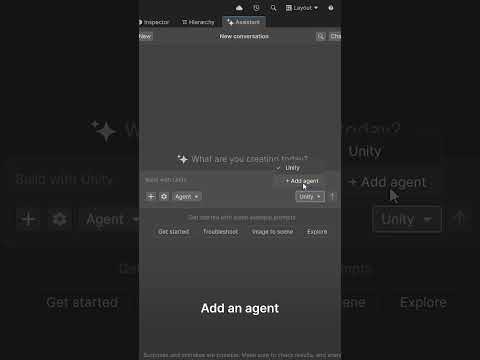
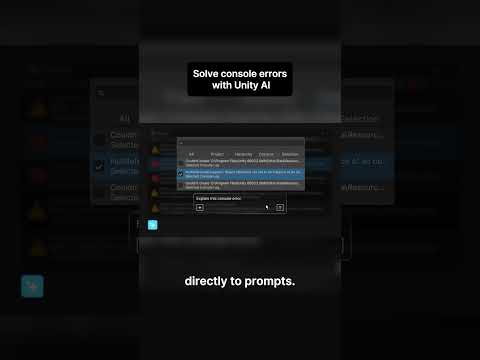
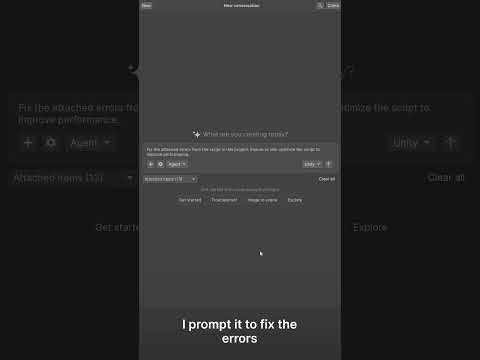
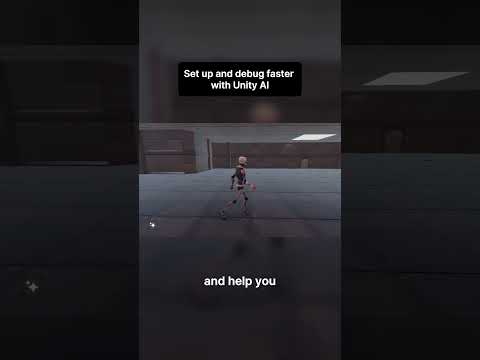
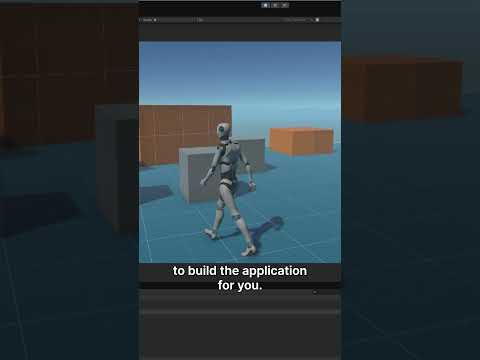
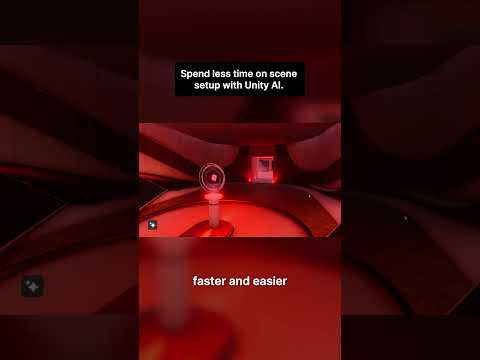
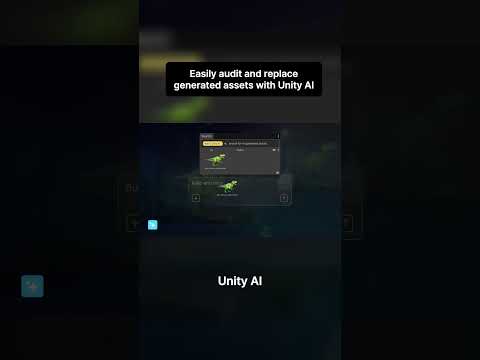
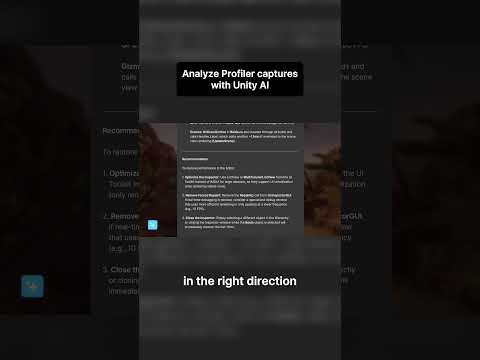
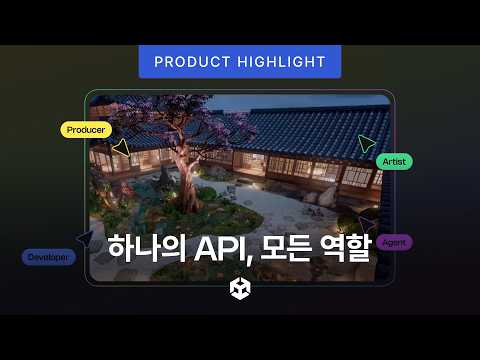
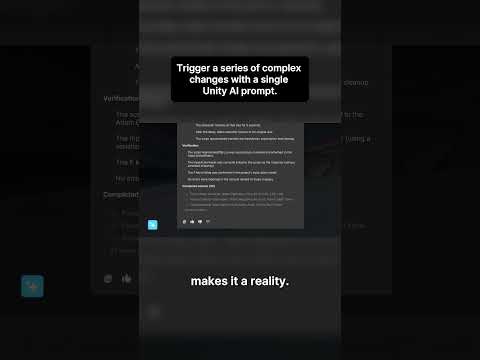
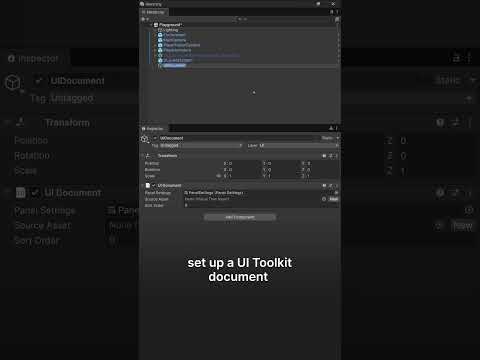
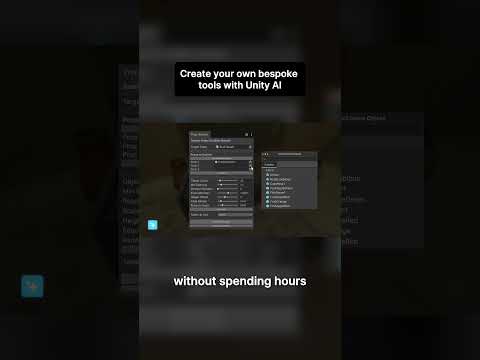
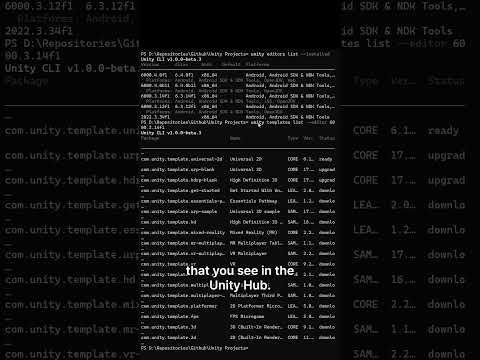
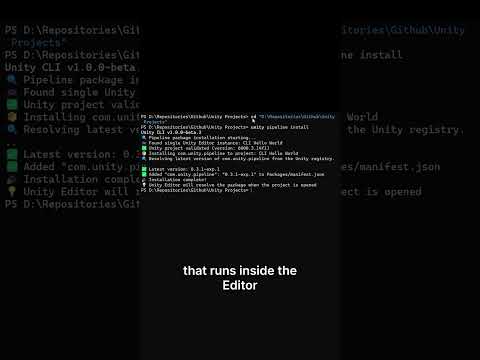
This is the first video in a series on our Unity AI Open Beta. This video explores the tools now available for testing, including the AI Assistant, model context protocol (MCP), and AI generators. We also show you how to install Unity AI, begin testing, and how to connect other agents to Unity AI tools through the AI Gateway. Our goal with AI in Unity is to help you experiment, make informed decisions, and accelerate your development.
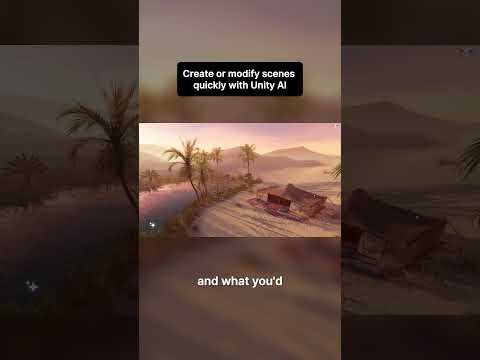
Unity AI is built into the Unity Editor and grounded in the real context of game development, from project structure and systems to the creative iteration that shapes player experience. This means creators can spend less time on repetitive workflows, and more time building and refining what makes a game great.
🔗 To learn more and sign up for the Unity AI Open Beta, check out: https://on.unity.com/3QJgAY2
👉 More details in our Unity AI documentation: https://on.unity.com/4ukSqS5
[00:00] Introduction
[00:23] AI Assistant
[00:50] Ask mode
[01:05] Plan mode
[01:17] Agent mode
[01:38] MCP and AI gateway
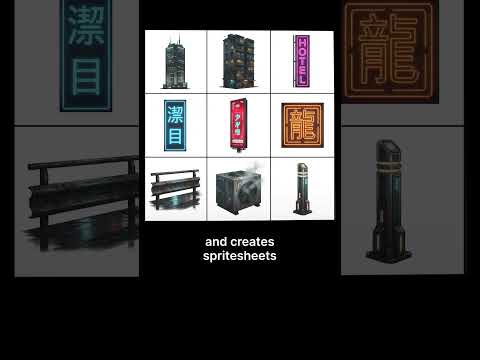
[02:36] Generators
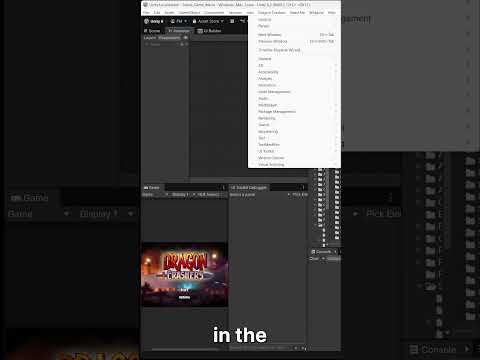
[03:06] Getting started
#Unity #UnityAI