Level selection in your Unity game | Unity tutorial
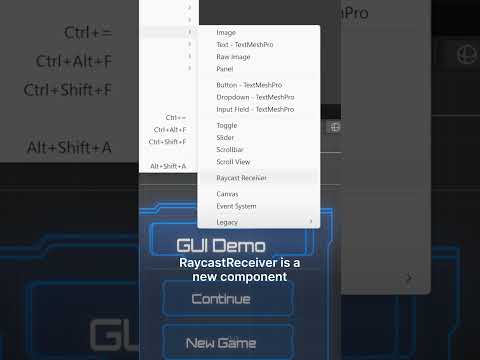
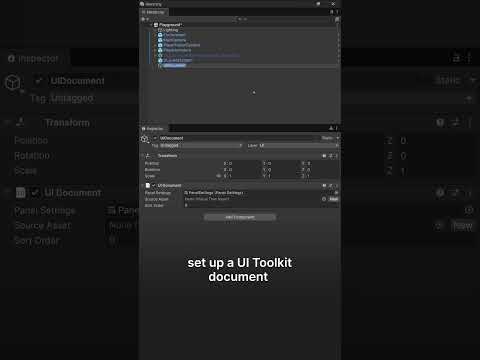
This tutorial/guide will show you how to create level selection in your Unity game. I show you how to design a simple UI to handle that, how to transfer between scenes and finally how to even pass variables to create universal scene.
I'm also preparing for you a second part where you will be able to lock future levels and show stars/points on the existing ones
🎁 Download FREE STARTING Unity project to follow along: https://www.patreon.com/posts/66871566?s=yt
🟠 Support me and download COMPLETED Unity project: https://www.patreon.com/posts/66870189?s=yt
--------------------------------------------------------------------------------
👨💻 SOCIALS:
💜 Join our Discord: https://discord.gg/hNnZRnqf4s
🔵 Follow me on Twitter: https://twitter.com/bionicl333
--------------------------------------------------------------------------------
🎓 YOU WILL LEARN:
- How to create level selection in Unity
- How to create multiple levels in your Unity game
- How to design level selection UI (User Interface)
- How to switch between scenes
- How have universal scene
- How to pass variables between scenes
--------------------------------------------------------------------------------
⚙️ VIDEO CHAPTERS:
0:00 - Intro
0:22 - Creating scene
1:33 - Navigating to a different scene
3:42 - Creating levels grid
5:16 - Separate button actions
7:30 - Universal scene
9:31 - Changing scene elements based on the selected level