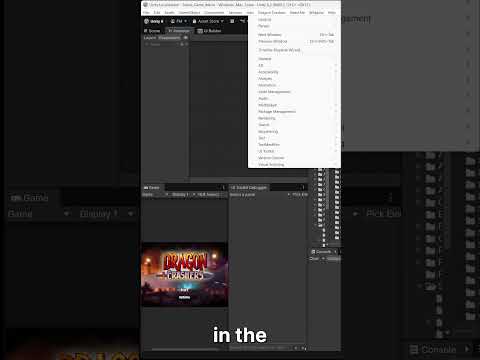
Unity Input System in Unity 6 (5/7): Rebinding Input System controls
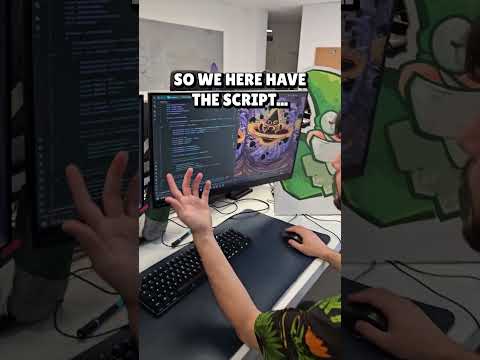
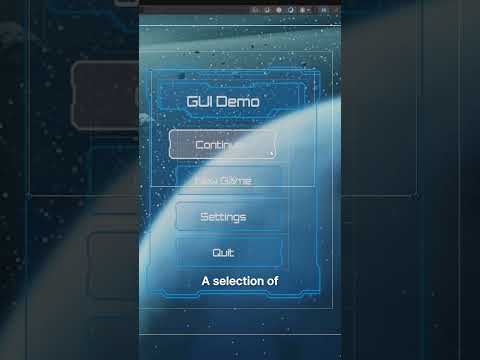
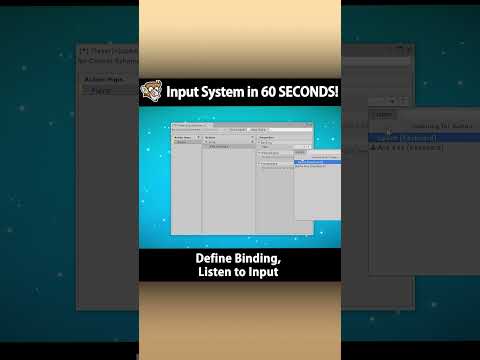
In this 5th video of our Input System series, we’ll explore in-game rebinding, a feature that lets players customize their input controls during gameplay.
You’ll also learn how to save these custom bindings using PlayerPrefs, an easy way to ensure your settings persist between game sessions.
More resources:
⭐ Download the Input System Assets Pack Unity package: https://discussions.unity.com/t/get-up-and-running-with-the-input-system/1620267
⭐ Prototype mobile games faster with the Input System in Unity 6 | Unite 2024:: https://www.youtube.com/watch?v=ptvjumIHxYg
⭐ Read more about the Input System in the Unity Manual: https://docs.unity3d.com/Packages/com.unity.inputsystem@1.13/manual/index.html
#unity #gamedev #unity6 #inputsystem



![[2D 게임 개발 꿀팁 시리즈] 2D 게임에 3D 오브젝트 쉽게 사용하는 방법](https://img.youtube.com/vi/8ytJW1I6Agg/hqdefault.jpg)
![[2D 게임 개발 꿀팁 시리즈] 메모리 절약 스프라이트 5가지](https://img.youtube.com/vi/-cxbULpRSXE/hqdefault.jpg)

![Cards: Tidy Up! [Demo Out Now]](https://img.youtube.com/vi/6DDIfmMYYFs/hqdefault.jpg)
![[2D 게임 개발 꿀팁 시리즈] 2D 배칭 조건](https://img.youtube.com/vi/5DstF95ojw0/hqdefault.jpg)














![[2D 게임 개발 꿀팁 시리즈] Runtime Sprite Atlas](https://img.youtube.com/vi/ocFwQ4sogDo/hqdefault.jpg)