AR Portal Tutorial with Unity - Portal Mask Implementation - Part 4
This is the last part of our tutorials about implementing an AR Portal with ARCore and Unity.
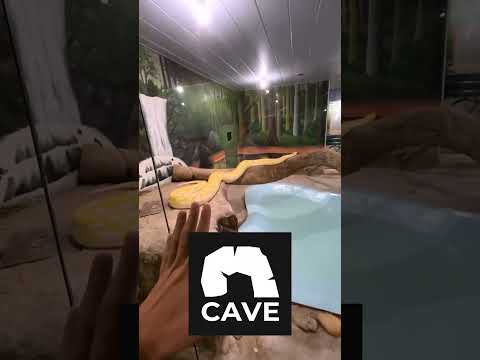
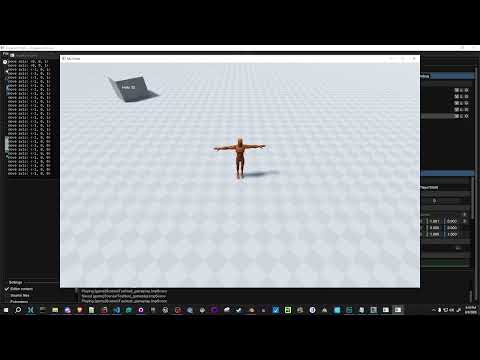
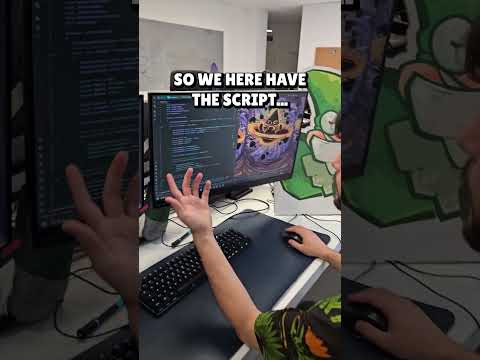
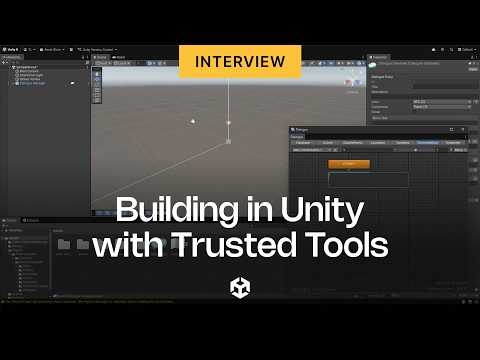
In this part you will learn how to import a textured 3D mesh and how to create a mask using the stencil buffer, we will also implement all remaining functionalities to achieve an AR Portal effect.
Assets used in this video: https://www.dropbox.com/s/6b5xq6bugfksbuq/Guidev_AR_Portal_Assets_Part4.zip?dl=0
Twitter: https://twitter.com/GuidevOfficial
How to create a 360 view inside an AR Portal: https://youtu.be/ec6WgO5C8CA
Previous part: https://youtu.be/pWHbD4eXCng
Sponsor:
For video games porting, optimization, and co-development please visit: https://pixelwings.co.uk/