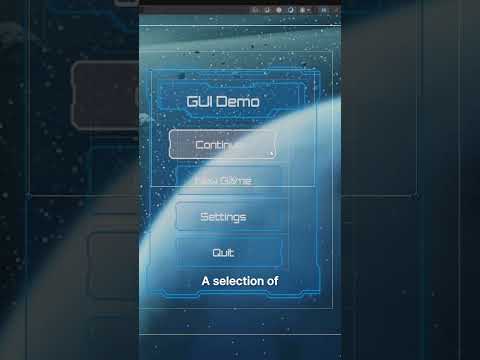
Adding Graphics Options To Your Games - Complete Unity Menu System
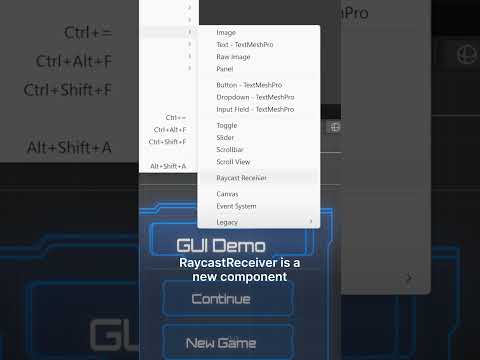
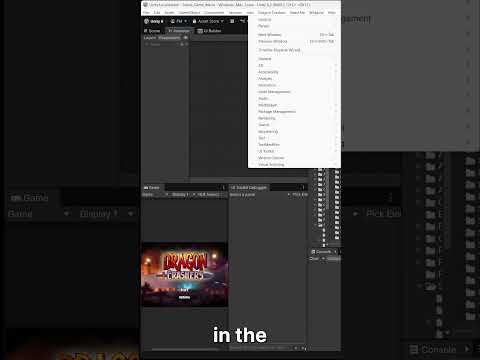
Let's learn how to add Graphics Options to your menus!
Get the assets for use in this series here https://drive.google.com/file/d/1UQ7becz4NNAI5Tyy5rCCooGrF-yA0h6s/view?usp=sharing
Get my latest Udemy course 'Learn To Create An Online Game with Unity & C#' at https://bit.ly/udemyOnlineMP
Don't forget to hit that like button and if you'd like to see more gaming goodness then subscribe for more!
Join the discord community at http://bit.ly/gpjdiscord
Follow @gamesplusjames on twitter at http://www.twitter.com/gamesplusjames
Support the show by pledging at http://www.patreon.com/gamesplusjames
#gamedev #madewithunity #tutorial