Get Started With Unity visionOS PolySpatial Tools! (Apple Vision Pro Development)
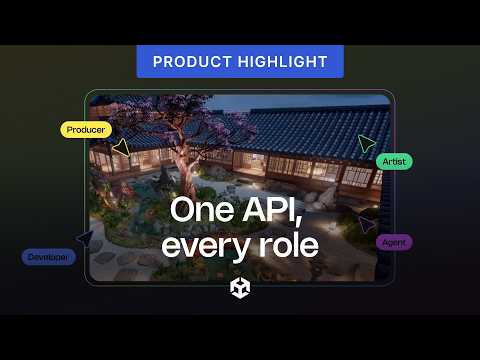
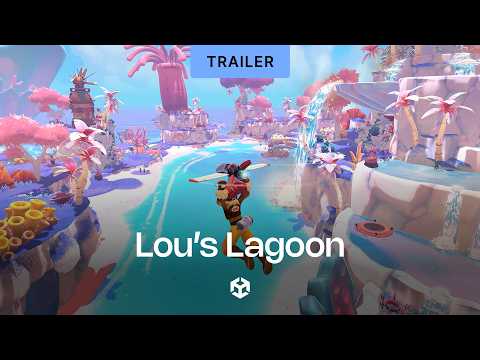
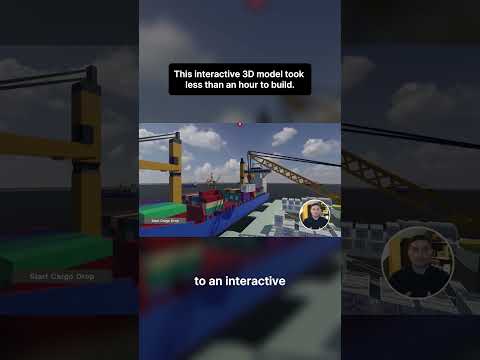
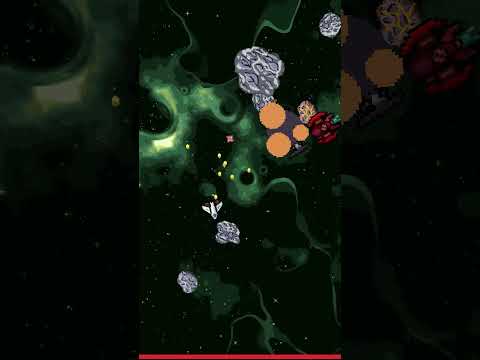
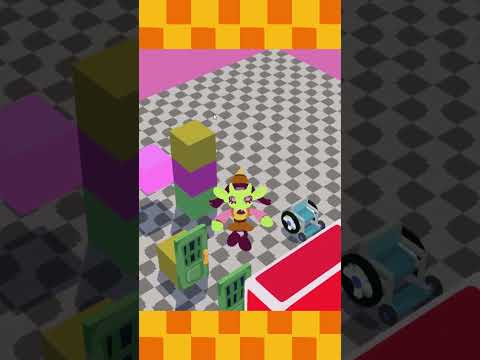
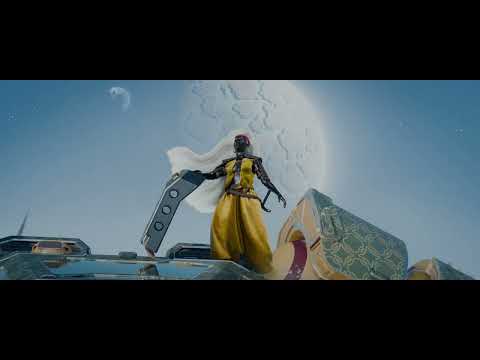
Today, we're delving deep into Unity's visionOS PolySpatial tools, including the creation of a fully immersive VR experience, a shared space mixed reality experience, and finally, a full mixed reality experience. We will explore a demo I created by using a bounded volume camera for mixed reality, as well as a wide range of demos created by Unity.
📢 We will also go over visionOS requirements and Unity licensing requirements for visionOS usage.
📚 Unity VisionOS PolySpatial Video Chapters:
00:00 - 00:51 - Unity visionOS PolySpatial Tools Video Overview
00:51 - 03:08 - Unity visionOS PolySpatial Demos (Bounded Volume Camera Demos)
03:09 - 05:23 - Unity visionOS Platform Requirements
05:23 - 07:52 - Unity Licensing Requirements for visionOS Platform
07:52 - 12:54 - Creating Your First VisionOS Full Immersive VR Experience With Unity
12:54 - 13:25 - Installing visionOS PolySpatial Packages
13:25 - 23:56 - Creating A PolySpatial Experience For MR Apps (Bounded Volume Camera Versus Unbounded Volume Camera Is Covered In This Section)
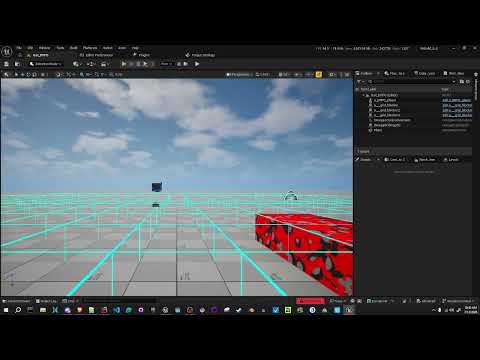
23:56 - 29:25 - Testing visionOS Experiences In Unity With XR Simulated Environments & XR Device Simulator
💻 GitHub repo to help you get started available here:
https://github.com/dilmerv/HelloVisionOS
📙 Unity VisionOS & PolySpatial Resources:
- Unity VisionOS Platform Overview: https://docs.unity3d.com/Packages/com.unity.polyspatial.visionos@0.6/manual/visionOSPlatformOverview.html
- Supported vs Unsupported Components: https://docs.unity3d.com/Packages/com.unity.polyspatial.visionos@0.6/manual/SupportedFeatures.html
- FAQ (For Common VisionOS PolySpatial Issues): https://docs.unity3d.com/Packages/com.unity.polyspatial.visionos@0.5/manual/FAQ.html#q-skinned-meshes-are-not-animating
📣 Get the Character Controller visionOS demo from Patreon: (Thank you)
https://www.patreon.com/dilmerv and GET MY “Full Source Code” Tier
📌 Support me by Subscribing to avoid missing future videos!
https://www.youtube.com/@dilmerv
💡 What do you get from Patreon ?
👉 Access to this video GitHub repo + all code I work on for each video
👉 Access to special Patreon discord group where I can answer questions
📌 Get XR & game development tips from me in Twitter
https://www.twitter.com/dilmerv
🥽 Learn & Get my XR Training from:
https://www.learnxr.io
👉 My Blog / 🔥 Newsletter (Subscribe to get up to date XR news)
https://blog.learnxr.io
#unity #visionos #apple #xr