utm_content=youtube_2026_survivalstatbarsgodot4
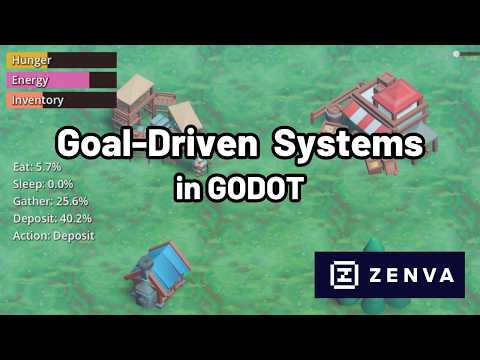
In this Godot 4 tutorial you will build a complete player needs system, the kind of survival mechanic that tracks values like health, hunger, and thirst. You will see how to structure the data behind each need so it holds a current value, respects a maximum, and starts at whatever amount you choose.
From there you will add functions to raise and lower each need safely with clamping, then make needs such as hunger and thirst drain over time using delta so the rate stays consistent no matter the frame rate. You will also wire up styled progress bars and labels so every value is clearly visible on screen.
Finally you will organize the bars with a container, anchor them neatly to a corner of the screen, and expose every need through a single manager node, giving you one clean place to read and update player stats from anywhere in your game. By the end you will have a reusable system you can drop straight into your own survival or RPG project.