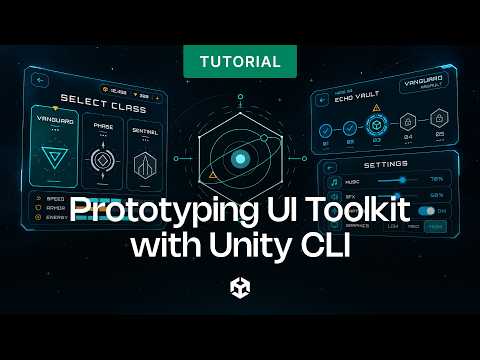
Unity Graph Toolkit provides a graph-based framework for creating your own node-based tools to use in the Unity Editor. Create tools that enable non-technical teammates to build game systems without having to access code.
This video starts with steps for how to get started with Graph Toolkit. It then uses two sample projects for Graph Toolkit; you’ll see how to expand a visual novel sample with new video and audio nodes, as well as a branching dialogue option. Find the other two-option node sample below.
More Resources
Graph Toolkit features overview video: https://on.unity.com/GraphToolkitFeatures
Graph Toolkit documentation: https://on.unity.com/GraphToolkitDocumentation
Two-option node sample:
https://on.unity.com/GraphToolkitSamples
Timestamps:
00:00 Introduction
00:48 Install Graph Toolkit
02:32 Create a visual novel sample
05:26 Two option node
06:36 Editor tool
07:52 Create a music node
13:20 Create a video node






![[유니티 꿀팁 시리즈] SOLID 원칙_LSP](https://img.youtube.com/vi/mHCnYmYehS8/hqdefault.jpg)