The Power of Command Buffers in Unity | JellyCar Worlds
Watch the full stream on Unity's Twitch here: https://www.twitch.tv/videos/1668085041?filter=highlights&sort=time
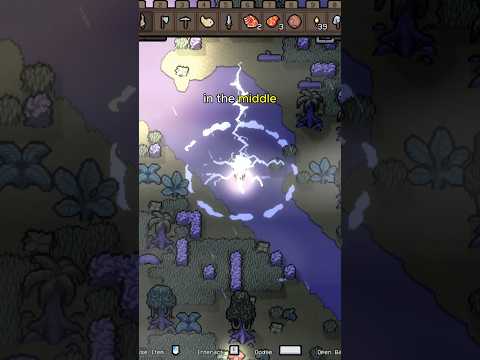
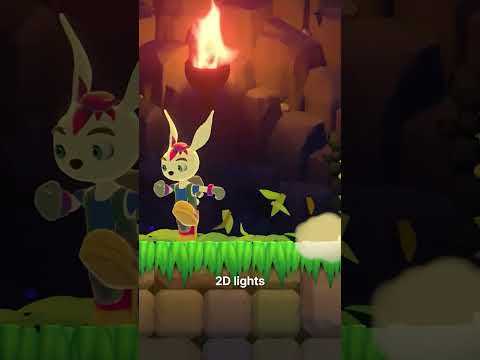
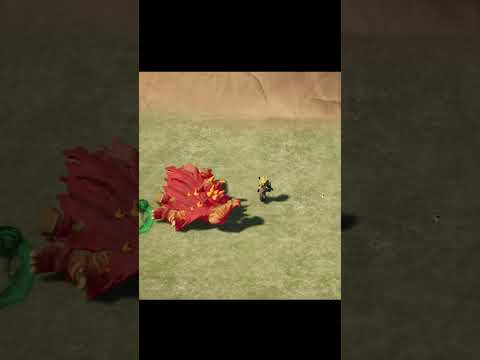
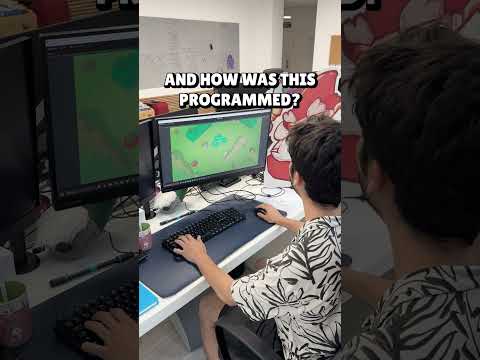
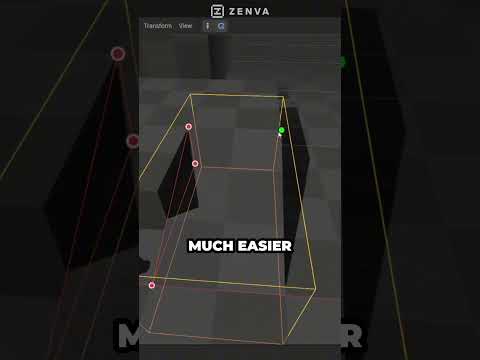
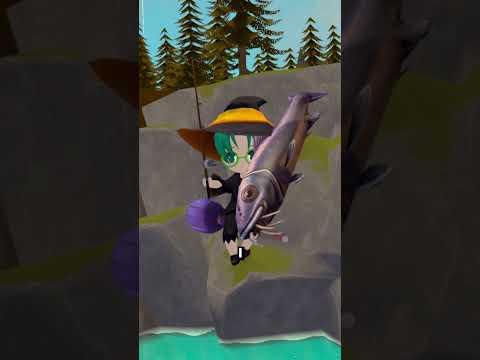
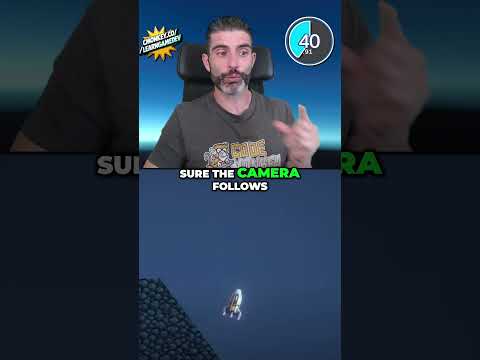
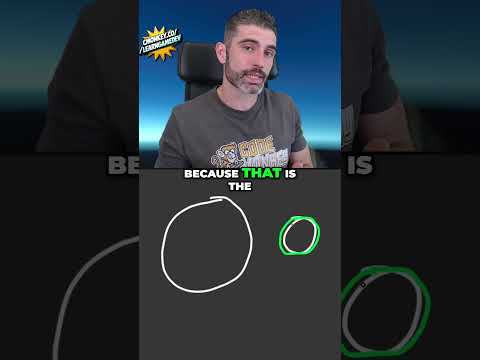
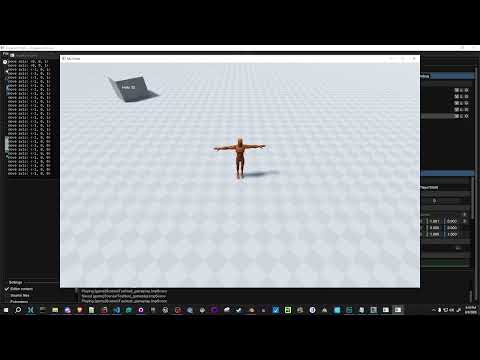
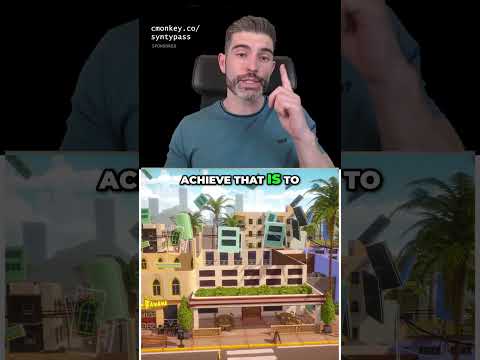
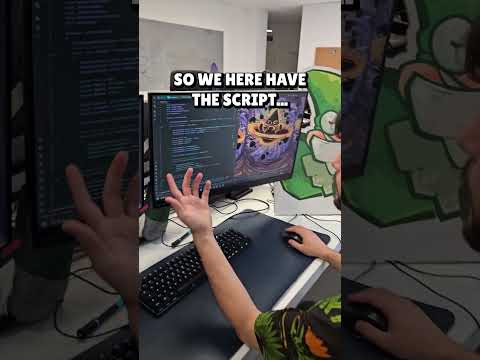
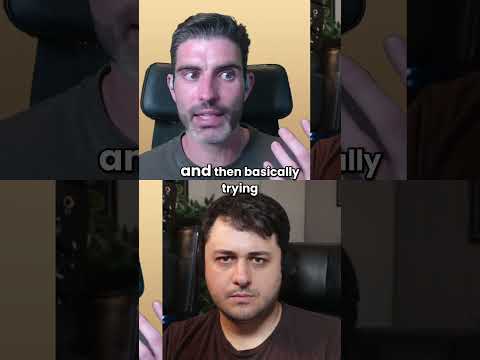
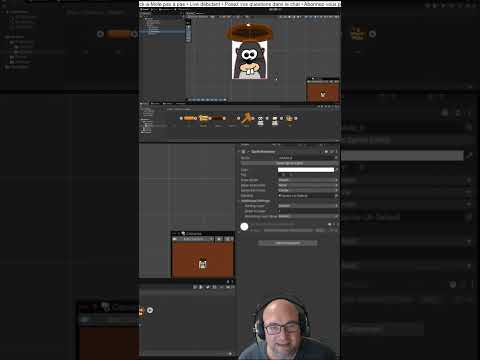
Tim Fitzrandolph, owner of Walaber Entertainment shows us how to utilize the power of command buffers to create animated 2D backgrounds. An optimized alternative to rendering a second camera!
Helpful resources:
⭐ Learn more about Unity's Command Buffer: https://docs.unity3d.com/ScriptReference/Rendering.CommandBuffer.html
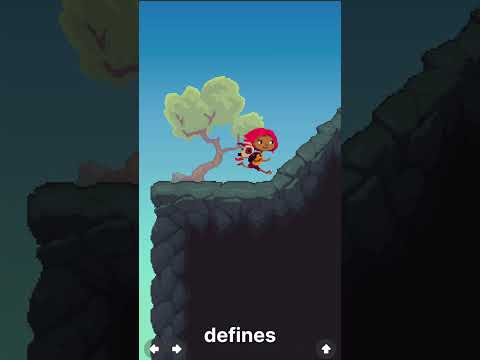
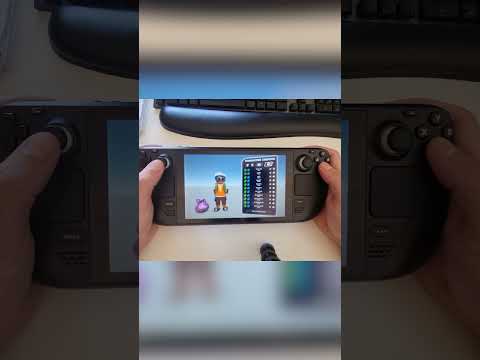
⭐ Check out JellyCar Worlds on Steam: https://store.steampowered.com/app/1740930/JellyCar_Worlds/
Timestamp:
0:00 Animated Background
1:35 Breaking It Down
2:28 The Problem
3:00 Old Solution (Camera solution)
3:32 New Solution (Command Buffer)
6:22 The Output
7:26 The Trick to Getting a Flipbook Look
Follow Unity on social
Twitter: https://twitter.com/unitygames
Instagram: https://www.instagram.com/unitytechnologies/?hl=en