Unity Basics - Moving A Player Object - Beginner Series EP 2
Get Great Textures For Your Games: https://www.poliigon.com/?ref=elibrewer
Tilting Tiles: Ultimate Tilt Remix:
► https://store.playstation.com/en-us/product/UP4947-CUSA39413_00-ULTIMATETILTREMX
The Letter:
► https://store.steampowered.com/app/2120410/The_Letter_Classic_Edition/
► https://store.playstation.com/en-us/product/UP4947-CUSA31550_00-THELETTERCLASSIC
----------------------------------------------------------------------------------------------------------------------
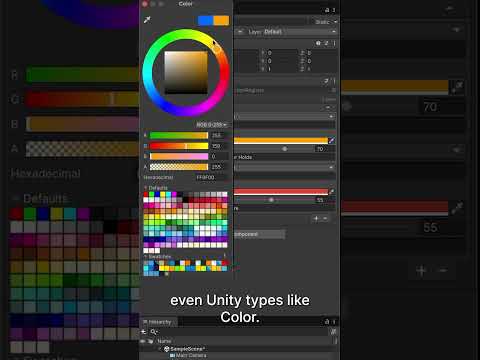
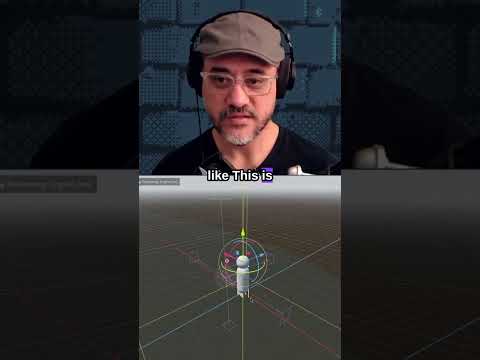
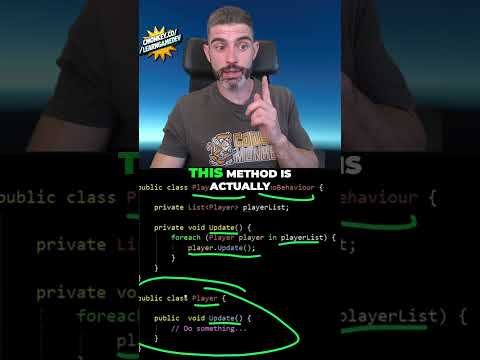
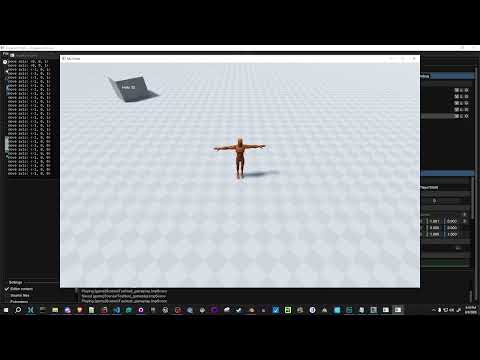
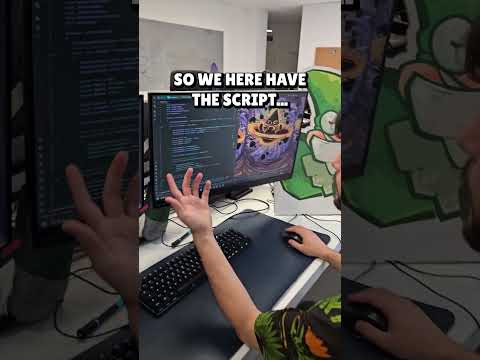
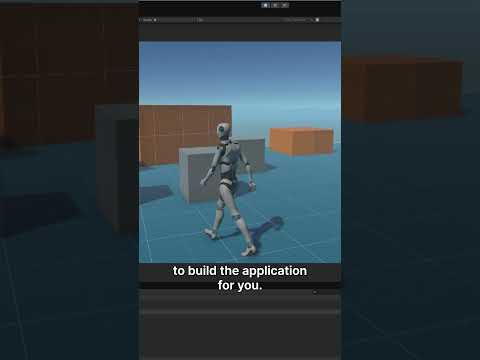
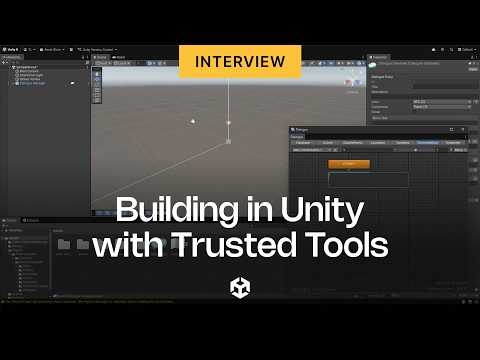
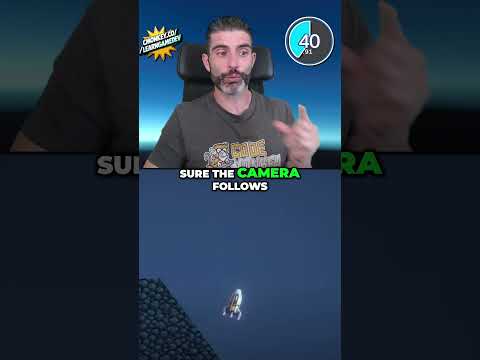
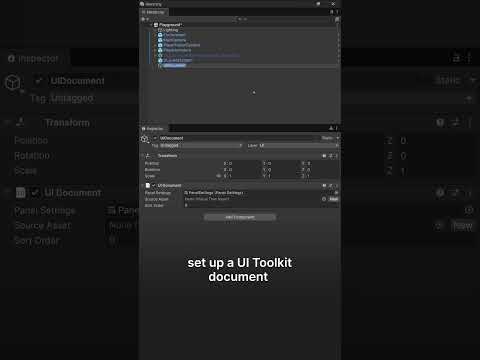
This is Episode Two in my Unity Basics Series! Today we learn how to simply move an object around using mouse and keyboard controls. We create a player character, give it a color, and then learn simple code to move it around the screen.
Stay tuned for next week for when we build our first level design greybox!
If you enjoyed this video and want to see more like it, be sure to give it a like and subscribe to the channel! If you would like to support TreeFall Studios then be sure to check out some of our games and links below!
-----------------------------------------------------------------------------------------------------------------------
TreeFall Games Available Now:
►Tilting Tiles: https://store.playstation.com/en-us/product/UP4947-CUSA30441_00-TILTINGTILESFULL
►The Perplexing Orb 2: https://store.playstation.com/en-us/product/UP4947-CUSA23308_00-ORB2FULLGAME1234
►Maze: Pedestal of Trials: https://store.playstation.com/en-us/product/UP4947-CUSA26263_00-MAZEPEDESTAL1234
►PitterPot: https://store.playstation.com/en-US/product/UP4947-CUSA12654_00-PITTERPOTFULL123
►Mighty Math: https://store.playstation.com/en-us/product/UP4947-CUSA37366_00-MIGHTYMATH123456
-----------------------------------------------------------------------------------------------------------------------
Connect with us!
Twitter: https://twitter.com/TreeFallGames
Facebook: https://www.facebook.com/TreeFallStudios
Discord: https://discord.gg/6Sd8xmp
-----------------------------------------------------------------------------------------------------------------------
Support the Channel! =D
Patreon: https://www.patreon.com/treefallstudios
Merch: https://www.teepublic.com/user/treefallstudios
Get Great Textures For Your Games: https://www.poliigon.com/?ref=elibrewer
Thanks for watching!