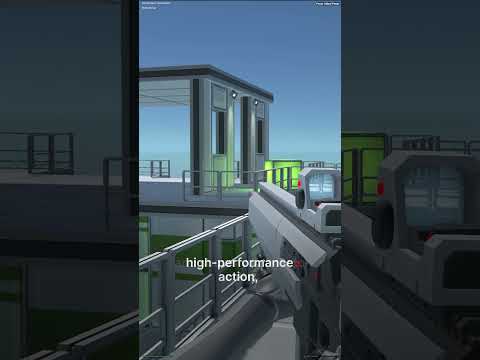
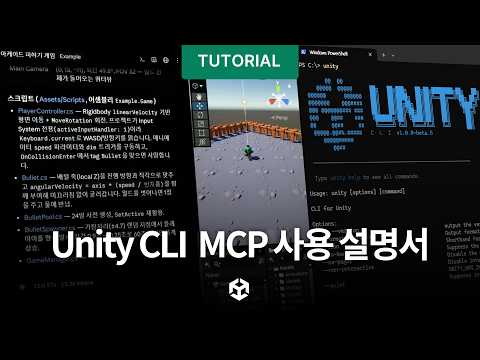
Let’s take a closer look at how to navigate and use the Scene View! In this tutorial you’ll learn how to move, rotate, scale, copy, and delete objects in Unity Studio. You’ll also see how to interact with your scene, run your demo, and preview your results in real time.
For assistance or questions, please check out our documentation for helpful articles and guides:
https://on.unity.com/SceneView
If you still need help, contact our support team at:
unitystudio-support@unity3d.com