Powerful Magic Leap 2 INPUT Features Are HERE! (Controller & Head Pose)
Today, we're going to cover how to use the Magic Leap 2 Powerful INPUT API to detect controller input changes, read controller state information directly, and how we can detect a variety of gestures generated from the controller touchpad.
We’ll also make use of head pose info to adjust a canvas UI position and rotation, which will make the UI follow us around. Lastly, We’ll test all of these features by using a powerful dev tool called the “Application Simulator” as well as deploying to the device.
💡 Download or clone the Magic Leap 2 Input Unity project from: https://github.com/dilmerv/MagicLeapInputDemos
📚 Magic Leap 2 Input Video Chapters:
00:00 - 00:31 - Introduction to Magic Leap 2 Input (Controller & Head Pose)
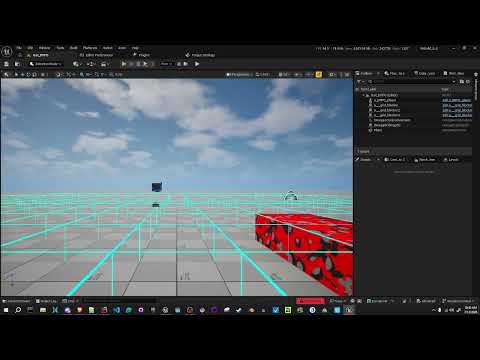
00:31 - 01:31 - Creating a new unity project with ML2 input features and Unity ML2 application simulator
01:31 - 02:50 - ML2 application simulator action bindings and demos
02:50 - 15:54 - Interacting with ML2 Input API with Unity scripting (Controller Input)
15:54 - 19:02 - Reading head pose information to change UI position and rotation during input events
📙 Great Magic Leap 2 Input Resources:
- Controller API Overview: https://developer-docs.magicleap.cloud/docs/guides/unity/input/controller/unity-controller-api-overview/
- Application Simulator (Action Bindings): https://developer-docs.magicleap.cloud/docs/guides/developer-tools/app-sim/app-sim-action-bindings/#movement-controls
- Helpful ways to read input within callbacks: https://docs.unity3d.com/Packages/com.unity.inputsystem@1.0/api/UnityEngine.InputSystem.InputAction.html
- Controller Gestures: https://www.magicleap.care/hc/en-us/articles/4424698871565-Controller-Overview
Also huge thanks to @MagicLeap for sponsoring this ML2 video!
📌 Support me by Subscribing to avoid missing future videos!
https://www.youtube.com/@dilmerv
📣 Consider becoming a Patreon today:
https://www.patreon.com/dilmerv and GET MY “Full Source Code” Tier
💡 What do you get from Patreon ?
👉 Access to this video GitHub repo + all code I work on for each video
👉 Access to special Patreon discord group where I can answer questions
📌 Get XR & game development tips from me in Twitter
https://www.twitter.com/dilmerv
🥽 Learn & Get my XR Training from:
https://www.learnxr.io
👉 My Blog / 🔥 Newsletter (Subscribe to get up to date XR news)
https://blog.learnxr.io
#xr #metaverse #unity #magicleap