Tutorial: Intro to Custom Packages
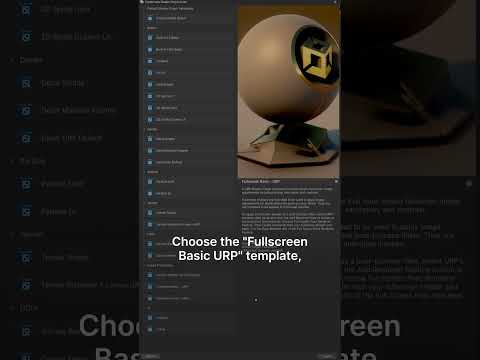
Creating your own packages in Unity is a great way to extend the Editor with custom tooling for your project. Because they are packages, you can store them in various ways, including in a Git repository, making it easy to version and distribute them across multiple projects without manual copying. In this video tutorial, we show you how to get started creating your own custom package and make it available on GitHub.
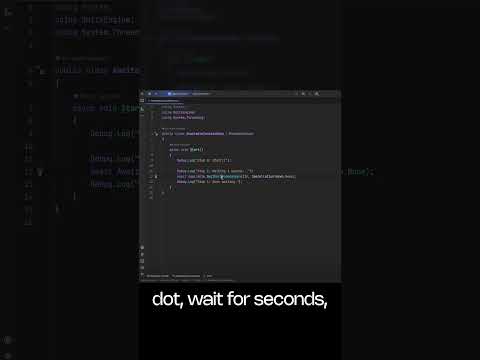
Awaitable class on documentation:
https://on.unity.com/AwaitablesManual
Find more free Unity learn resources:
https://on.unity.com/learn
#gamedev #unity3d #unitylearn #tutorial