How to Publish your Game on Steam! (FREE Course)
utm_campaign=howtopublishsteam
🌍 FREE Complete Courses! https://cmonkey.co/freecourses
✅ FREE Game Dev Insights! https://cmonkey.co/gamedevreportnewsletter
👍 Join my Game Dev Practice Lab FREE! https://cmonkey.co/practicelab
🎮 Get my Code Monkey Toolkit! https://cmonkey.co/toolkit
🔴 RELATED VIDEOS 🔴
What makes a GREAT Steam page? Steam Marketing EXPERT Explains! https://www.youtube.com/watch?v=OzYnPGnDDIk
Steam EXPERT explains How To Make a GREAT Steam page! (Indie Game Marketing) https://www.youtube.com/watch?v=XG4tAGVAlBQ
How to Launch a Game on Steam - Before Release https://www.youtube.com/watch?v=CAQsIDxI7rU
How to Launch a Game on Steam - After Release https://www.youtube.com/watch?v=riGE76RZVrQ
Learn C# FREE Tutorial Course Beginner to Advanced! [12 HOURS] https://www.youtube.com/watch?v=qZpMX8Re_2Q
How to Write High Quality Code that doesn't fall apart. https://www.youtube.com/watch?v=m0s3IUrWzVQ
Learn Problem Solving (FREE Course, MOST VALUABLE skill) https://www.youtube.com/watch?v=Jgw5Z40Q1vc
Escape Tutorial HELL with my Game Dev Practice Lab! https://www.youtube.com/watch?v=Ng0VH0SmqRo
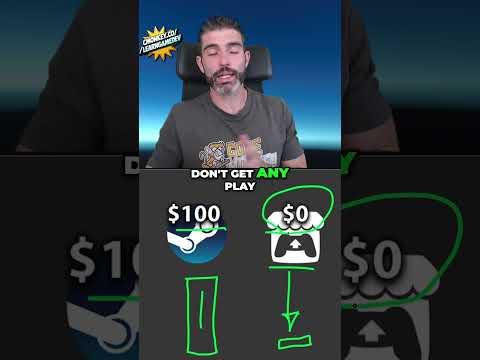
💬 You've made a game, but how do you actually get it onto Steam? It's more than just uploading an executable! Here I explain the store page checklist, how Steam delivers your game files, and what needs approval before launch, plus why you shouldn't wait for your final build to submit it for review.
TIMESTAMPS
00:00 Intro
00:22 Choosing a Steamworks account
01:21 Steam Direct fee and app credits
02:53 Creating your game and App ID
03:34 Publishing checklist
04:16 Store information and system requirements
05:06 Release date and visibility
05:42 Supported languages and localization
06:58 Player modes and optional Steam features
07:36 Choosing genres and tags
08:36 Controller support and contact details
09:30 Writing your store description
10:36 Deciding on Early Access
11:56 Capsules, screenshots, and library assets
13:26 Adding a trailer
14:12 Store page preview and review
14:55 Publishing your Coming Soon page
16:53 How Steamworks works
19:47 App IDs, DLC, and demos
21:06 Packages and game ownership
22:42 Depots and game files
23:43 Builds, branches, and beta testing
25:12 How access and content delivery connect
27:04 Preparing your build and launch options
27:42 Finding your Depot ID
28:21 Uploading with SteamPipe
29:38 Setting a build live and testing it
30:16 Setting your game's price
30:50 Submitting your build for review
31:58 Releasing your game
📝 Some Links are Affiliate links which means it costs the same to you and I get a nice commission. Thanks for using them!
If you have any questions post them in the comments and I'll do my best to answer them.
🔔 Subscribe for more Unity Tutorials https://www.youtube.com/channel/UCFK6NCbuCIVzA6Yj1G_ZqCg?sub_confirmation=1
See you next time!
--------------------------------------------------------------------
Hello and Welcome!
I'm your Code Monkey and here you will learn everything about Game Development in Unity using C#.
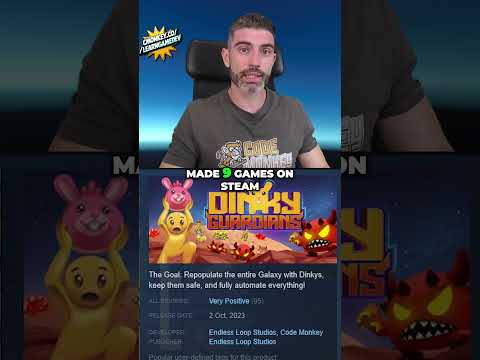
I've been developing games for several years with 9 published games on Steam and now I'm sharing my knowledge to help you on your own game development journey.
I do Unity Tutorials on just about every topic, Unity Tutorials for Beginners and Unity Tutorials for Advanced users.
--------------------------------------------------------------------
- Website: https://unitycodemonkey.com/
- Twitter: https://twitter.com/UnityCodeMonkey
- Steam: https://store.steampowered.com/developer/EndlessLoopStudios