utm_content=youtube_2026_godotmultiplayerui
Add a complete menu system to your Godot multiplayer fighting game. This tutorial walks through building three screens — main menu, multiplayer setup, and lobby — using Control nodes, line edits, and V-box containers, then wiring them together with a clean screen-management script.
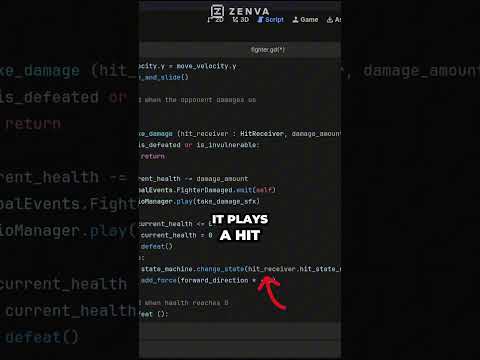
You'll add buttons for hosting and joining a game, input fields for username, IP address, and port, plus back and leave navigation. Along the way you'll create a reusable MenuScreen base class so each screen runs its own open and close logic without duplicating code across scripts.
By the end, the menu skeleton is ready for a network manager: a clear path from main menu to setup screen to lobby, all driven by Godot signals and a single screen-switch function. A solid foundation before plugging in actual server hosting and client connection logic.