Enhanced Input and Pawns with C++ in Unreal Engine 5
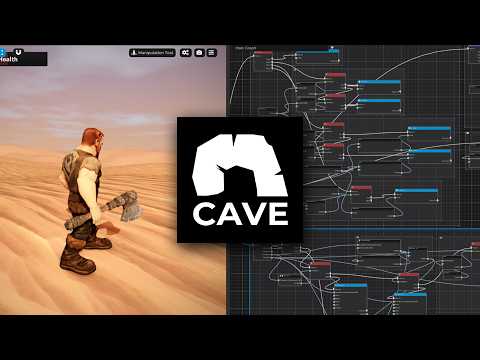
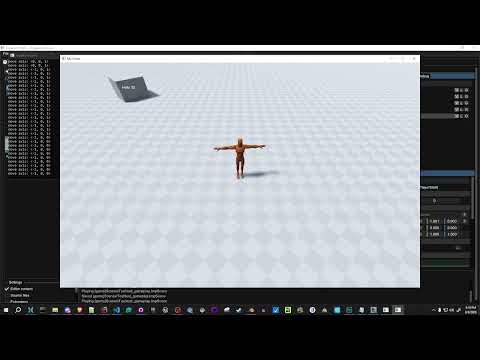
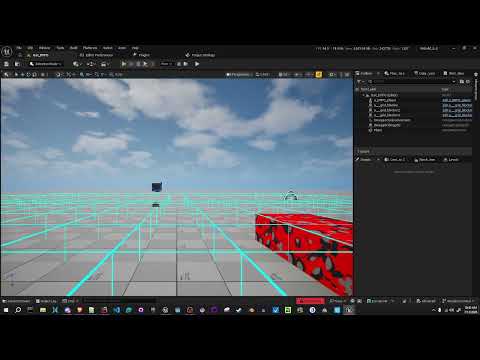
In episode 9 of the UE5 game development series, we'll create a mesh in Blender for our player, create new pawn and player controller classes using both C++ and blueprints, and then setup the enhanced input system using C++. We'll create two modes for input - traditional 3D movement with pitch limits and no roll, as well as a free fly mode using quaternions so there is no gimbal locking.
Previous Videos - https://www.youtube.com/playlist?list=PLLIn4osBl0FsKVoxTF0Xi8tvO34XALuNP
Github Project - https://github.com/LivelyGeek/Flybot
Twitter - https://twitter.com/LivelyGeek
Unreal Enhanced Input Docs - https://docs.unrealengine.com/5.0/en-US/GameplayFeatures/EnhancedInput/



![[2D 게임 개발 꿀팁 시리즈] 2D 게임에 3D 오브젝트 쉽게 사용하는 방법](https://img.youtube.com/vi/8ytJW1I6Agg/hqdefault.jpg)
![[2D 게임 개발 꿀팁 시리즈] 메모리 절약 스프라이트 5가지](https://img.youtube.com/vi/-cxbULpRSXE/hqdefault.jpg)
![Cards: Tidy Up! [Demo Out Now]](https://img.youtube.com/vi/6DDIfmMYYFs/hqdefault.jpg)
![[2D 게임 개발 꿀팁 시리즈] 2D 배칭 조건](https://img.youtube.com/vi/5DstF95ojw0/hqdefault.jpg)







![[2D 게임 개발 꿀팁 시리즈] Runtime Sprite Atlas](https://img.youtube.com/vi/ocFwQ4sogDo/hqdefault.jpg)