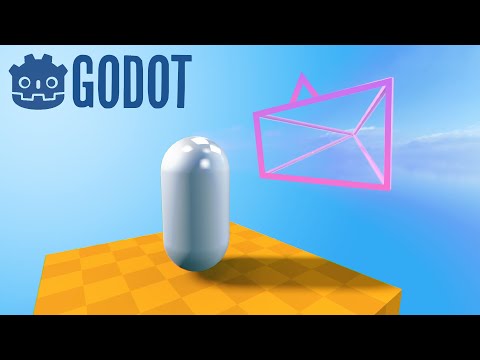
Godot 4 Is all new and exciting, so here's a beginners guide to get up and running with a first person controller in only a couple lines of code!
🔗 Code link: https://gist.github.com/bramreth/2a62faf5605ab602447eb5cc17374693
📰 Check out my Godot 4 course here! https://bramwell.itch.io/godot-4-beginners
✨ Socials ✨
🐦 Twitter: https://twitter.com/bramreth
💬 Discord: https://discord.gg/YjhM98xZkY
☕ Buy me a coffee: https://www.buymeacoffee.com/bram
🎮Games: https://bramwell.itch.io/
🕺TikTok: https://tiktok.com/@bramreth
🤖 The ninth alpha release for Godot 4 I used in the video is here:
https://downloads.tuxfamily.org/godotengine/4.0/alpha9/
Chapters:
00:00 Making the floor
01:41 Creating the player body
03:35 Adding a first person Camera
05:20 Adding a WorldEnvironment
06:47 Making the player move
07:50 Using custom inputs
09:40 Creating the camera script
16:05 Orienting motion to the camera direction
17:36 Other Godot 4 educational material
#Godot4 #GodotEngine #Gamedev






![[유니티 꿀팁 시리즈] SOLID 원칙_LSP](https://img.youtube.com/vi/mHCnYmYehS8/hqdefault.jpg)