The Unity Industry Fundamentals template walks you through the complete workflow of importing 3D assets into Unity using the Asset Transformer Toolkit, and setting them up in an interactive scene using key features in the Unity Editor.
Across four guided tutorials, you will learn how to:
✅ Import a 3D asset directly into Unity.
✅ Optimize your 3D asset, including decimation, fixing normals, removing holes, and cleaning up the hierarchy.
✅ Automate fixes and transformations using rulesets.
✅ Finalize your scene by connecting your model to a Unity scene and a live simulation dashboard.
How to get access to the Industry Fundamentals template:
🔓 If you are a Unity Industry subscriber: Open the Unity Hub, create a new project, and search for Industry Fundamentals or go to the Learning category for templates using Unity 6.4.
🔒 If you are not a Unity Industry subscriber: Go to our free trial page and follow the instructions [https://on.unity.com/IndustryTrial]. Once complete, follow the same steps as above.
What’s inside the final scene? The project includes a warehouse simulation ready for use, which incorporates:
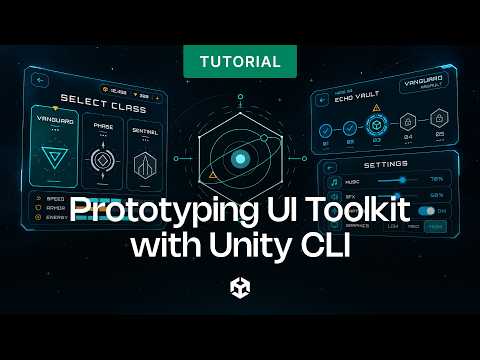
💠 UI Toolkit: A live dashboard uses data binding to sync robot telemetry (battery, health) automatically.
💠 Autonomous Navigation: Robots pathfind via NavMesh. Toggle between manual and Auto modes with a single click.
💠 C# Architecture: An event-driven codebase uses ScriptableObjects to keep data decoupled from the UI.
💠 Cinemachine: Dynamic camera management follows your dashboard selections.










![[유니티 꿀팁 시리즈] SOLID 원칙_LSP](https://img.youtube.com/vi/mHCnYmYehS8/hqdefault.jpg)