Barbenheimer in Unreal Engine 5.2 - Tutorial Title Screen
🎮Learn to create a game in Unreal Engine 5: https://www.unfgames.com/action-game
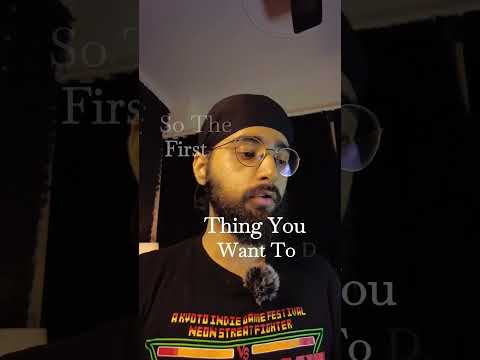
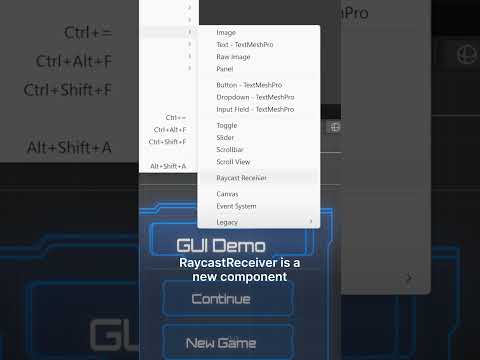
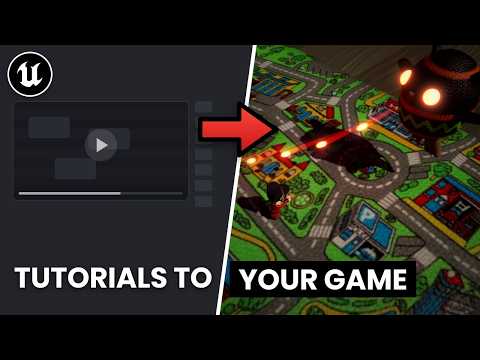
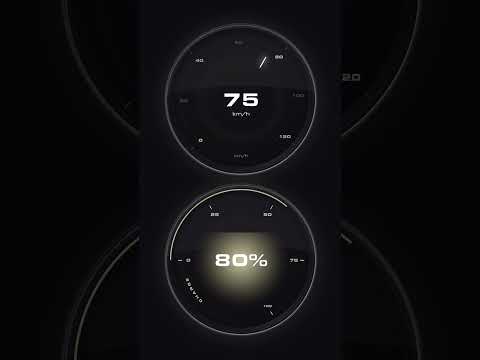
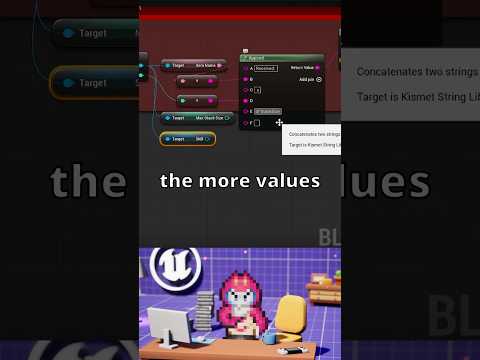
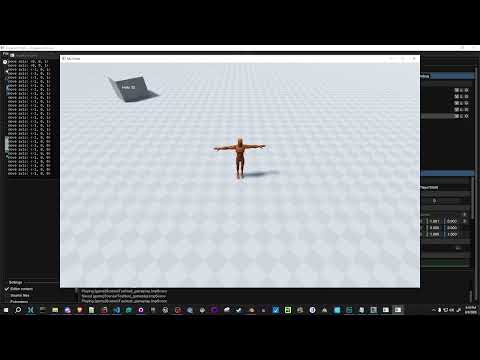
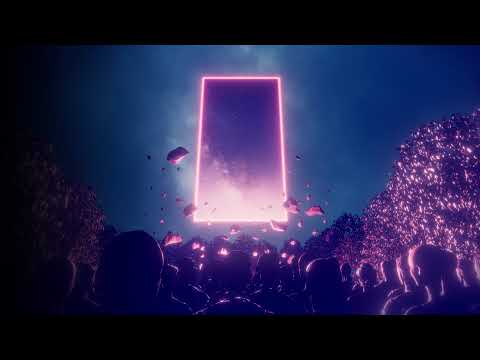
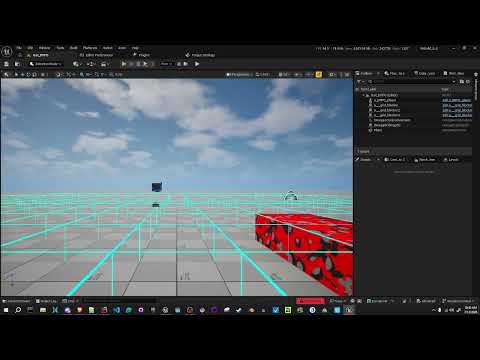
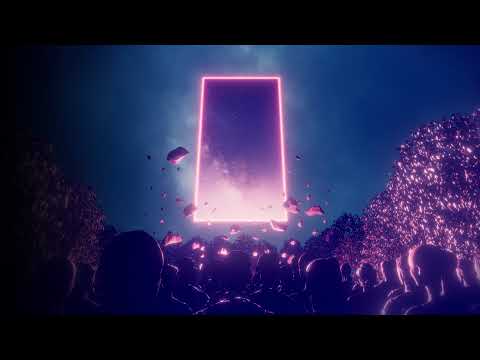
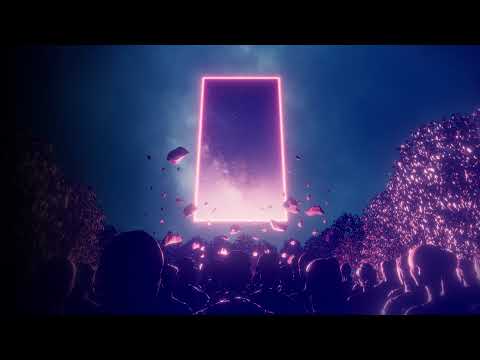
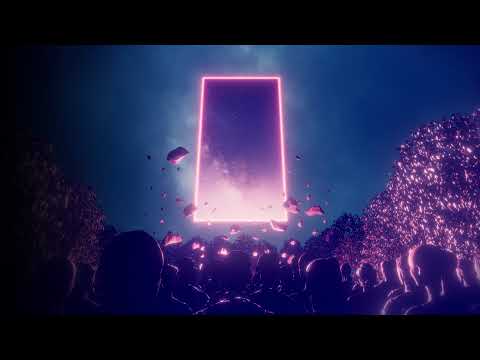
In this video, Ram will show you how to create an UMG Title screen by recreating the Oppenheimer movie titles.
Geiger counter click sound used: https://freesound.org/people/cookies+policy/sounds/555923/
-------------------------------------------------------------------------------------------------------------
🎓Learning Unreal Engine? Start here with complete tutorials: https://youtube.com/playlist?list=PLGEDpELN0zHDiStehu4bleZ7KVhOaGAUK
🎭Are you creating a game in Unreal Engine? Join our community! https://discord.gg/zdcBWgqGKT
-------------------------------------------------------------------------------------------------------------
Connect with us here:
👦🏽Ram: https://bio.site/ramanand
🤓Mao: https://bio.site/megamaomao
👶🏼Guille: https://www.artstation.com/zorae
-------------------------------------------------------------------------------------------------------------
Get in contact with us here!
https://www.unfgames.com/
https://www.tiktok.com/@unfgames
https://instagram.com/unfgames
https://www.facebook.com/unfgames
https://twitter.com/unfgames
-------------------------------------------------------------------------------------------------------------
Natural Love by Imperss | https://soundcloud.com/imperss
Music promoted by https://www.chosic.com/free-music/all/
Creative Commons CC BY 3.0
https://creativecommons.org/licenses/by/3.0/
Timestamps:
00:00:00 Intro
00:02:01 Final product / what we want to achieve
00:03:31 Begin development by creating the needed folders and map
00:04:14 Widget blueprint for the Title screen
00:09:51 Adding the font
00:12:11 Defining the layout of our title screen
00:20:14 Promotion of our stuff
00:24:39 Add the text animation
00:34:48 Tweak the animation timing
00:42:09 Add the Geiger counter sounds
00:47:11 Finished :D
00:47:45 500 likes, and I'll stream how to create the Barbie part of the meme
00:49:57 Goodbye!