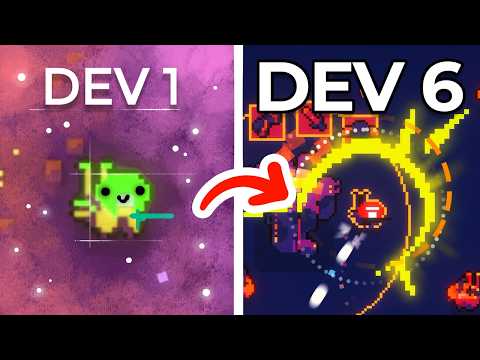
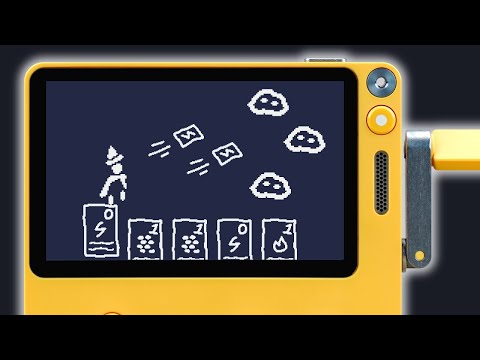
In this video, I'll be going over what making games is like for the Playdate and how to setup a Playdate SDK game development environment on Windows using Visual Studio Code. This video is an update to a previous video I've made called "Getting Started with the Playdate SDK: Setup and Basics".
== Setup Links ==
SDK Installation: https://play.date/dev/
Playdate Documentation: https://sdk.play.date/1.12.3/Inside%20Playdate.html
Designing for Playdate: https://sdk.play.date/1.12.3/Designing%20for%20Playdate.html
Visual Studio Code: https://code.visualstudio.com/
VSCode Template Github: https://github.com/Whitebrim/VSCode-PlaydateTemplate
== Resource Links ==
Pulp Tutorial Playlist: https://www.youtube.com/playlist?list=PLlMPQvEA0GZMNW-l1vImDQtSMUDAcIuFa
SDK Development Playlist: https://www.youtube.com/playlist?list=PLlMPQvEA0GZPOuKJyhSr3Ra0vrpCiBTnb
Beginner's Guide to Lua Book: https://squidgod.itch.io/lua-for-game-development
Patreon: https://www.patreon.com/squidgoddev
My Discord: https://discord.gg/kDM8RU4aFt
Playdate Squad Discord: https://discord.gg/zFKagQ2
My Twitter: https://twitter.com/SquidGodDev
Timestamps:
0:00 Intro
2:14 SDK Installation
4:24 Manual Code Compilation
6:38 Notes About Simulator
7:19 Installing VSCode
7:34 Installing Playdate Project Template
10:00 How the SDK Works
10:45 Writing a Demo
13:25 Uploading to Device
13:43 Next Steps and Resources




![[유니티 꿀팁 시리즈] SOLID 원칙_LSP](https://img.youtube.com/vi/mHCnYmYehS8/hqdefault.jpg)