I Replaced Myself with AI
✅ Get up to 50% off your Higgsfield subscription 👉 https://higgsfield.ai/s/higgsfield-shorts-studio-yt-guilhermeteres-kZzIGq
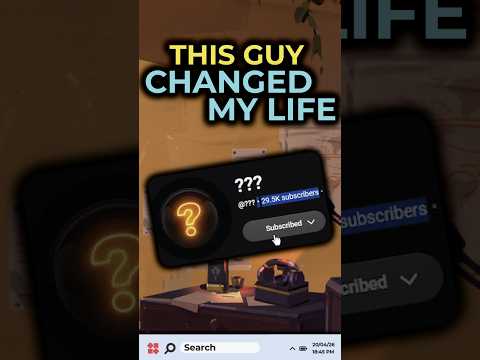
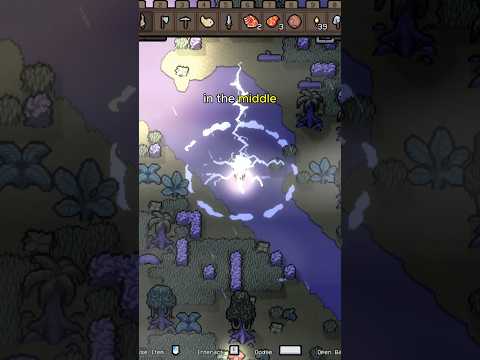
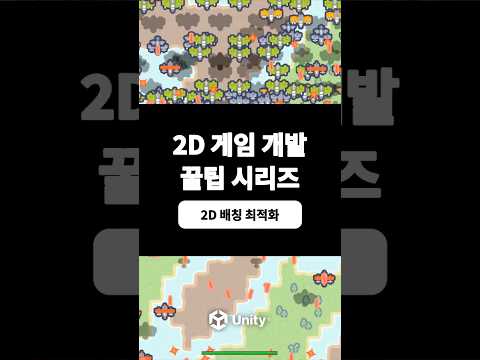
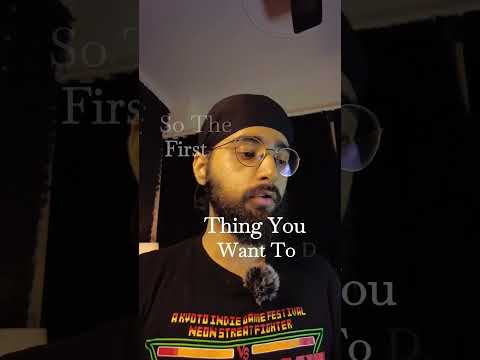
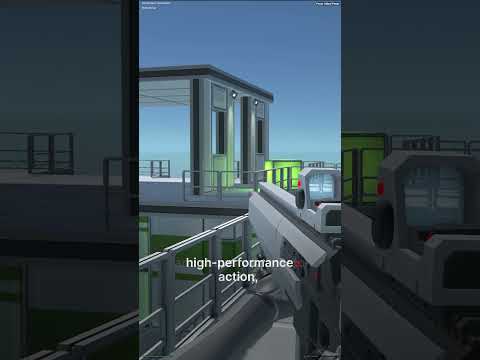
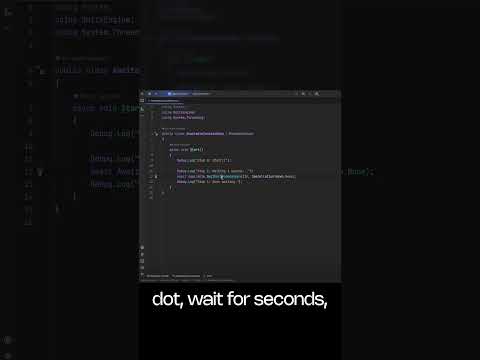
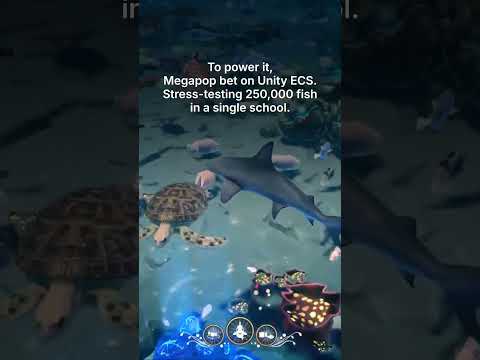
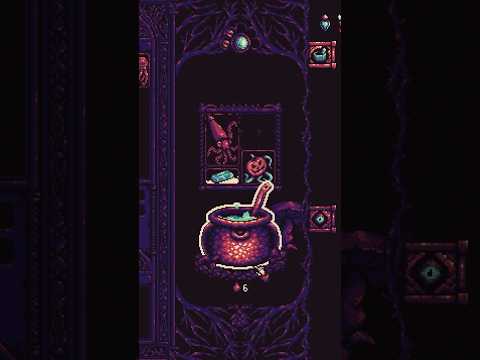
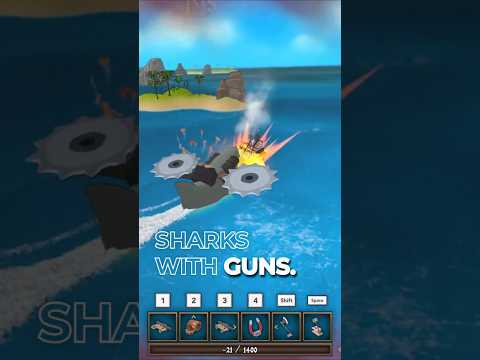
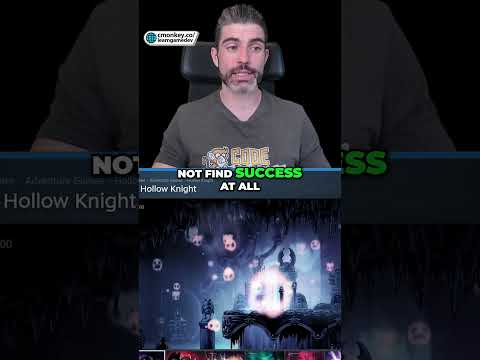
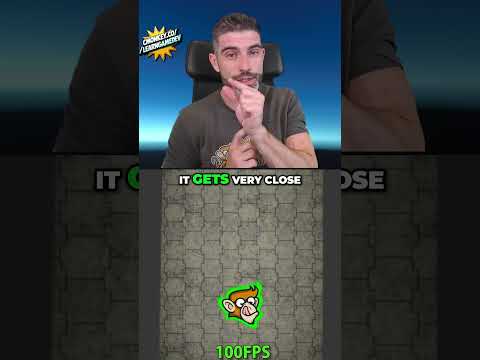
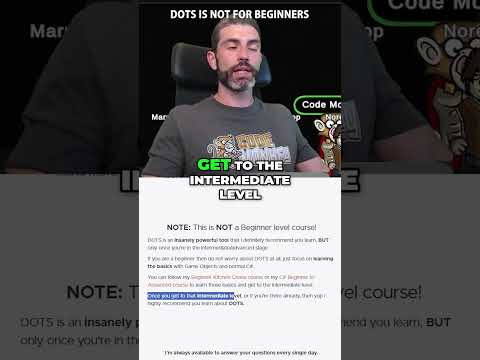
In this video, I test how far AI-generated short-form content has come and use Higgsfield Shorts Studio through Claude to create actual YouTube Shorts and social media videos.
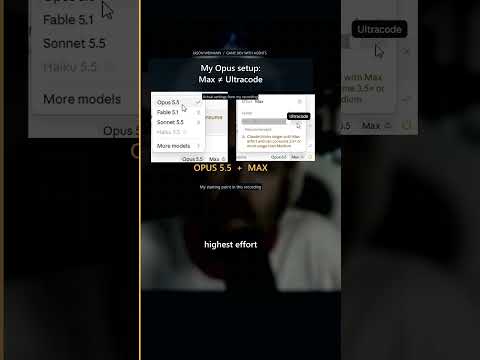
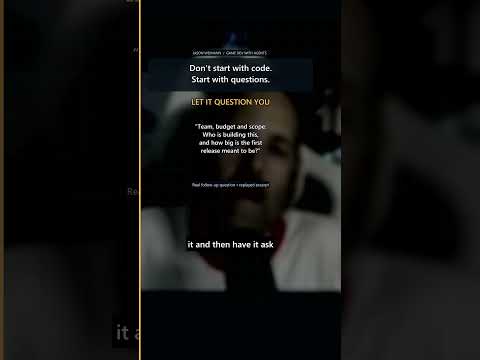
I start by looking at viral short-form formats, then show the complete workflow inside Higgsfield and Claude: connecting Higgsfield MCP, choosing a reference style, providing a character and script, generating the final video, and creating multiple hook variations to test which version performs better.
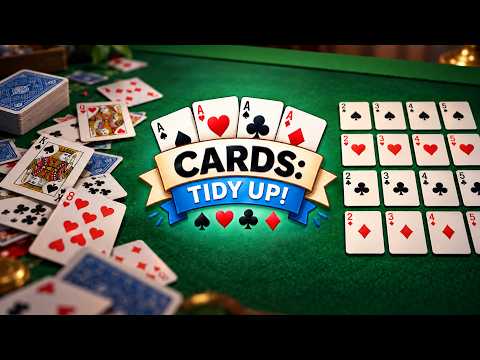
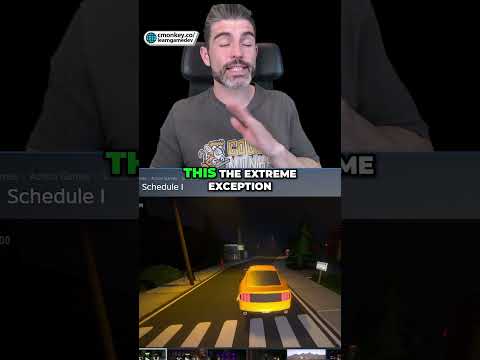
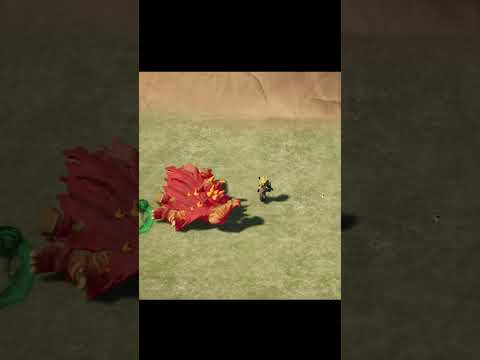
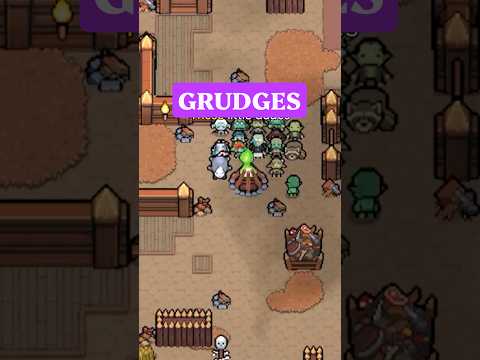
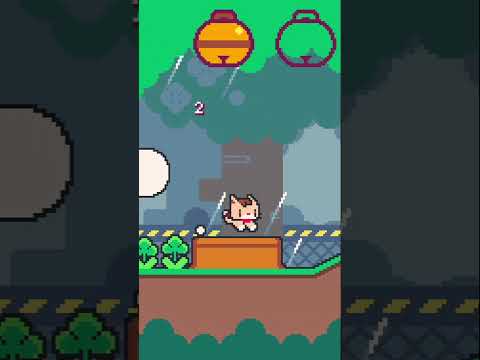
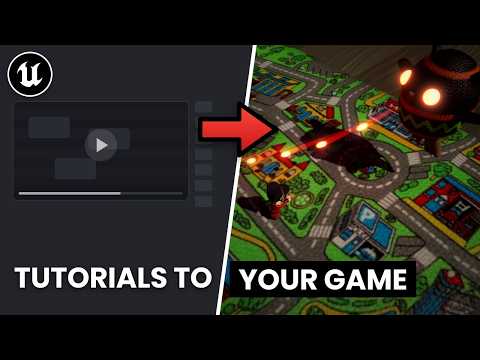
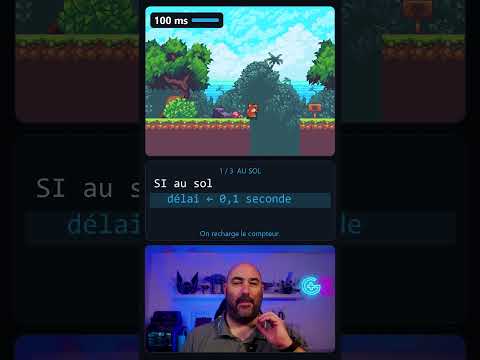
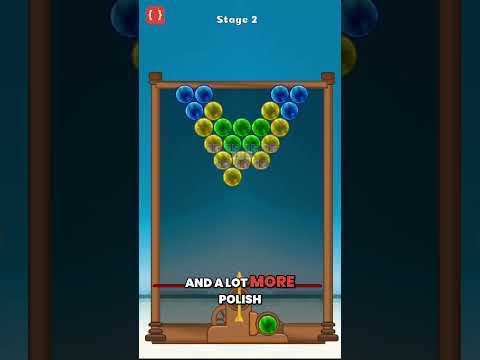
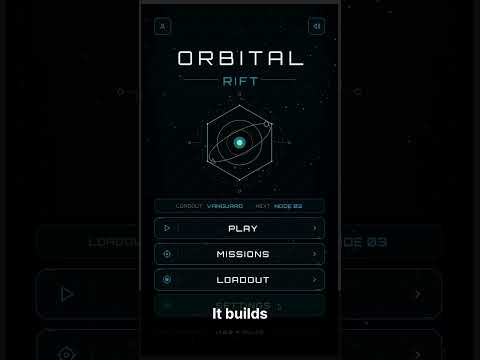
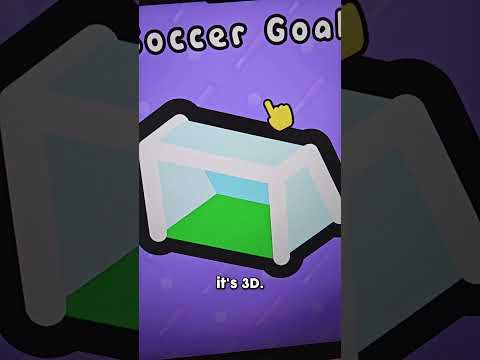
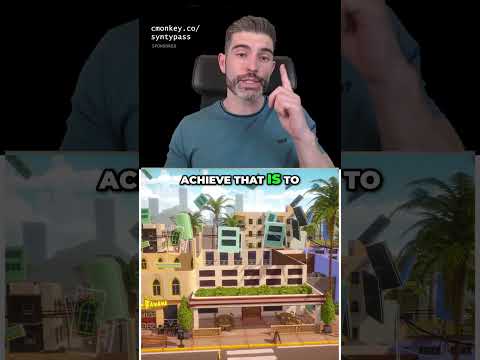
I also use the workflow to promote C.L.T., my Brazilian GTA-inspired game, creating a full short about the game and then generating three different opening hooks aimed at different audiences.
New users can try Higgsfield Plus for $0 for 3 days with 100 credits to use in Claude. A payment card is required, and after the 3-day trial it automatically becomes a paid Plus subscription at the price shown during sign-up unless canceled. You can tell Claude “cancel auto-renewal” before the trial ends to cancel it.
For regular use, I personally use the Ultra plan, which includes access to all models and 3,000 credits per month.
⏱️ CHAPTERS
00:00 Can you still tell when a Short is made with AI?
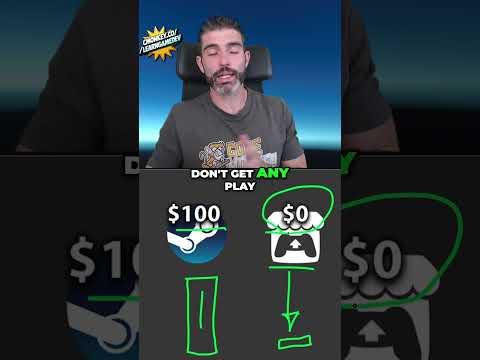
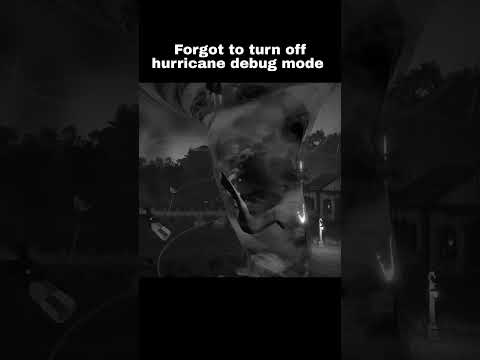
00:47 How realistic are AI-generated viral videos now?
02:40 What is Higgsfield Shorts Studio?
03:02 How do you connect Higgsfield MCP to Claude?
04:01 How does the Higgsfield Plus free trial work?
04:44 How do you create an AI Short with your own face?
07:01 Can AI create a Short to promote a game?
09:03 How do you test different viral hooks?
11:51 What did the generated Shorts look like?
13:23 Which hook works best for C.L.T.?
15:24 Where are your generated Shorts saved?
15:39 Which Higgsfield plan do I use?
If you're researching how to make viral reels, how to go viral on YouTube Shorts, AI shorts, an AI reels creator, how to make YouTube Shorts with AI, an AI video generator, AI avatar workflows, AI influencer content, AI UGC, AI reels, how to make YouTube Shorts with Claude, Claude video generation, Higgsfield MCP, AI talking avatar videos, viral YouTube Shorts with AI, faceless YouTube Shorts with AI, or a YouTube Shorts tutorial, this video shows the workflow in practice.
This video is sponsored by Higgsfield.
Get up to 50% off your Higgsfield subscription 👉 https://higgsfield.ai/s/higgsfield-shorts-studio-yt-guilhermeteres-kZzIGq
························································
► Uniday Studio
By: Guilherme Teres Nunes