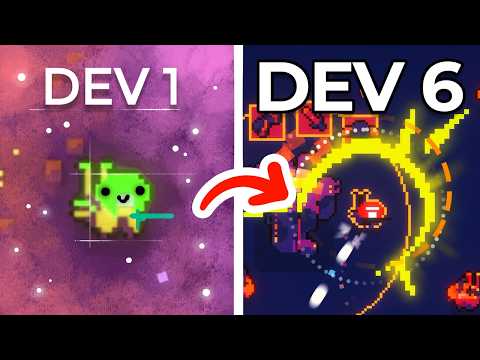
Learn how to create a co-op split screen game in GameMaker!
In this tutorial, Josia will walk you through the process of setting up a dynamic split-screen system so multiple players can play together on the same device. Whether you're making a local multiplayer platformer, shooter, or racing game, this guide will help you build a clean and flexible camera system.
Project Assets: https://assets.gamemaker.io/content/Local_Coop_Tutorial_57372556ef.zip
Project Link: https://assets.gamemaker.io/content/Local_Coop_Tutorial_f5f5d0b035.yyz
Completed Project: https://assets.gamemaker.io/content/Local_Coop_Tutorial_complete_343fc2d19c.yyz
Check out their game DYO: https://store.steampowered.com/app/791470/DYO/
Thank you Josia Roncancio, from the Cats Organised Neatly team for making another wonderful tutorial!
Chapters:
00:00 Intro
01:03 Adding a second player
04:40 Adding a Split-Screen
10:36 Player Interactions
👉 Get GameMaker: https://opr.as/DownloadGM-YT
What is GameMaker? 👀
-----------------------------------------------------
GameMaker is the industry’s premier 2D game engine, used by thousands of developers every day to create indie gaming classics like Undertale, Hyper Light Drifter, and Chicory: A Colorful Tale.
It’s completely free to download and keep forever, with dozens of written guides and video tutorials to help you bring your games to life.
When your project is complete, you can publish your creations to all major platforms, including PlayStation 5, Xbox Series X|S, and Nintendo Switch.
Got questions or ideas for future videos? Drop them in the comments!
👉 Get GameMaker: https://opr.as/DownloadGM-YT





![[유니티 꿀팁 시리즈] SOLID 원칙_LSP](https://img.youtube.com/vi/mHCnYmYehS8/hqdefault.jpg)