Using The Power Of Unreal 5 With Magic Leap 2 Remote Rendering!
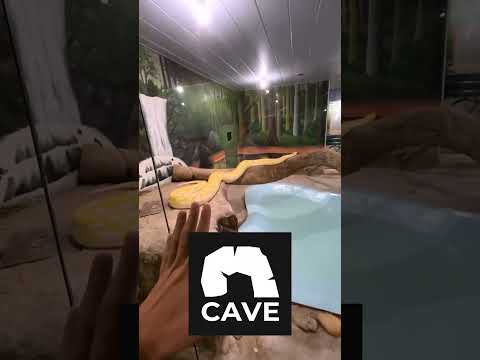
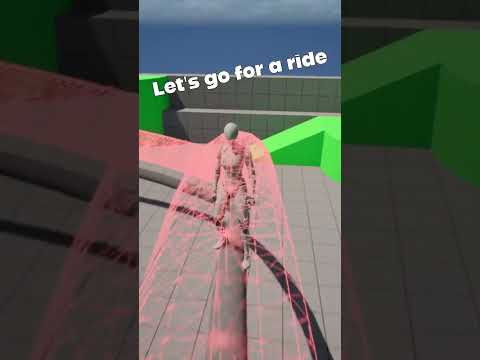
In today’s video, I will be showing you a NEW Augmented Reality feature that is a part of Magic Leap 2's development tools. This feature is called Remote Rendering, and it is now available to everyone using Unreal Engine 5.
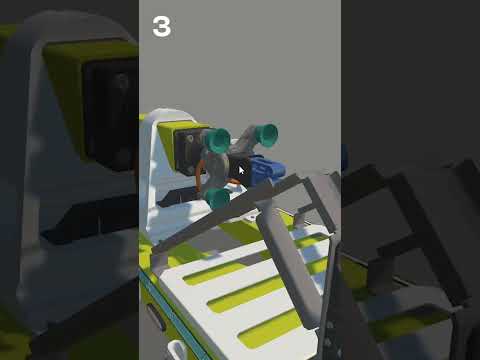
Remote Rendering provides ML2 users and developers the capability to render exceptionally high-quality 3D assets through their existing UE5 workflows. This is achieved by leveraging a robust remote machine. In my case, I am using a Titan RTX that will be employed in my host machine. However, this can be accomplished with any RTX card, or by utilizing 2 GeForce RTX 3090 cards or higher, as recommended.
📙 Official Magic Leap 2 Remote Rendering docs:
https://developer-docs.magicleap.cloud/docs/guides/remote-rendering/remote-rendering
📚 ML2 Remote Rendering Chapters:
00:00 - Intro
00:15 - What is ML2 Remote Rendering & GPU Requirements
00:57 - Generating a 3D room mesh prior to placing high quality 3D Assets in Unreal 5
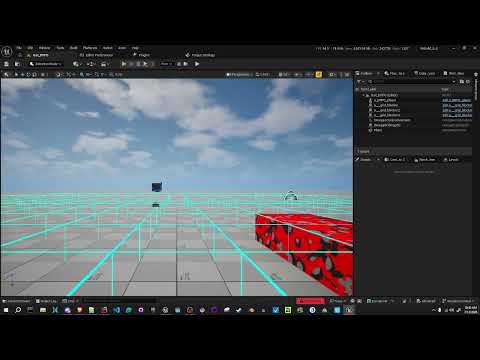
01:09 - Importing 3D room mesh into Unreal & adding 3D Assets
01:39 - Setting Up the ML2 device bridge & connecting remote rendering with Magic Leap Hub
02:25 - Magic Leap 2 Remote Rendering Demos
04:18 - Magic Leap 2 Remote rendering pre-requisites
04:49 - Magic Leap 2 Remote rendering system requirements
05:32 - Step by Step - How to install all the tools for remote rendering and setting up a new UE5 project from scratch
09:05 - Outro
💡 Watch the video below, if you missed my previous ML2 video about Unity ML2 project setup:
👉 https://youtu.be/KqH0zv3e2AY
Also huge thanks to @MagicLeap for sponsoring this ML2 video!
📌 Support me by Subscribing to avoid missing future videos!
https://www.youtube.com/@dilmerv
📣 Consider becoming a Patreon today:
https://www.patreon.com/dilmerv and GET MY “Full Source Code” Tier
💡 What do you get from Patreon ?
👉 Access to this video GitHub repo + all code I work on for each video
👉 Access to special Patreon discord group where I can answer questions
📌 Get XR & game development tips from me in Twitter
https://www.twitter.com/dilmerv
🥽 Learn & Get my XR Training from:
https://www.learnxr.io
👉 My Blog / 🔥 Newsletter (Subscribe to get up to date XR news)
https://blog.learnxr.io
#unity #mixedreality #augmentedreality #xr