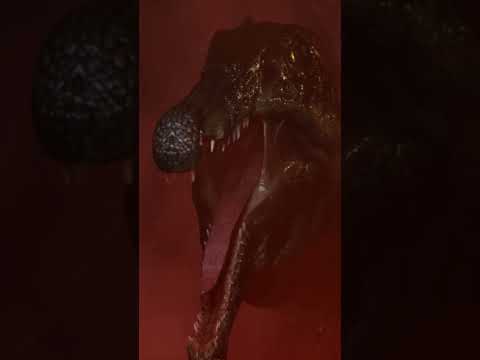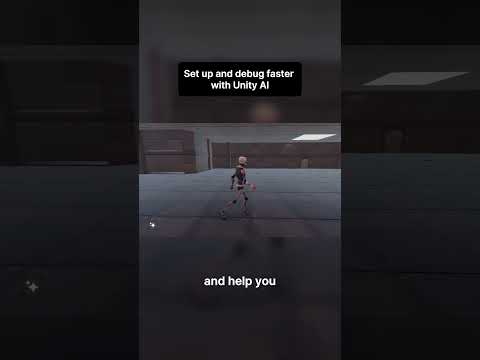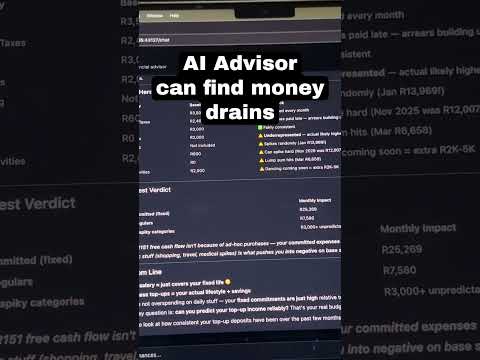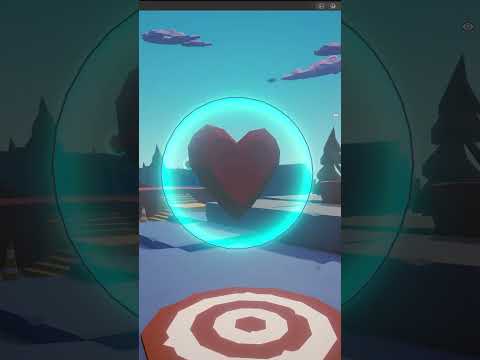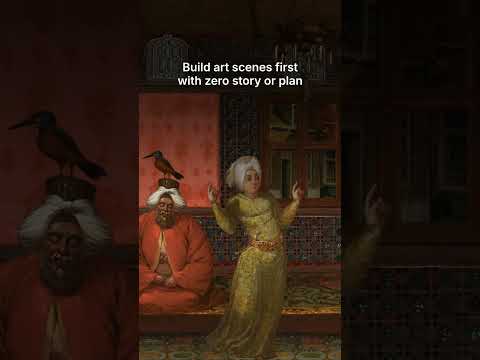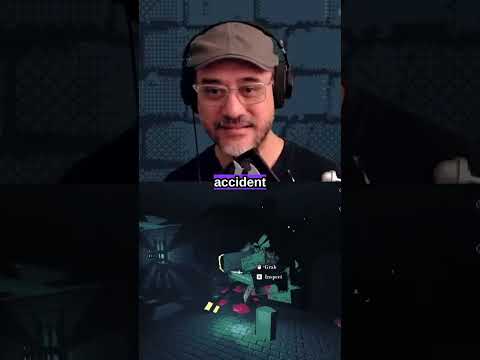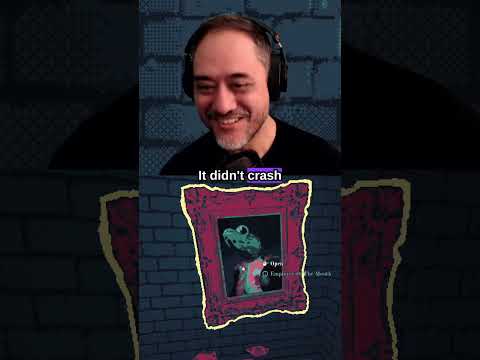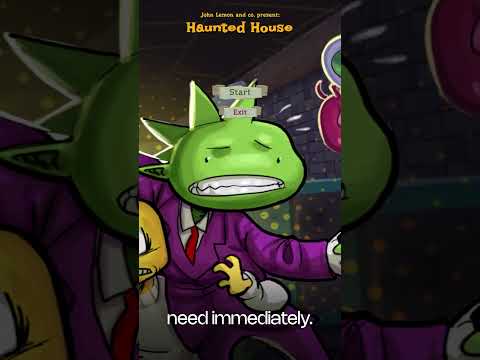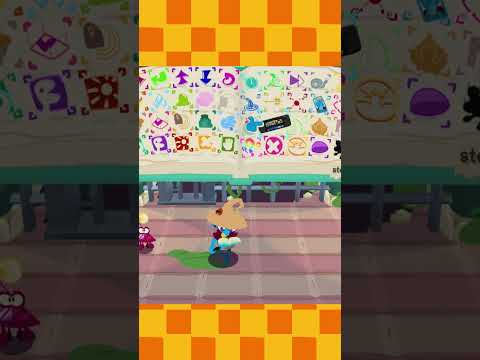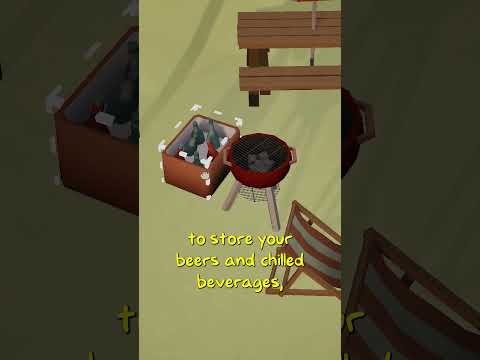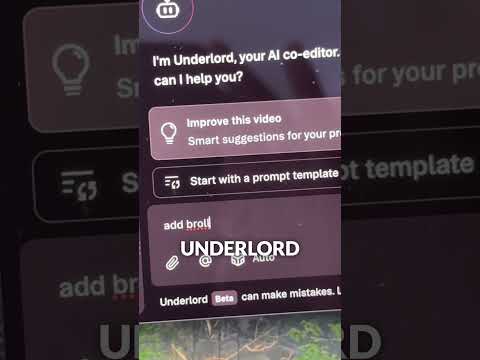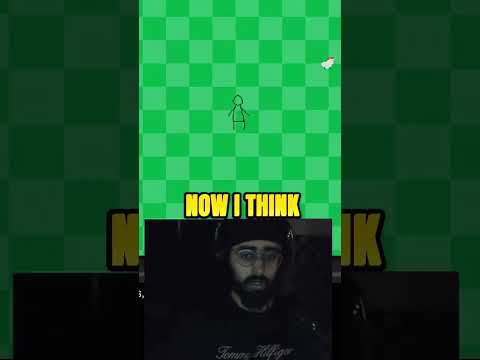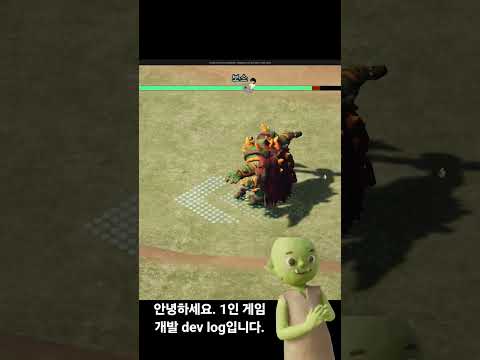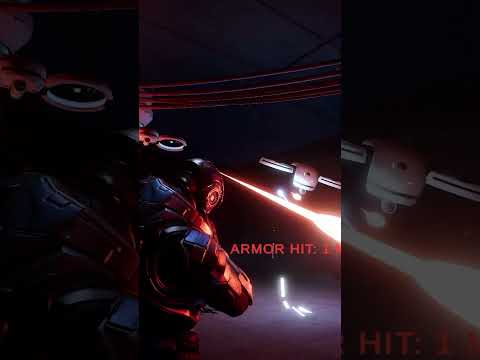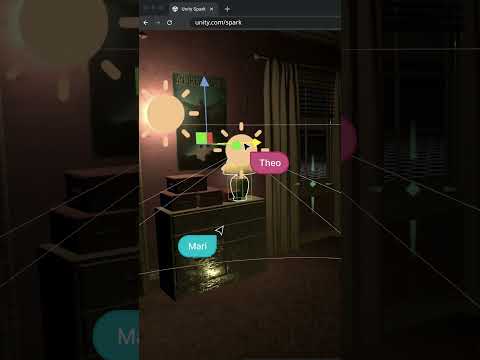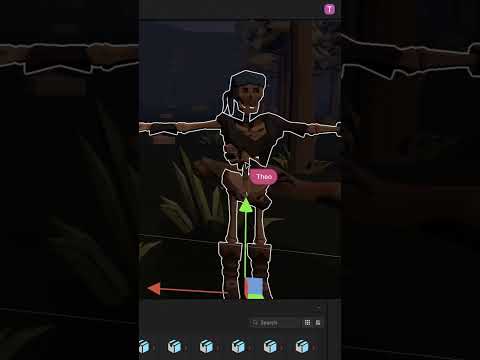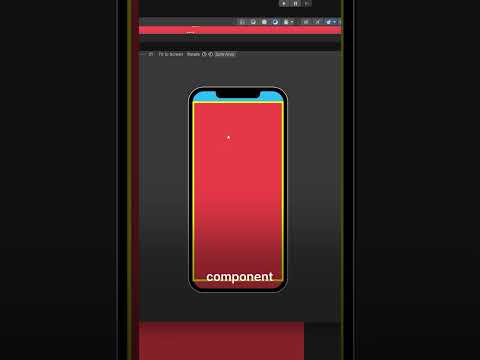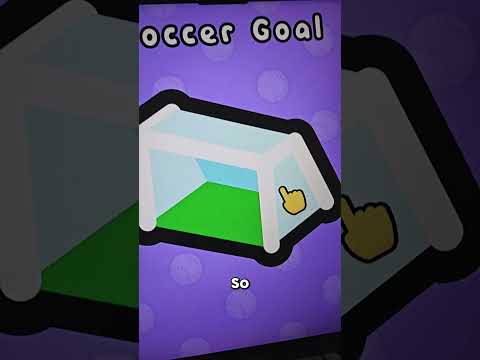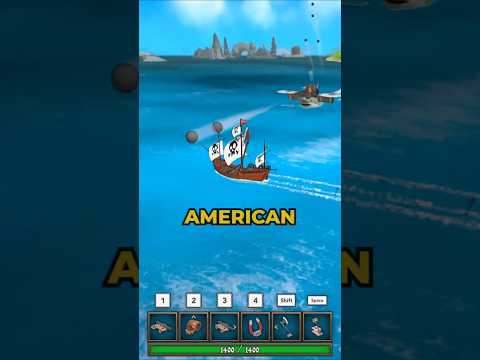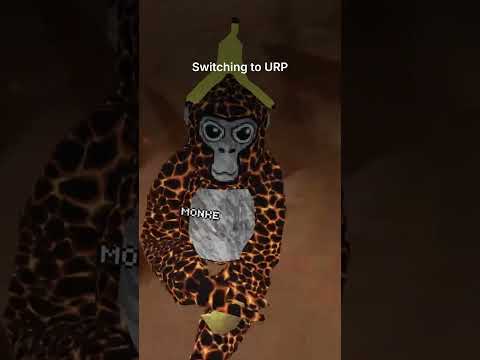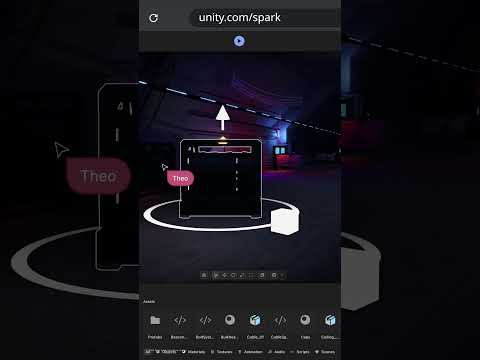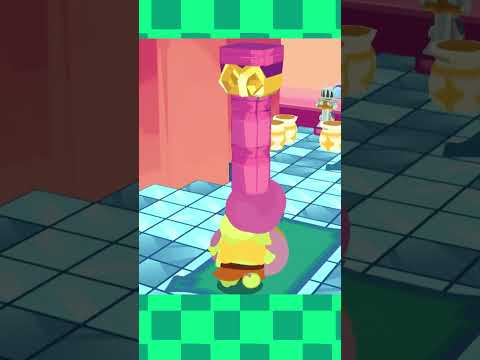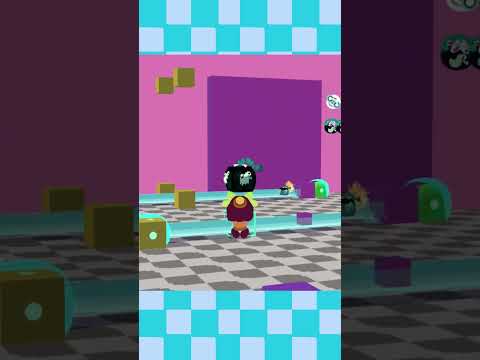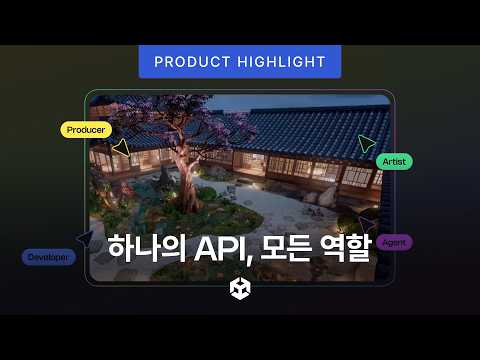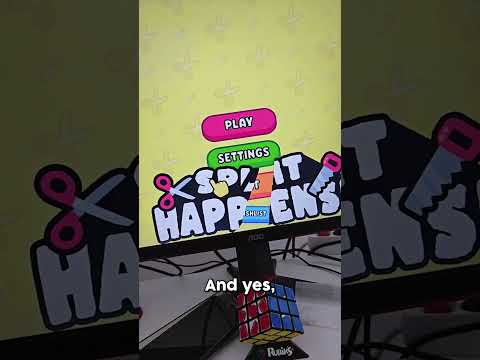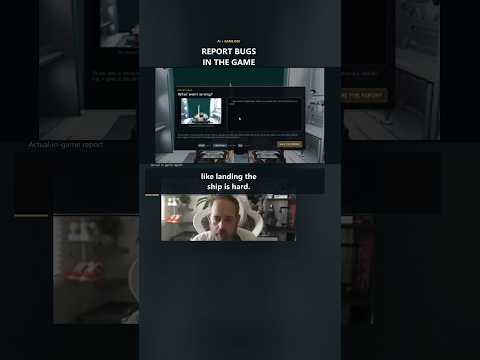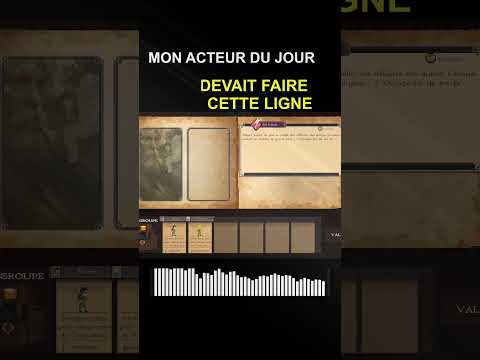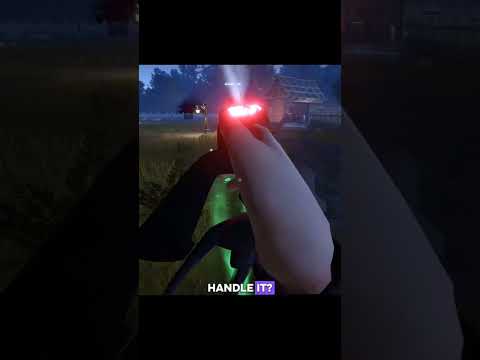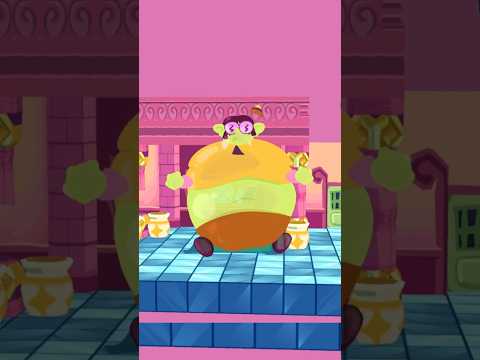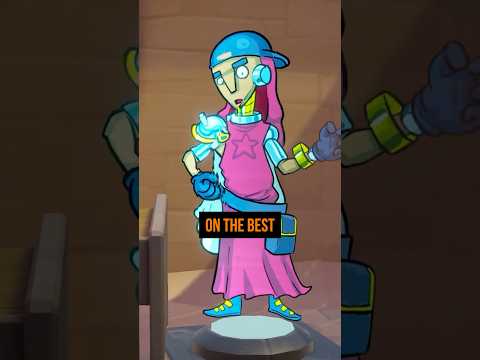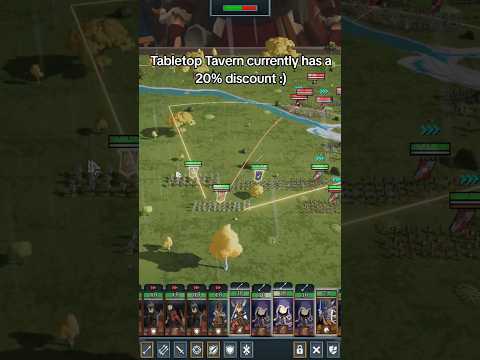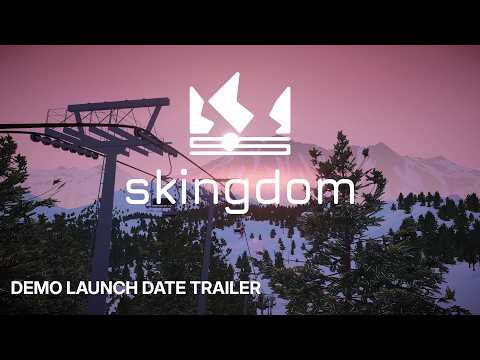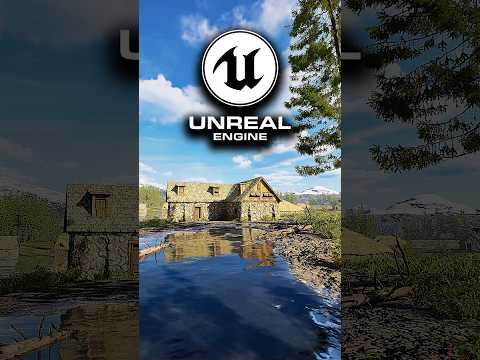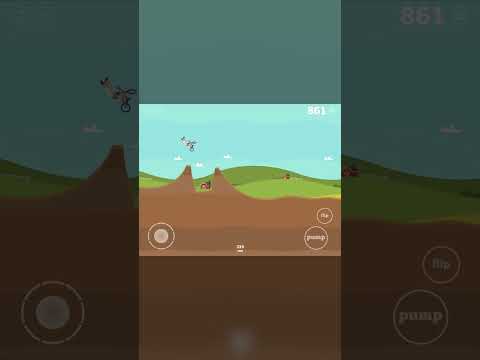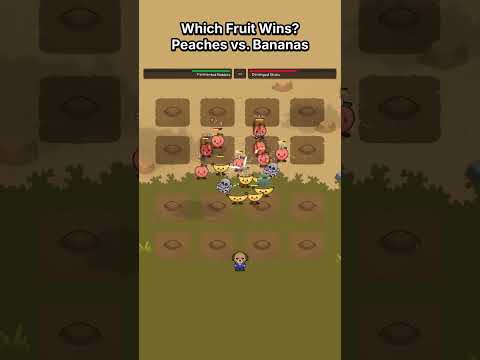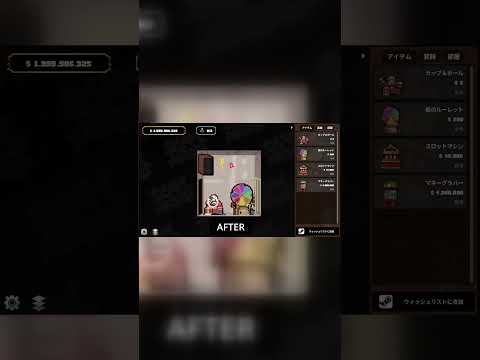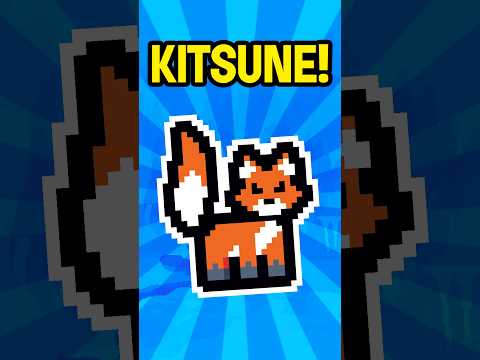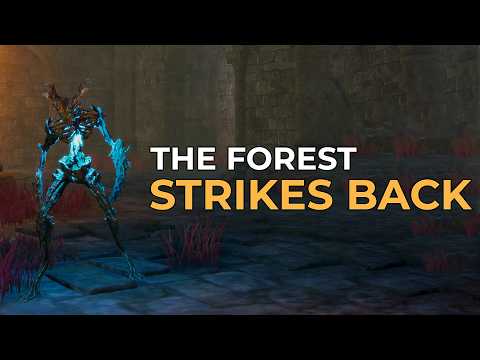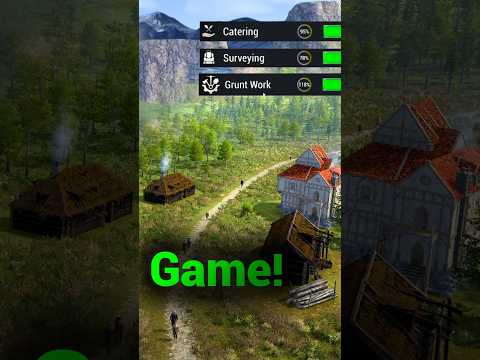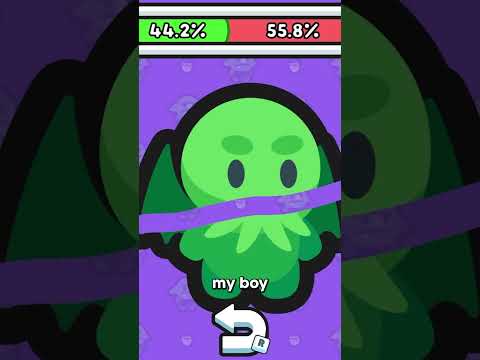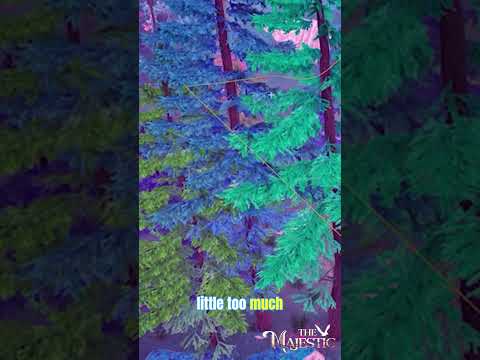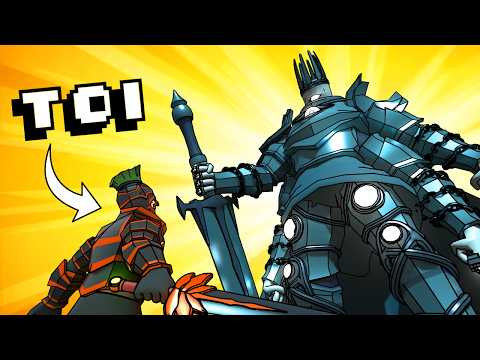
Instead of just describing where things go, you can annotate (draw, select, point) in the scene ✏️
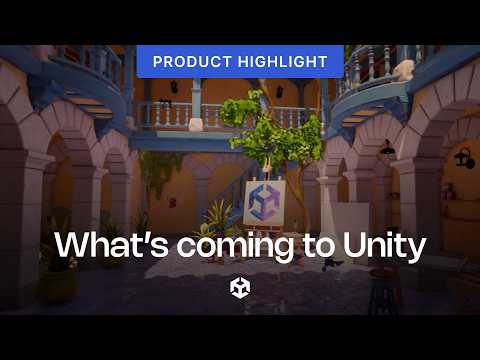
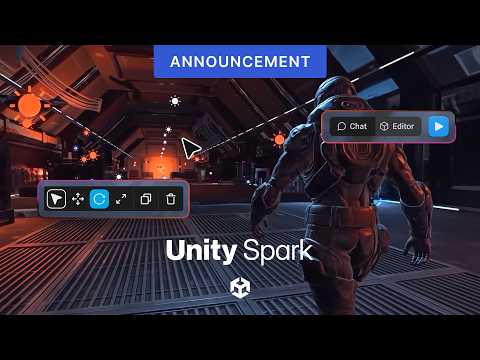
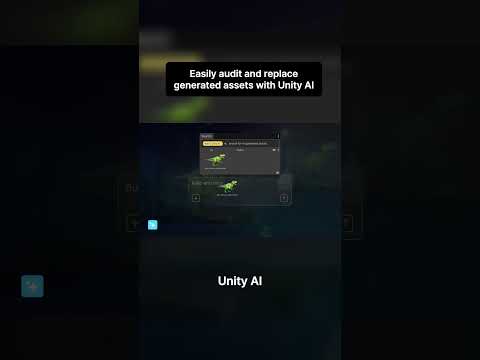
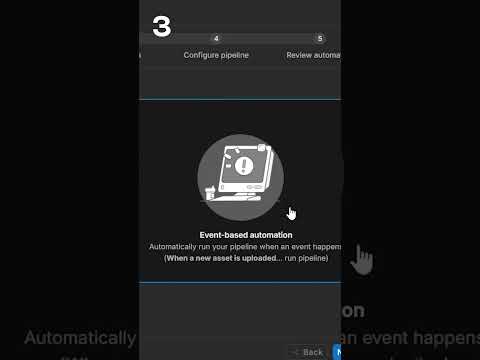
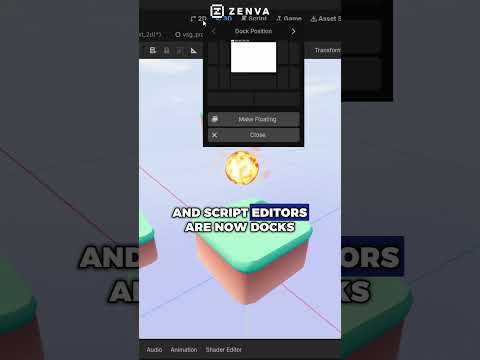
With the Annotate feature in Unity Spark, you can annotate directly onto your game scene or anywhere in your workspace to give Unity Spark the exact visual context it needs.
🔗 Join the Unity Spark closed beta waitlist: https://on.unity.com/4CmmUb7
#Unity #UnitySpark