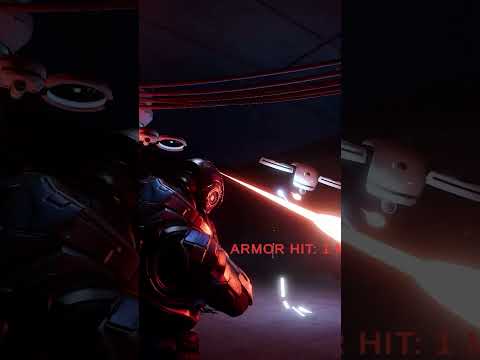
In this video we take a closer look at the UI Toolkit implementation in the Industry Fundamentals template. This tutorial details how the live dashboard uses data binding to automatically synchronize robot telemetry (battery, health, etc.) and provides an in-depth look at the visual and functional setup.
Topics covered:
✅ A detailed look at the live dashboard using data binding to sync robot telemetry (battery, health)
✅ Best practices for creating clean, performant industrial UIs
✅ Customizing the dashboard layout and styling
The Industry Fundamentals template is built using Unity 6.4, with Windows as the recommended platform for use.
Get access to the Industry Fundamentals template:
If you are a Unity Industry subscriber: Open the Unity Hub, create a new project, and search for Industry Fundamentals or go to the Learning category for templates using Unity 6.4.
If you are not a Unity Industry subscriber: Get a free Unity Industry trial (https://on.unity.com/UnityIndustryTrial0426). Once complete, follow the same steps as above.
Read more about the template: https://on.unity.com/IndustryFundamentals
#Unity #UnityIndustry #IndustryFundamentals