✅ Get Stove (67% OFF):
https://uniday.studio/link/stove
➡️ Get Cave Engine: https://uniday.studio/cave
✅ My Discord Channel: https://uniday.studio/link/discord
➡️ Buy me a Coffee (Patreon): https://uniday.studio/link/patreon
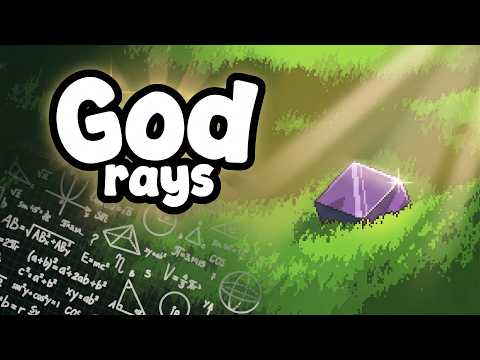
A simple texture painting technique can make a huge difference in stylized 3D art. In this video, I show how adding brighter highlights with the Screen blend mode dramatically improves low poly and hand painted game assets. I discovered this while working on a vegetation asset pack in Stove, and the difference between the original models and the highlighted versions surprised me.
We apply the technique to pine trees, fruit trees, logs, and rocks while also looking at Stove's direct texture painting, masks, automatic UV workflow, and optional pixelation for retro game assets. The idea is extremely simple, but it can quickly add more depth, contrast, and readability to stylized 3D models.
00:00 The Texture Painting Trick I Just Discovered
00:56 Why Some of My Assets Look Much Better
01:31 Adding Highlights With Screen Blend Mode
02:23 Seeing the Difference on Multiple Trees
03:25 Creating a Retro Pixelated Look
04:13 Applying the Technique Across the Asset Pack
05:18 Improving Logs and Trees With Highlights
06:30 Making the Rock Look Much Better
07:04 A Future Tool for Automatic Directional Highlights
07:37 The Finished Asset Pack
························································
► Uniday Studio
By: Guilherme Teres Nunes