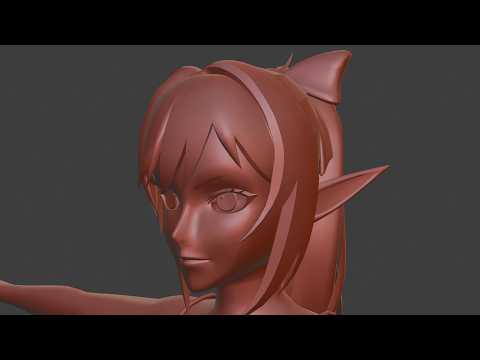
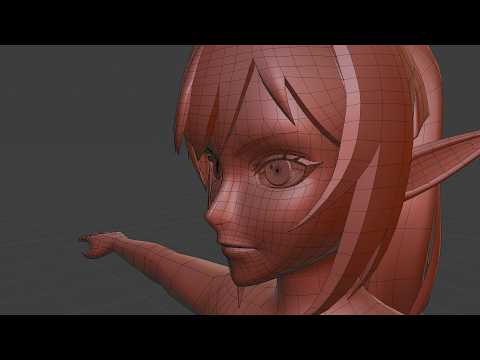
Exporting a Rigify Rig into Unreal or Unity is harder than you think. For the last couple of months I've been working on animations and figuring out a way to streamline my workflow to make it much easier to export my Rigify rigged characters out into unreal so that I can continue to make fine adjustments a lot easier.
In this video I go over a plugin I have thrown together, it's entirely free and can be found on this post here:
https://www.patreon.com/posts/rigify-to-ue-144886632
This allows you to quickly generate a game ready rig from an existing Rigify Rig, effectively filter out animations and transfer your already assigned meshes, as well as a few bonus features here and there.
If you find the tool helpful, or have any issues with it, be sure to either leave a comment here or leave a comment on the patreon post. (I check the patreon at least once a week, where I don't always check youtube comments, so you may have a better chance there)
♫ Music ♫
🤫
🕮 Chapters 🕮
00:00 The Problem
00:52 The Solution
01:43 The Real Solution
02:06 The Realer Solution
03:12 The Realest Solution
04:41 How to Install the plugin
05:34 Generating a Game Ready Rig.
10:35 Hierarchy Set Up
22:00 Animation Tools
30:49 Mode Select
33:27 Misalignment Fixes
45:41 Mesh Transfer
51:27 Connecting Another Rig (For Hair etc)
54:27 Vertex Group Clean up.
59:08 Mesh Merge Tool
1:06:50 Unreal Demonstration
1:09:23 Wrapping it up
Patreon: https://www.patreon.com/Facepalme
Long Play Channel: https://www.youtube.com/channel/UCzOluuJezYEM1wP4Kd0EPhg