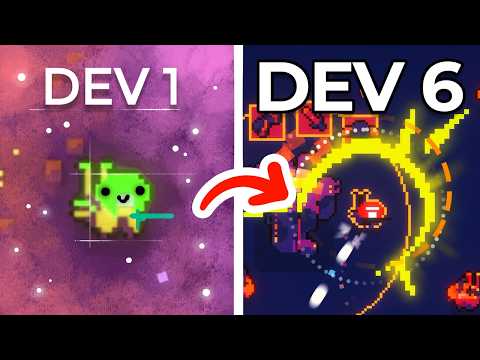
Over the last year or so, I’ve started using Scriptable Objects increasingly in my workflow, and they’ve added a lot of value in situations that suit their strong points. I came across some useful functionality that allowed me to cut down on manual intervention, reduce my game’s build size and decrease its load time, so I’ll highlight these as we go along.
Scriptable objects are a great bridge between original assets and adjusted, game-ready versions of these assets. Yes, it takes a bit more time to set up an automated workflow rather than performing the required change manually a few times, but, once implemented, the change can be applied to many more instances automatically, and you can easily adjust the scripts to apply future tweaks and parameter changes on all instances for very little manual effort.
This isn’t another “what are Scriptable Objects” video - there are various good-quality ones available on YouTube. Instead, I’m going to show a few concrete examples of how I use them and the value they bring to the development process.
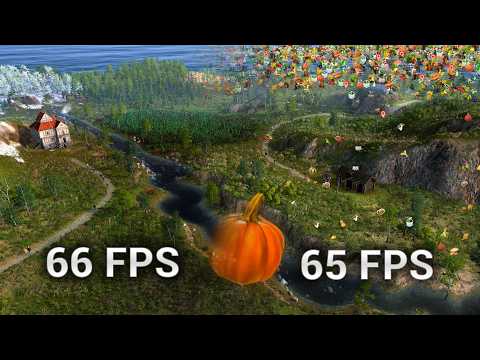
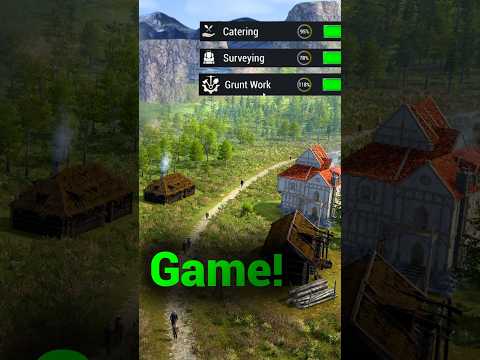
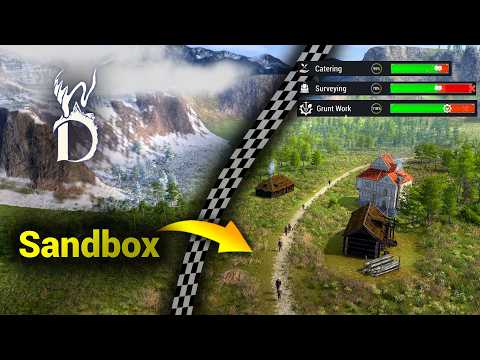
This is the story of implementing what I've learned into a gridless, interactive, world-building sandbox game called Minor Deity.
Minor Deity on Steam: https://store.steampowered.com/app/3876240/Minor_Deity/
Minor Deity Discord Server: https://discord.gg/2NEb4HxwhF
00:00 Introduction
00:20 Are They Worth the Effort?
00:59 A Simple Example
02:14 Adding Buttons and Automation
03:33 What Gets Included in the Build?
04:06 A Complex Example
06:30 Future Adjustments
07:03 Outro








![[유니티 꿀팁 시리즈] SOLID 원칙_LSP](https://img.youtube.com/vi/mHCnYmYehS8/hqdefault.jpg)