[Tutorial] Animate materials using vertex colours in Shader Graph | Unity VFX
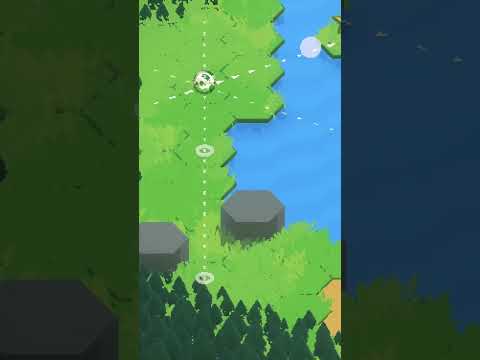
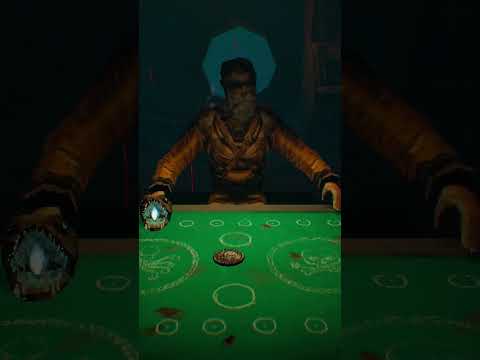
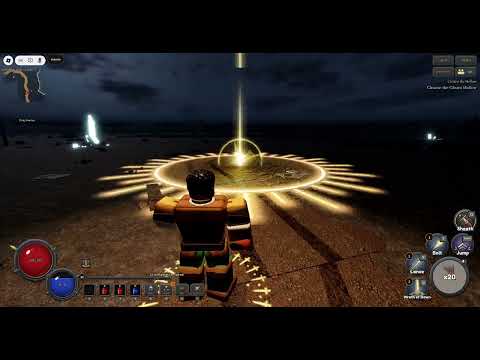
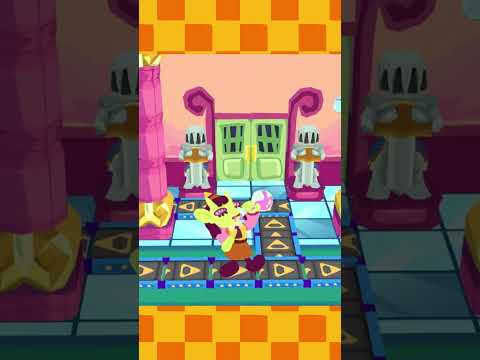
This is a companion piece to my 7th Arcounter devlog that can be found here: https://youtu.be/j-CpJ6Ryw7E
Project files: https://vederant.gumroad.com/l/alPcCX
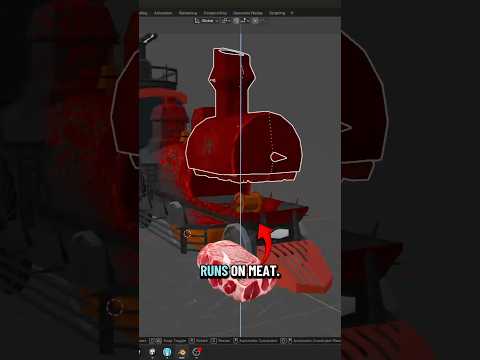
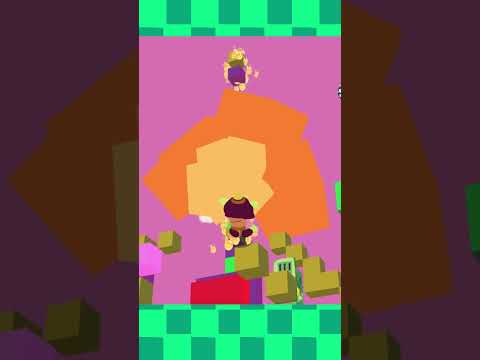
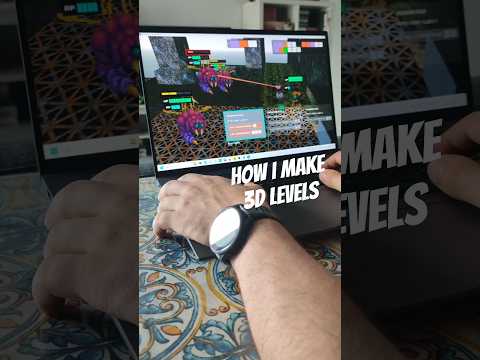
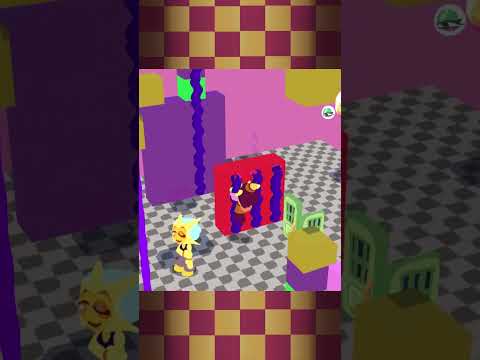
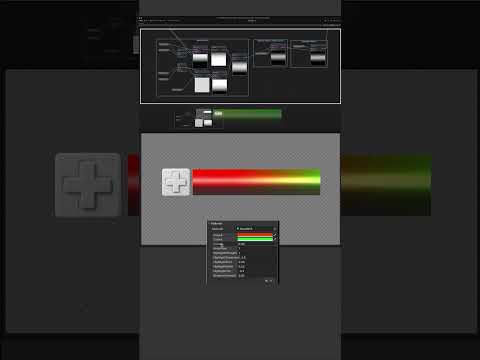
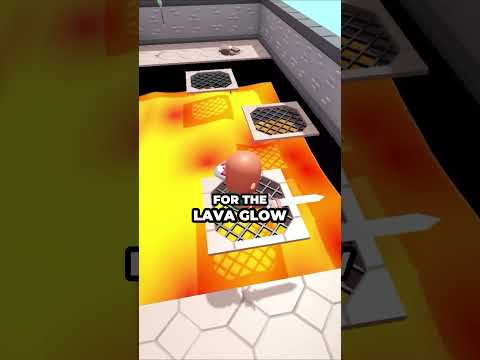
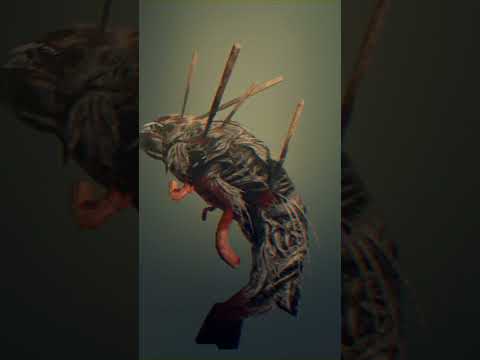
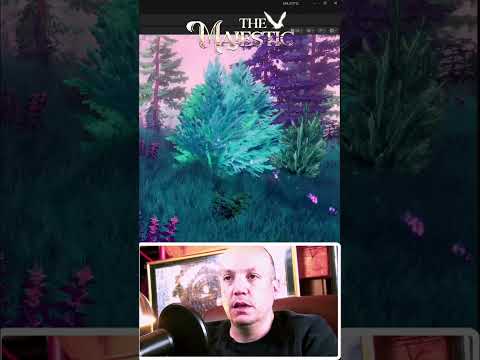
In my first tutorial, we will be learning how to create animations in Unity using Vertex Colours. A really useful technique for anything VFX related. It's a beginner-friendly tutorial, but knowing some of Unity's shader graph and your 3D software's of choice would help.
Chapters:
0:00 - Arcounter plug
0:10 - Tutorial intro
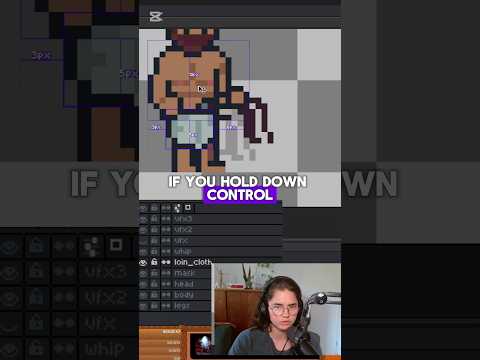
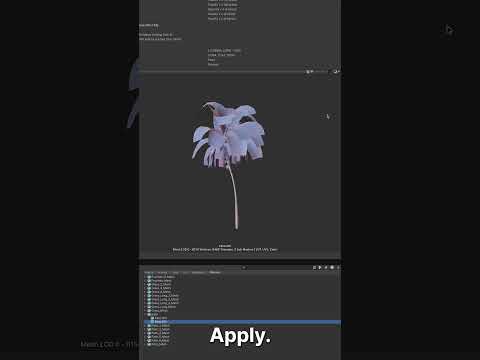
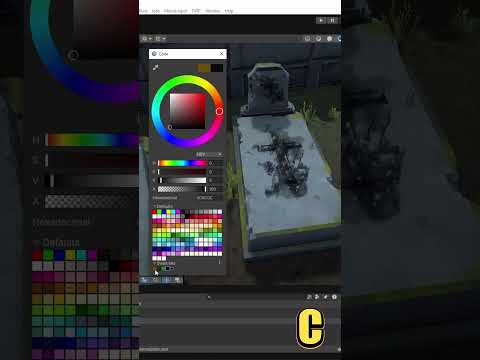
0:29 - Vertex painting
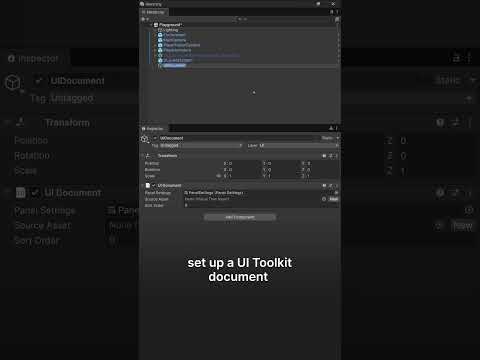
0:59 - Setting up the Unity Project
2:05 - Creating the Shader
3:16 - Shader extras