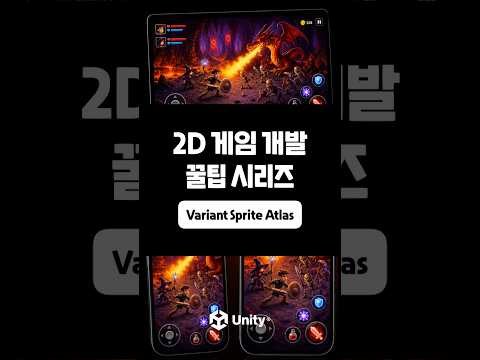
UI Toolkit Tutorial Series: Tooltips and Popovers
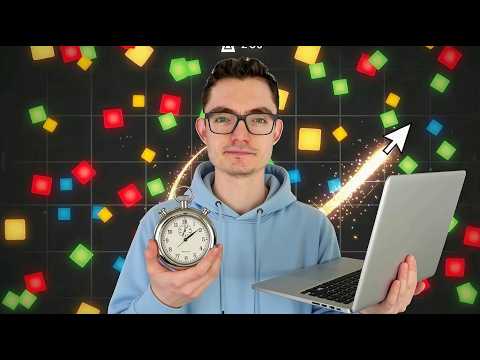
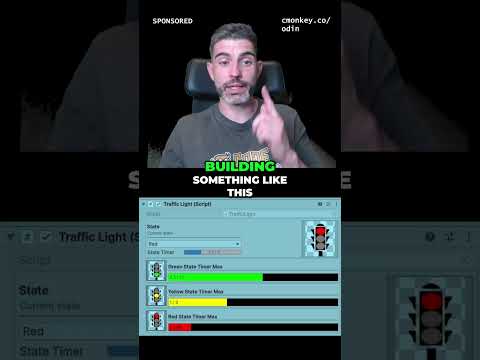
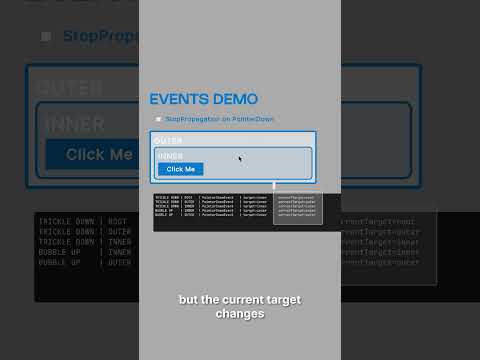
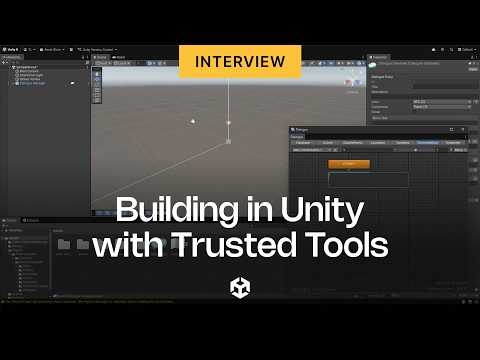
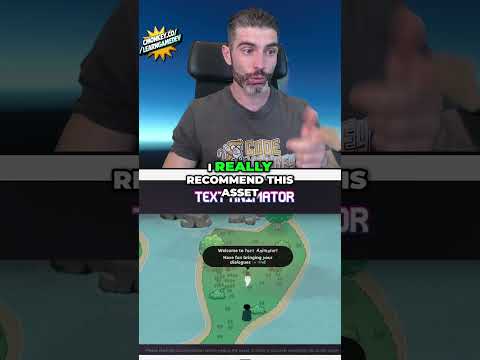
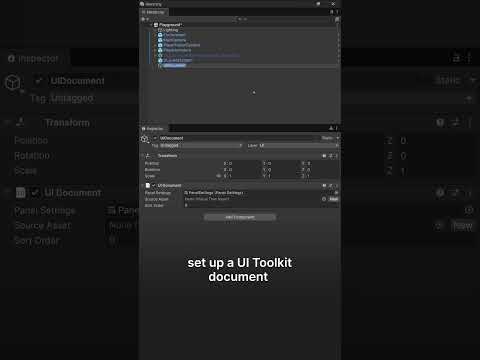
Learn how to create tooltips in UI Toolkit. In this tutorial, we cover everything from simple Editor properties to custom runtime systems with polished timing. We look at event handling with PointerOver, PointerOut, and PointerMove to track the cursor.
If you are getting started with UI Toolkit, make sure to check out the following resources:
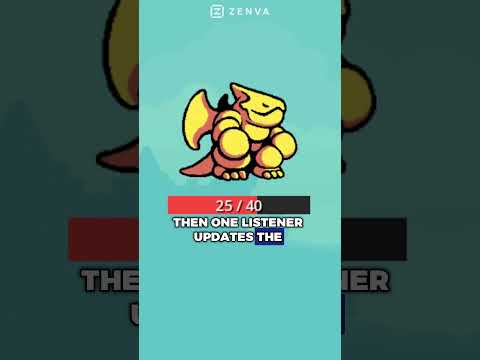
➡️ Dragon Crashers: https://on.unity.com/DragonCrashersTutorial
➡️ QuizU: https://on.unity.com/Quiz_UI_ToolkitSample
➡️ UI Toolkit e-book: https://on.unity.com/UIToolkitEbook
➡️ Bagel Game: https://on.unity.com/BagelGame
➡️ Documentation: https://on.unity.com/UIToolkitManual
#unity #gamedev #tutorial #gamedevelopment