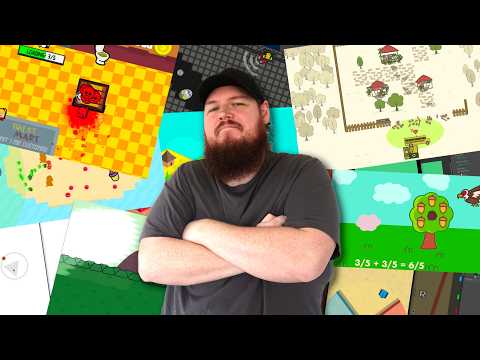
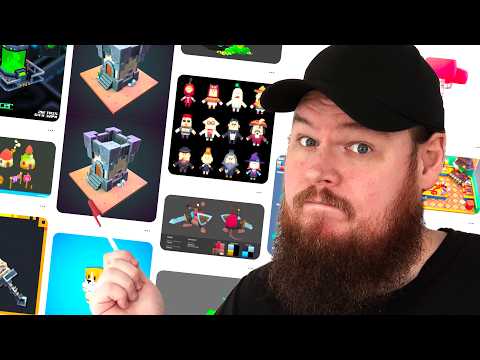
Here are my top 5 game dev tools I use in almost every game. Thanks to https://getcartwheel.com/ for sponsoring this video!
Tools in this video:
1. Planning
1. Xtiles - https://xtiles.app/
2. Google Mixboard - https://labs.google.com/mixboard/
3. Milanote - https://milanote.com
4. Obsidian - https://obsidian.md
2. 3D tools
1. Magica voxel - https://www.voxelmade.com/magicavoxel/
2. Tinkercad - https://www.tinkercad.com/
3. Kenny shape - https://kenney.nl/tools/kenney-shape
4. Asset forge - https://kenney.nl/tools/asset-forge
5. Cartwheel - https://getcartwheel.com/
3. 2d Graphics
1. Photopea – https://www.photopea.com/
2. Inkscape - https://inkscape.org/
3. Krita – https://krita.org/en
4. Graphite - https://graphite.art
5. Affinity - https://www.affinity.studio/
4. Animation tools
1. Juice FX - https://codemanu.itch.io/juicefx
2. Smear FX - https://codemanu.itch.io/smear-fx
3. Fluid FX - https://codemanu.itch.io/fluid-fx
4. Spritemancer - https://spritemancer.com/
5. Bug tracking
1. Trello - https://trello.com/
2. Asana - https://asana.com/
3. Jira - https://www.atlassian.com/software/jira
4. Github issues - https://github.com/features/issues
5. Linear- https://linear.app/
Table of contents for this video:
0:00 (Intro)
0:22 (Planning Tools)
2:53 (3D Graphics Tools)
4:31 (Sponsor - Cartwheel)
5:30 (2D Graphics Tools)5:30 (2D Graphics Tools)
8:04 (Animation Tools)
9:29 (Bug Tracking Tools)
Wanna make epic games with teams? Come do it with us! At DevPods.gg. We're a community that makes freeware games together.