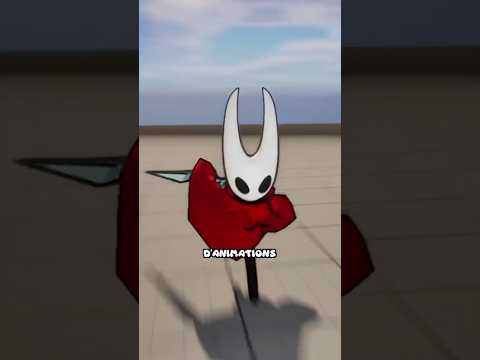
Learn how to create a 3D first person shooter game in GameMaker in this beginner friendly tutorial.
We’ll walk through the basics of setting up a 3D environment, implementing first-person movement, and adding simple shooting mechanics.
Assets used:
Gun - https://rekkimaru.itch.io/fps-gun-sprites
Textures - https://little-martian.itch.io/retro-texture-pack
Static objects - https://little-martian.itch.io/retro-sprite-pack
Enemy - These sprites are from the Hero’s Trail template project available on the GameMaker start screen (tip: create a project from that template, then in your 3D project, use ‘Add Existing’ to import the Hero’s Trail sprite’s .yy files)
Tip: Get the free extended Hero’s Trail bundle for more enemy sprites
add at 5:45 to link other 3d vod
Full Project: https://assets.gamemaker.io/content/3_D_FPS_5772e99bbd.yyz
Chapters:
00:00 Intro
00:22 Making the floor
00:56 3D Camera
02:31 Mouse Input
03:23 3D Movement
04:09 Adding Friction
04:20 Fog For Vibes
04:53 Billboard Objects
07:12 Walls
07:46 Fixing Player Collisions
08:27 Setting Up The Wall Models
09:34 GUN
12:46 Adding Shooting
13:40 Enemies
16:55 Adding Player Health
17:91 Fixing The Player Sprite
18:34 Adding New Enemies And Outro
👉 Get GameMaker: https://opr.as/DownloadGM-YT
What is GameMaker? 👀
-----------------------------------------------------
GameMaker is the industry’s premier 2D game engine, used by thousands of developers every day to create indie gaming classics like Undertale, Hyper Light Drifter, and Chicory: A Colorful Tale.
It’s completely free to download and keep forever, with dozens of written guides and video tutorials to help you bring your games to life.
When your project is complete, you can publish your creations to all major platforms, including PlayStation 5, Xbox Series X|S, and Nintendo Switch.
👉 Get GameMaker: https://opr.as/DownloadGM-YT