Mastering access in Unity Asset Manager
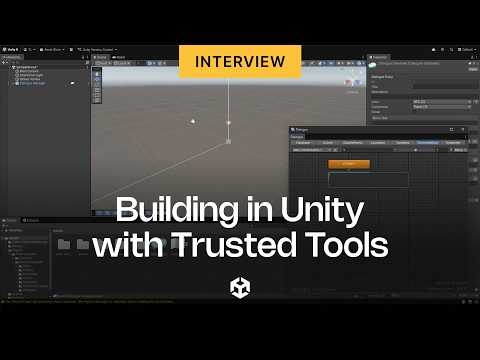
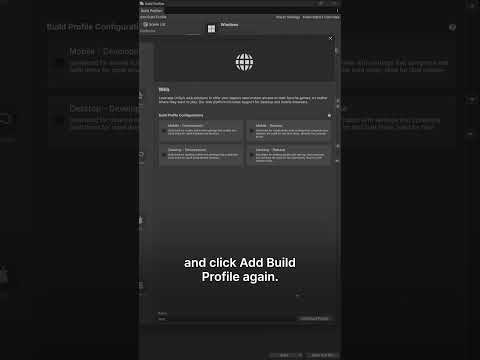
This video explains how to add a new member to your organization and assign them the appropriate seats for services like Unity Asset Manager or Unity Industry.
You’ll see how to:
Add a new member to your organization.
Assign a role to a user.
Assign seats for entitlements (so that a user’s role is enabled through a licensed seat).
Redeem a product code if no seats are available.
Start your free trial now: http://on.unity.com/4lAhMHg
Learn more about Unity for industrial applications here: https://on.unity.com/45R5e9Y
Learn more about Unity Asset Manager here:
https://on.unity.com/4lzLvQE