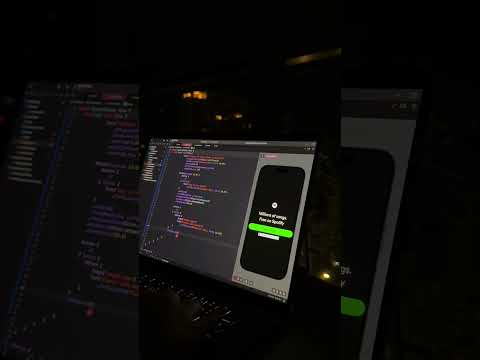
Draw your camera with sub pixels to maximise the benefits of your screen resolution while keeping your low res pixel art game consistent and mixel free.
▶ Tutorial Source code: https://www.patreon.com/posts/75998561
▶ Support my work: https://www.patreon.com/shaunjs
▶ Edited by Vossel: https://twitter.com/Vossel
(Assets I used coming soon. Meanwhile, why not draw your own? :) )






![[유니티 꿀팁 시리즈] SOLID 원칙_LSP](https://img.youtube.com/vi/mHCnYmYehS8/hqdefault.jpg)