Create a Third Person Controller in Unity from scratch
Checkout the full Third Person Parkour System Course here - https://bit.ly/unity-parkour-course-june
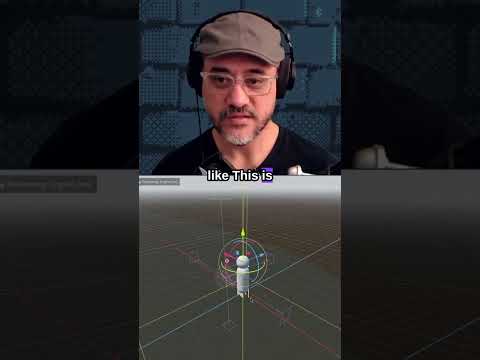
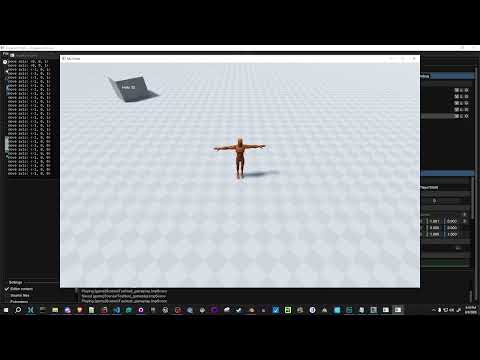
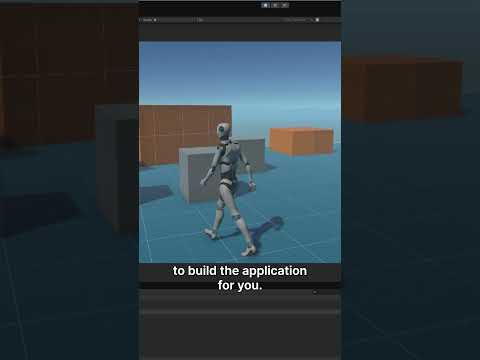
Hey everyone, in this video we'll create a Third Person Controller in Unity. We won't be using any assets to build it, we'll build it completely from scratch because it's a good way to learn the fundamentals of 3D game programming,
and it will give you the knowledge to customize the controller for your own games.
So while building the controller, you'll learn important concepts like
- unity's character controller component
- camera relative movement,
- humanoid retargeting for reusing animations on multiple characters,
- using physics for ground detection, etc.
0:00 - Introduction & Demo
1:03 - Project Setup
4:30 - Camera Controller
27:24 - Character Movement
48:04 - Setup Animations
1:04:59 - Animating the character
1:20:25 - Collisions & Gravity
1:45:28 - Contoller Input
1:51:03 - What next?
If you want to build upon this and and create a more advanced controller that can perform parkour actions then checkout our Unity Third Person Parkour System course here
https://bit.ly/unity-parkour-course-june