Building a ChatGPT AI Assistant with Unity: A Mind-Blowing Innovation!
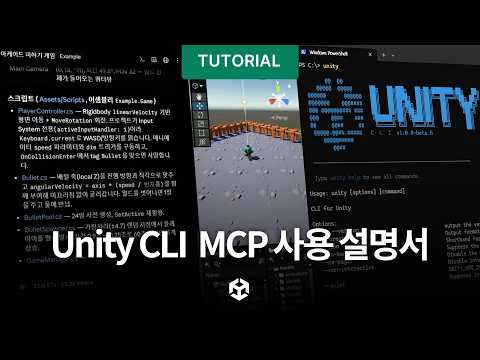
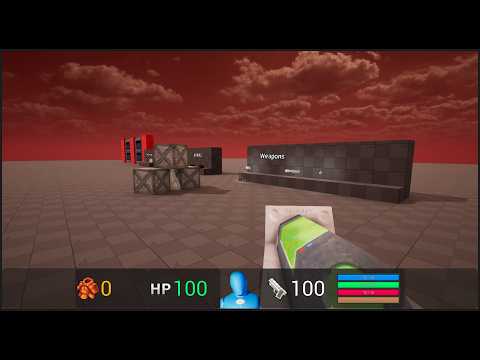
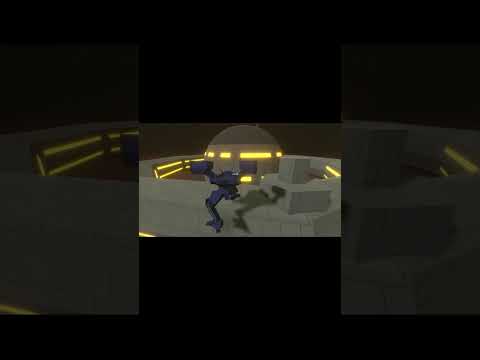
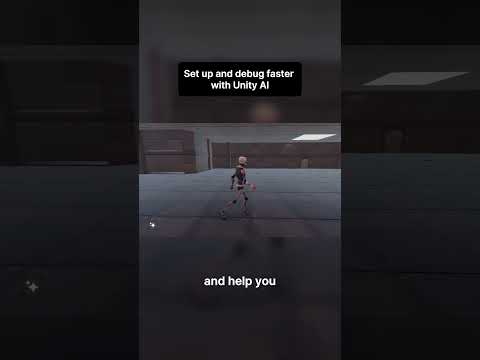
After a few days of coding work, I am excited to share a new YouTube video, where I show you all the details about a ChatGPT AI Assistant I built with Unity + Meta Voice SDK + ChatGPT API.
📚Some of the process at a high level to make this work:
1- ChatGPTClient created to interact with ChatGPT API via HTTP
2- ChatGPTResponse object is populated with source and explanations by using a simple parser
3- ChatGPTAssistant integrates ChatGPT data and Meta Voice SDK
4- ChatGPT explanations are put into a list containing a max of 280 characters per line since Meta Voice SDK TTS has that as a character limit 😩
5- A Unity coroutine is used to send each TTS request in chunks = one request per explanation line
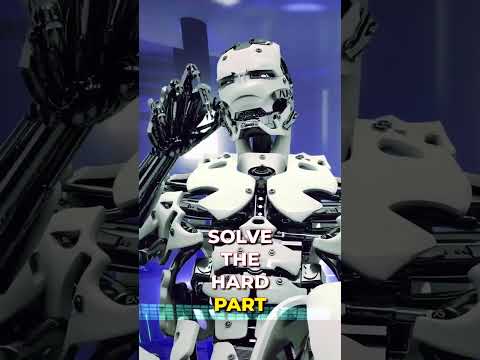
6- AI Robot uses a built-in Meta Voice TTS Voice which makes use of gain, pitch, and speed to simulate a robot voice
7- Repeated voice commands are cached such as “Welcome” and “Transcription in progress” messages, this helps alleviate the delays from Wit AI when processing which takes 3-5+ seconds per request to complete
📣 Consider becoming a Patreon today and get today's ChatGPT AI Assistant Unity project !
https://www.patreon.com/dilmerv and GET MY “Full Source Code” Tier
💡 What do you get from Patreon ?
👉 Access to this video GitHub repo + all code I work on for each video
👉 Access to special Patreon discord group where I can answer questions
📌 Get the 3D Robot for free from the Unity Asset Store (Affiliate Link)
https://assetstore.unity.com/packages/3d/characters/robots/robot-sphere-136226?aid=1101l7LXo
📌 Support me by Subscribing to avoid missing future videos!
https://www.youtube.com/@dilmerv
📌 Get XR & game development tips from me in Twitter
https://www.twitter.com/dilmerv
🥽 Learn & Get my XR Training from:
https://www.learnxr.io
👉 My Blog / 🔥 Newsletter (Subscribe to get up to date XR news)
https://blog.learnxr.io
#chatgpt #metaverse #unity